

Deleting a pending report order in Bill Analyst
If you've placed an order for a summary or detail billing report and no longer need it, you can delete the order from your list of pending orders. You can also make changes to the order before it is complete.
To delete a pending report order:
- Sign in to Media portal. (Get help resetting your password)
- From the main menu, select Billing > Invoice Management.
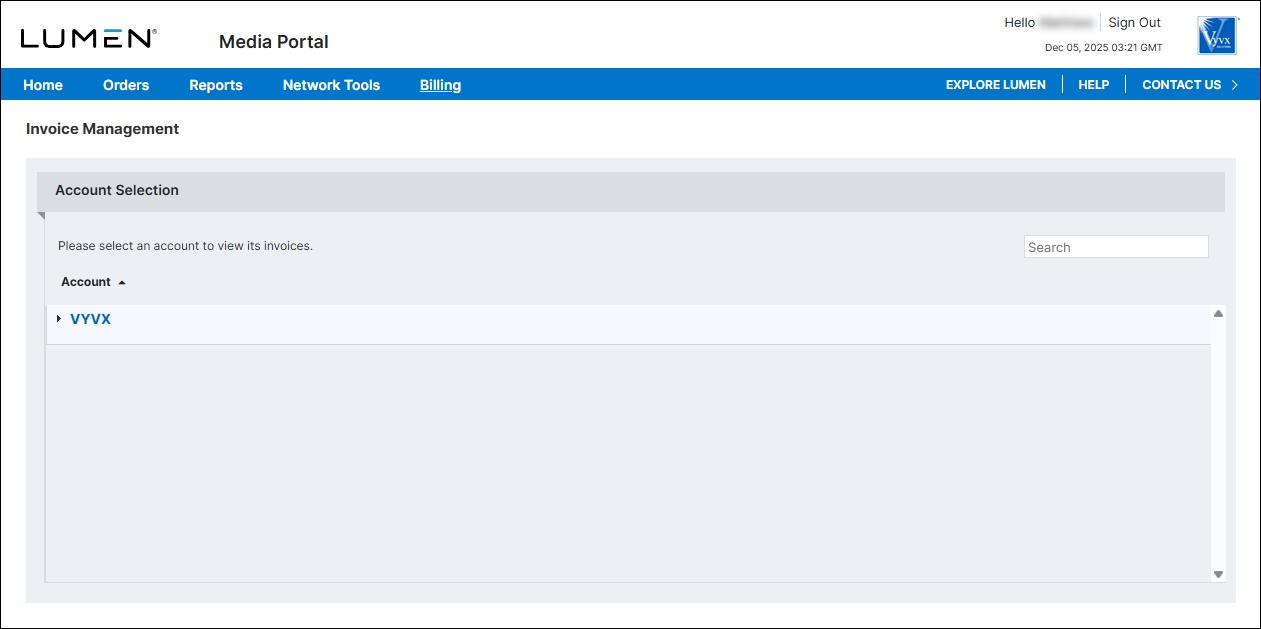
- From the list of accounts, click the blue hyperlink for the account you want to work with.
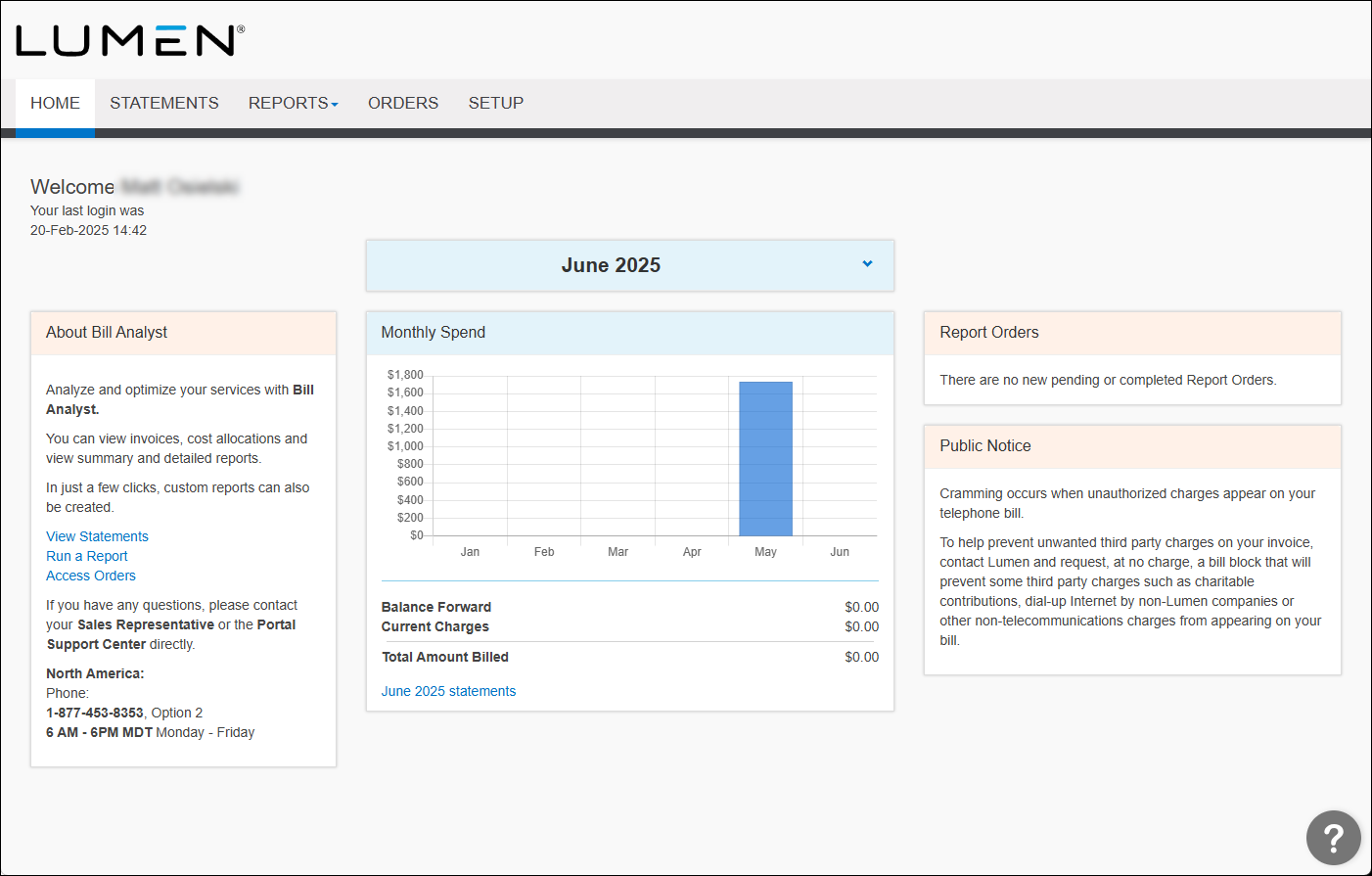
- Click the Orders tab.
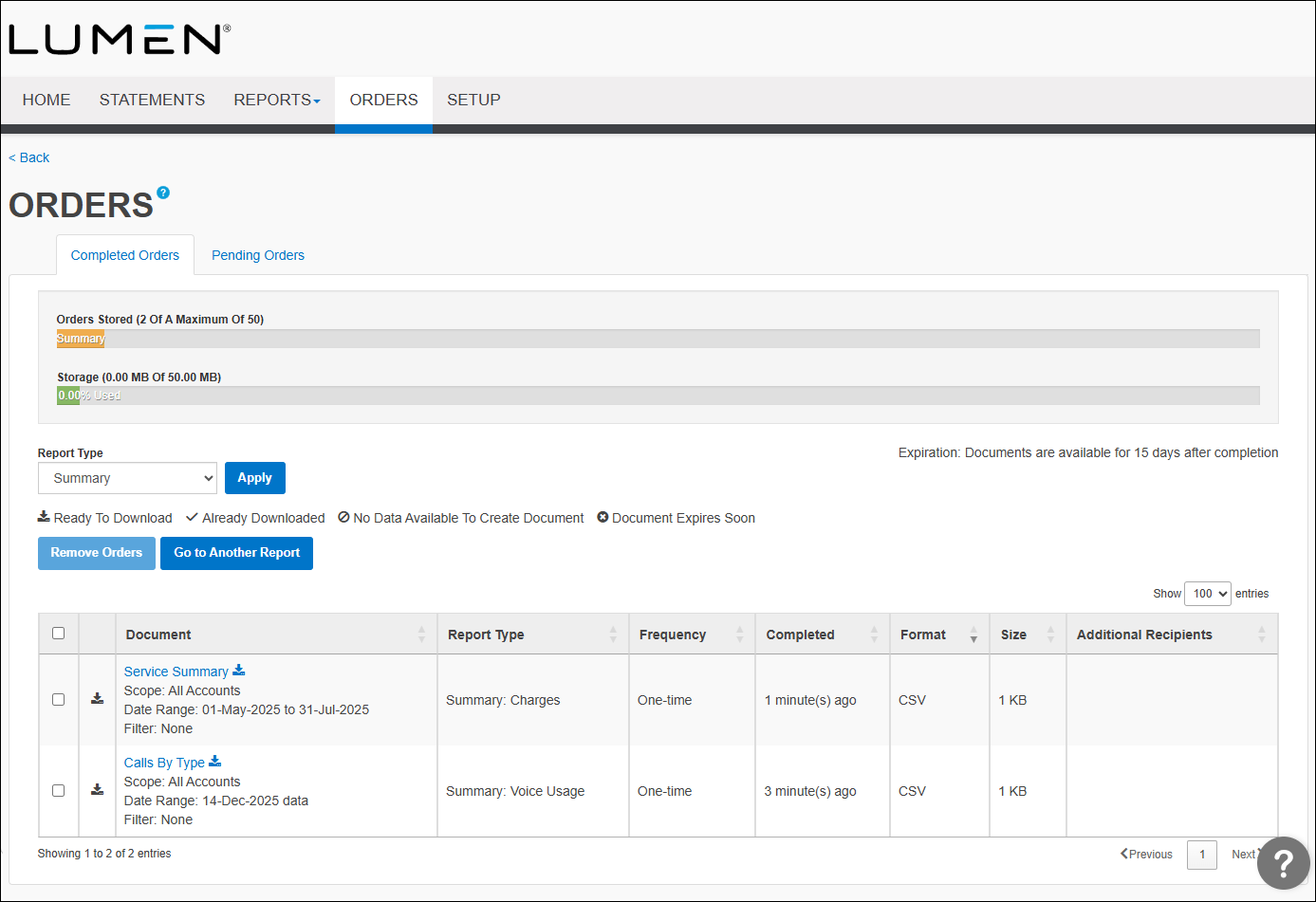
- Click the Pending Orders tab.
Bill Analyst lists the pending orders. By default, Bill Analyst lists pending summary reports. Use the Report Type filter to view other pending reports or statements. For example, to view pending orders for statements, select All Statements from the Report Type list.
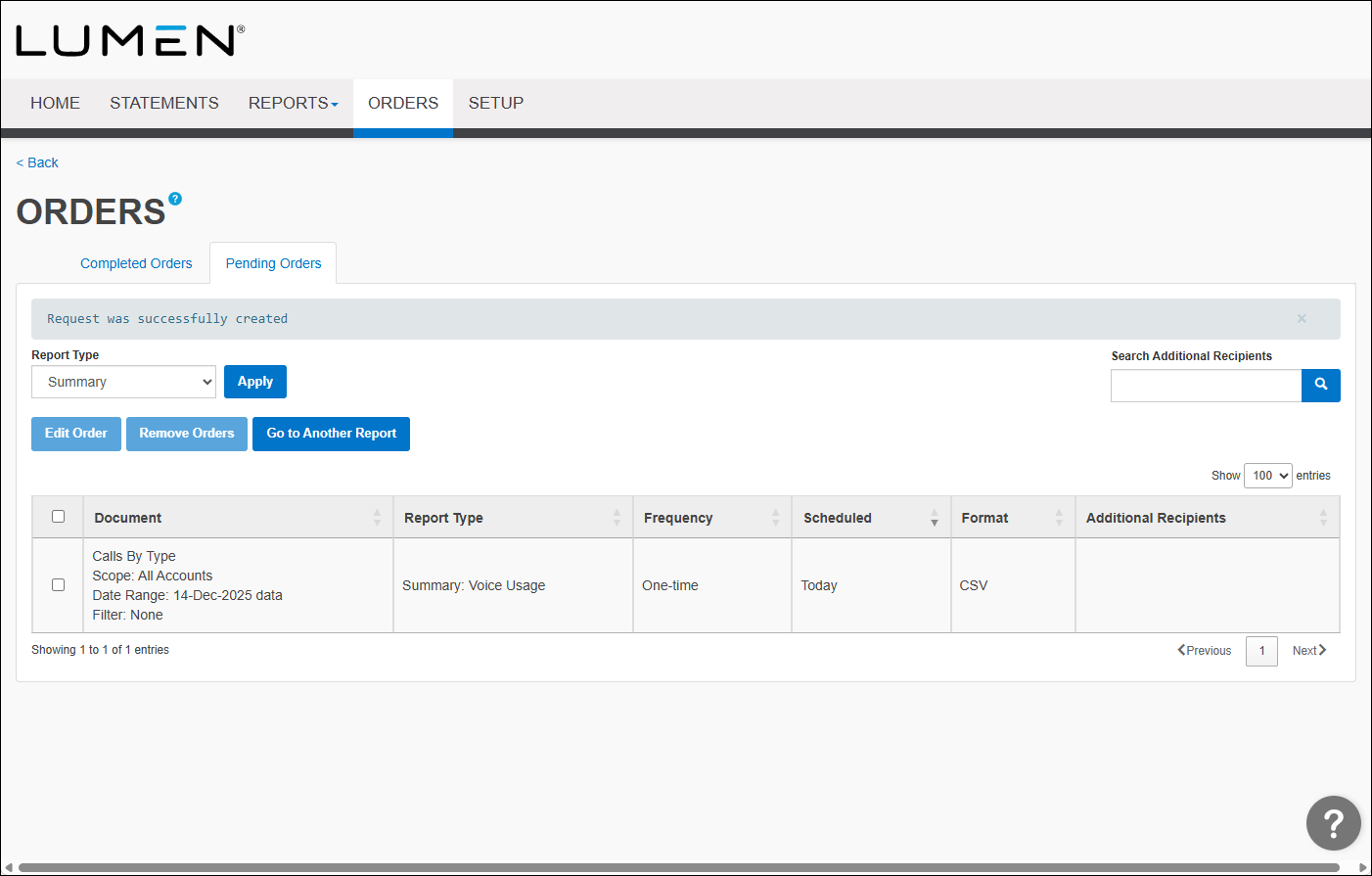
- Select the checkbox next to the order you want to delete, then click Remove Order.



