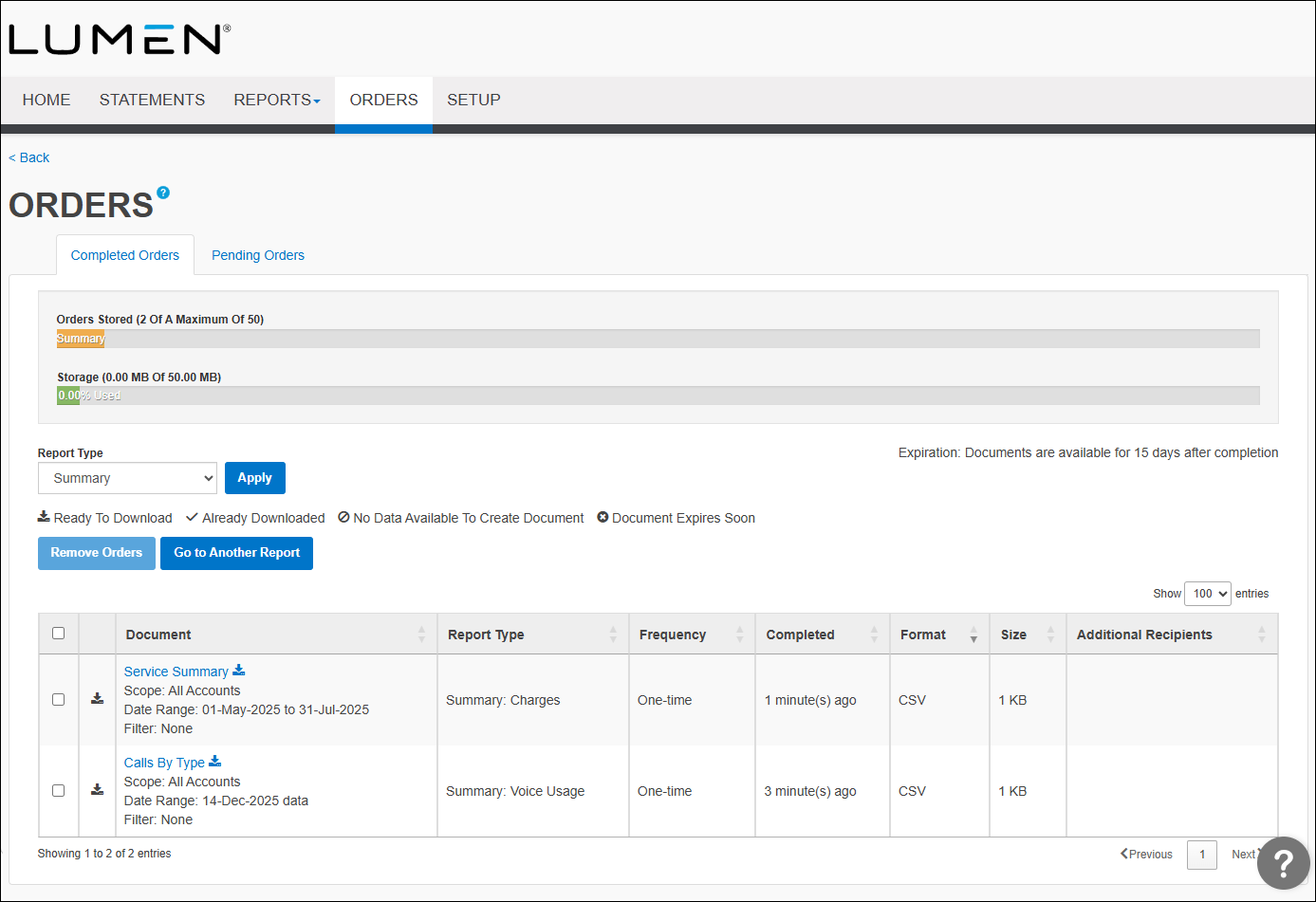
Finding the maximum storage limit in Bill Analyst
You need to maintain the available storage space for ordered billing reports. If your organization runs out of storage space, no new reports can be processed, and pending orders will be put on hold.
The default maximim storage limit is 50MB. Remember, you share this space with other users in your organization. To maintain available storage space, know your maximum storage limit and regularly delete old reports.
When you try to order a new report and you are out of space, Hosted Bill Analyst sends you an on-hold or storage-limit-exceeded message. Delete reports you don't need to clear space for your new report order.
To find the maximum storage limit:
- Sign in to Media portal. (Get help resetting your password)
- From the main menu, select Billing > Invoice Management.
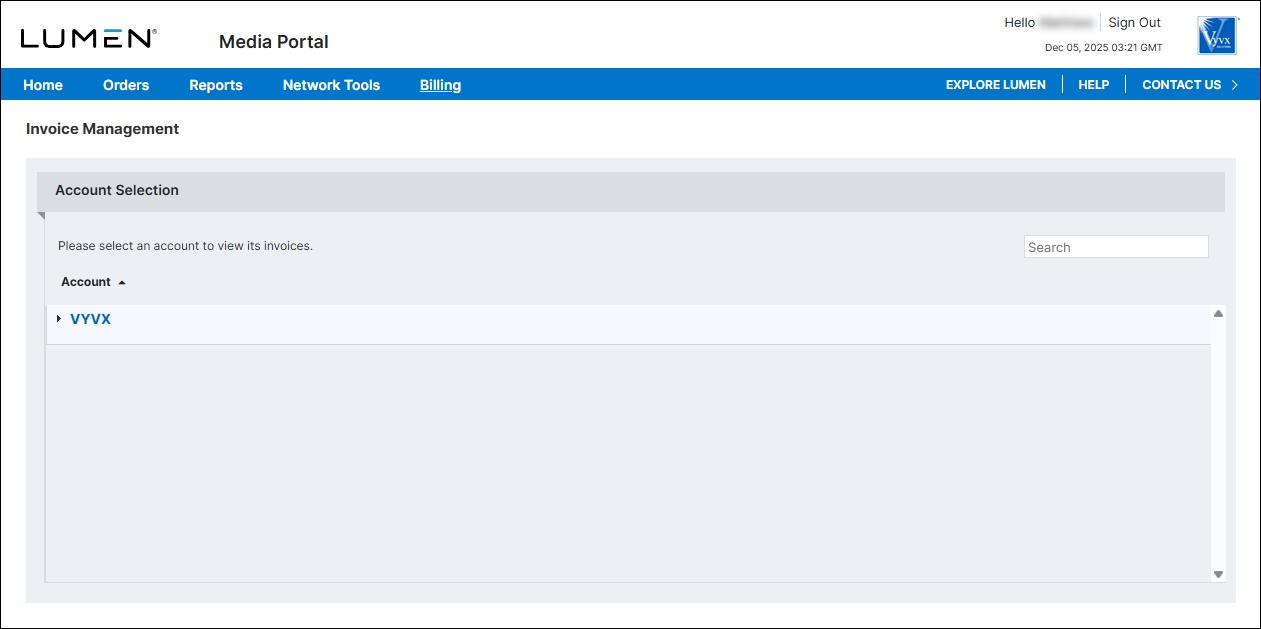
- From the list of accounts, click the blue hyperlink for the account you want to work with.
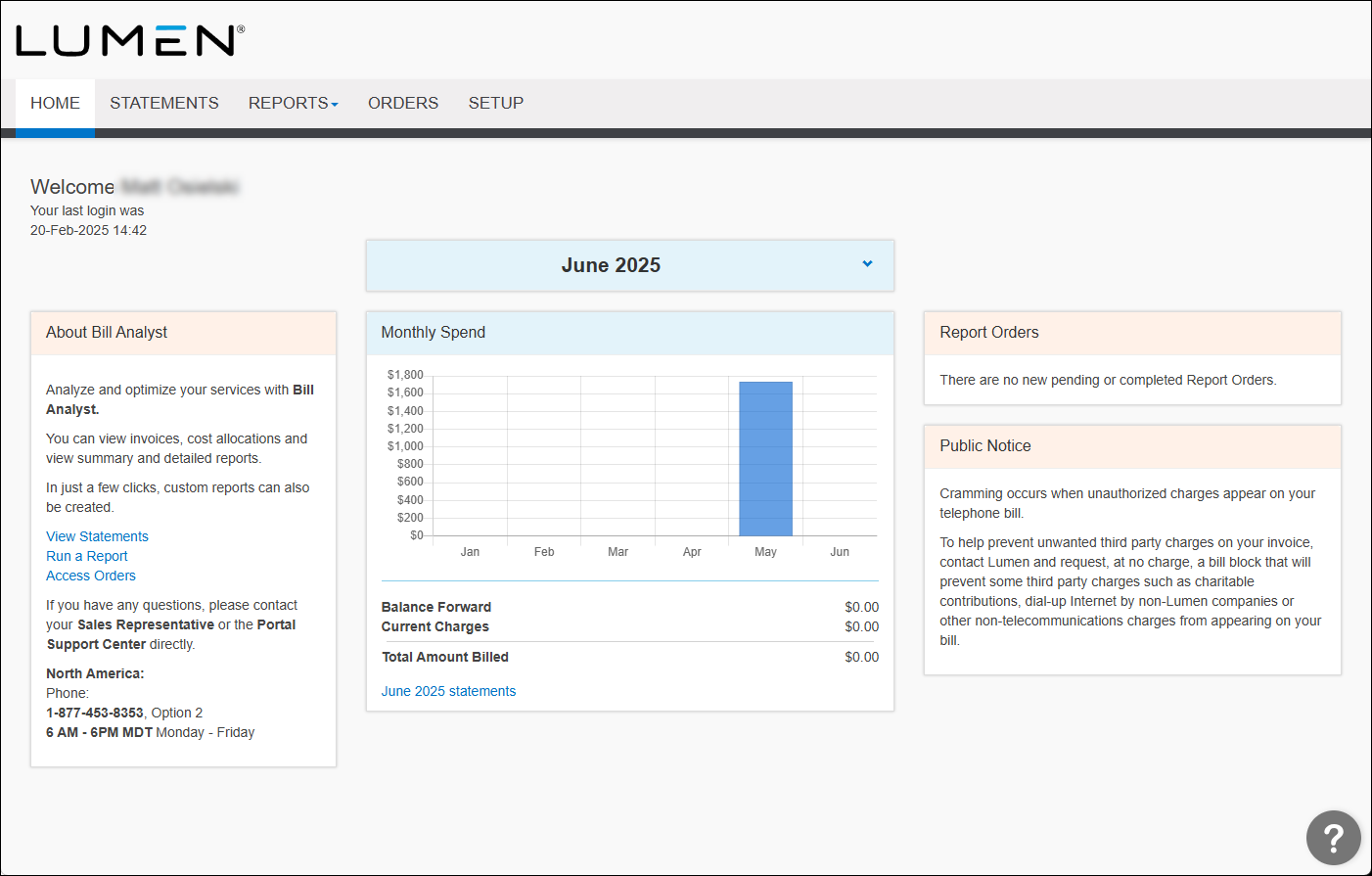
- Click the Orders tab.
The graph shows the amount of storage space available.