

Removing a filter in Bill Analyst
You can easily remove a filter you created in Bill Analyst; you can't delete a shared filter someone else created. If you just need to make some changes to a filter you created, you can edit the filter (you don't have to delete it to change it).
To remove a filter:
- Sign in to Media portal. (Get help resetting your password)
- From the main menu, select Billing > Invoice Management.
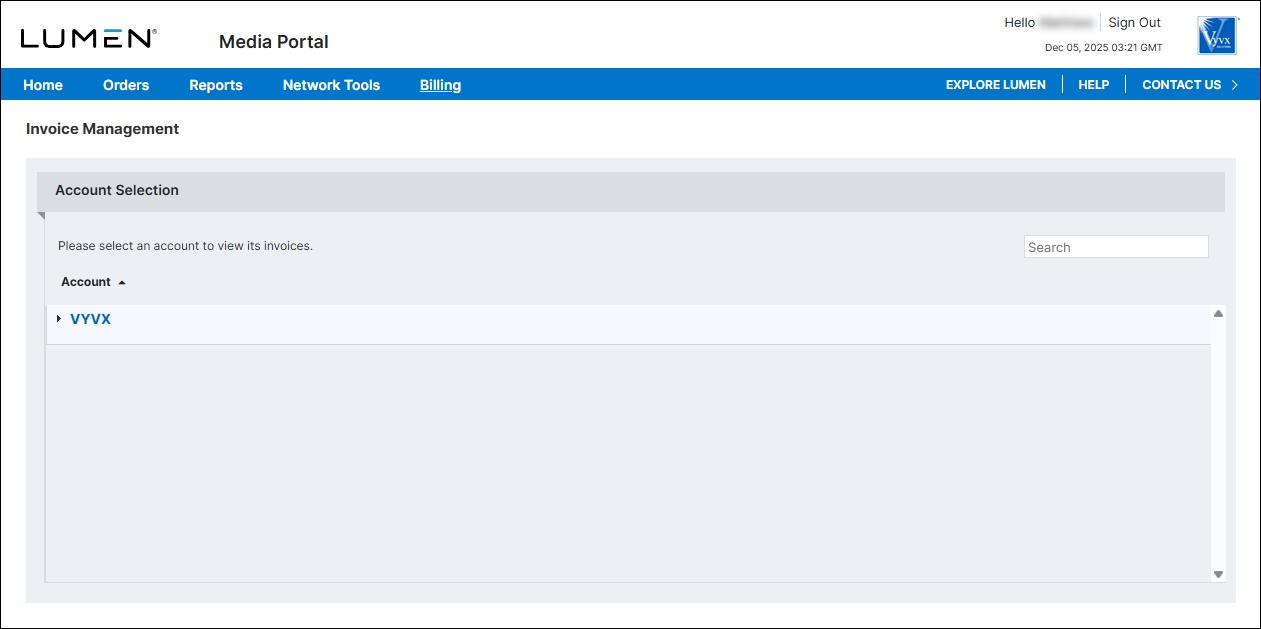
- From the list of accounts, click the blue hyperlink for the account you want to work with.
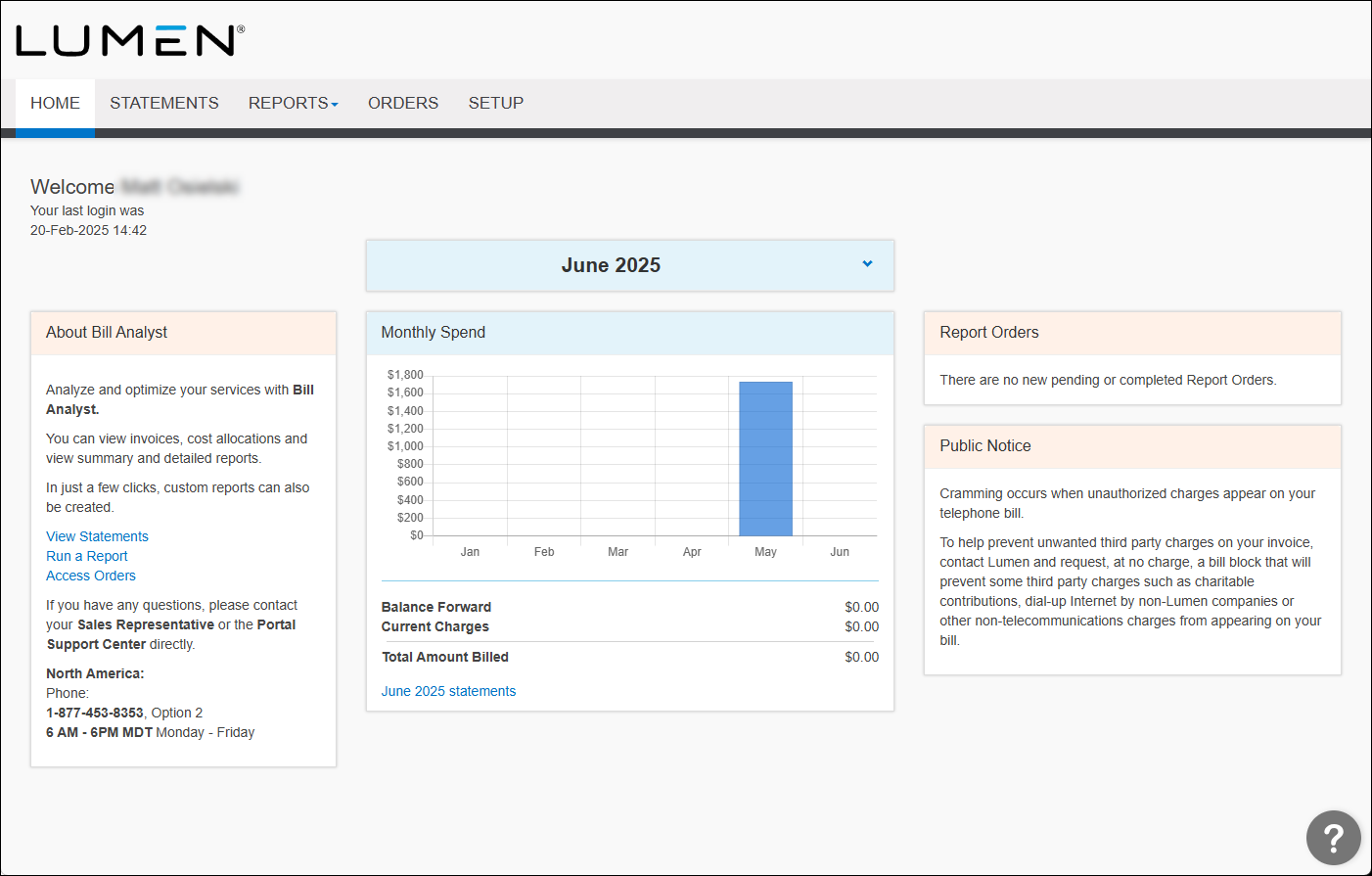
- Click the Setup tab.
- In the Tools section, click Filters.
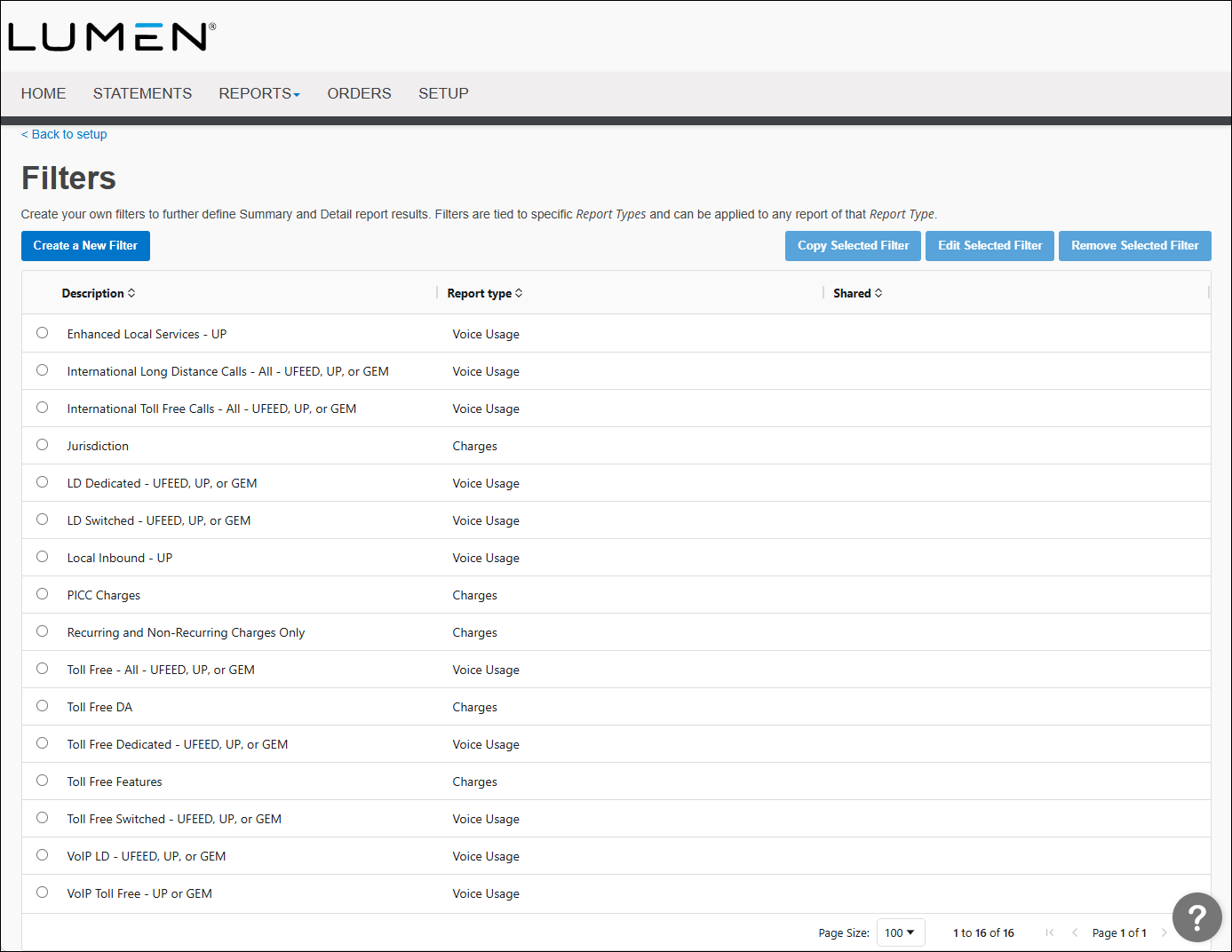
- Select the radio button next to the report you want to remove the filter from, then click Remove Filter.
- In the window that appears, click OK.



