

On-Demand Services Overview
On-Demand Services Overview on the Lumen Connect℠ dashboard allows you to visualize, add, and manage Lumen® On‑Demand services.
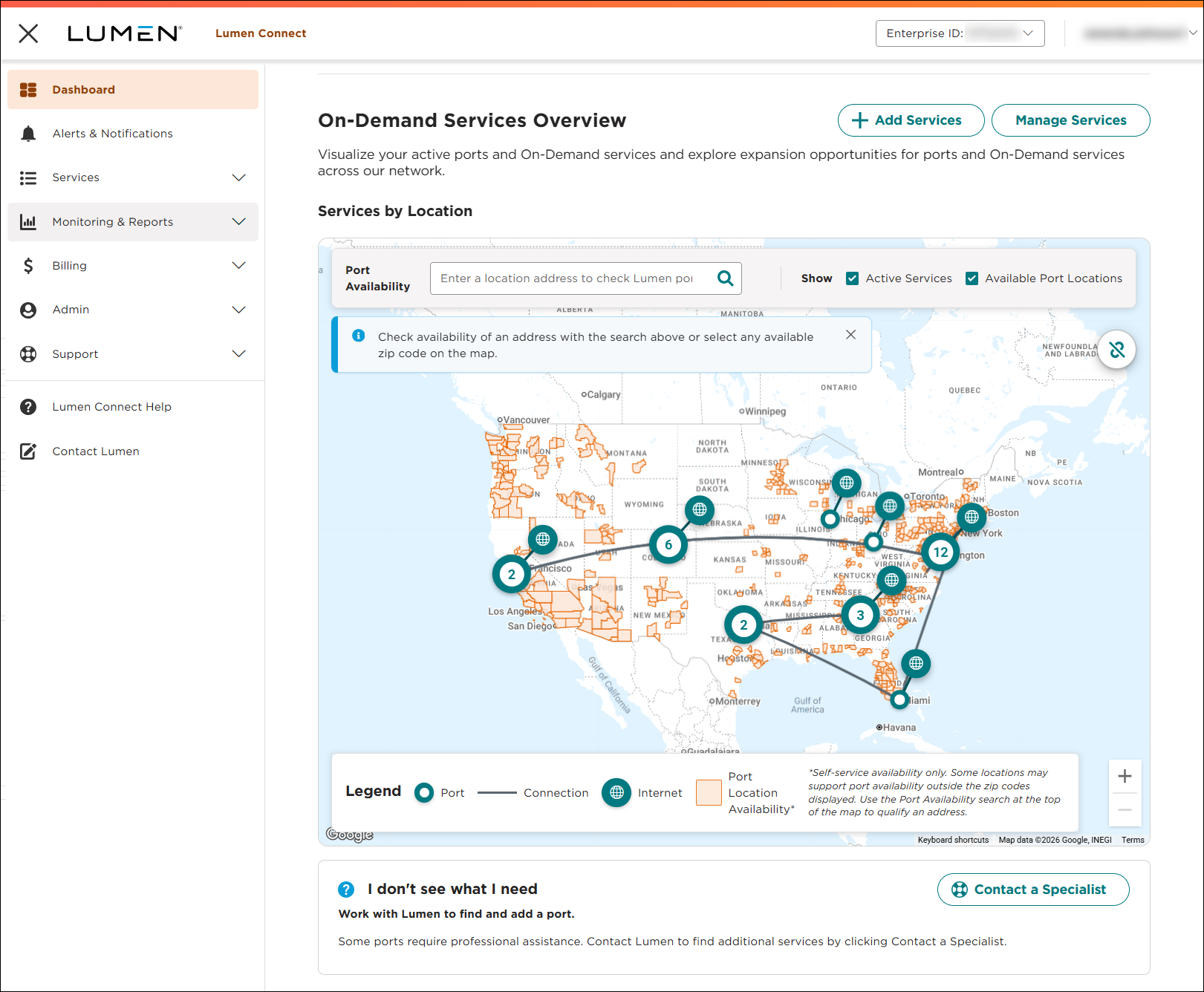
Note: You will only see services in the map if you have active On-Demand services.
From the On-Demand Services Overview, you can:
Check port availability
There are two ways to check port availability:
- Type an address in the Port Availability field, then select the address from the results.
- Click a zip code on the map, type an address, then select the address from the results.
Add Services
There are two ways to add services:
- Click + Add Services, then click add next to the service you want to add.
- Click on a port on the map, click Add Services, then click the service you want to add.
Manage Services
There are two ways to manage services:
- Click Manage Services, then use the filters to locate the service you want to manage.
- Click on a port or service on the map, then click the service ID. Lumen Connect shows service details and options to manage the service.
Connect Services
To connect a service:
- Click the icon on the map, then click the icon next to the unconnected service you want to connect.
- Click add for the service you want to connect.



