

Turning Do Not Disturb on and off on your phone (VVX 50x/60x series)
You can turn on the Do Not Disturb (DND) feature to send callers directly to voicemail when you can't take calls. Use DND when you're in a meeting, working and you don't want to be interrupted, going to lunch, going home at the end of the day, or otherwise unavailable to answer calls.
Note: If you have additional lines appearing on your phone, after tapping DND, you will need to tap the display to indicate which lines you want to place on DND. Typically, you'll be tapping your line, which will be designated as Line 1.
Turn DND on
When DND is on, callers are sent directly to voicemail and have the option to leave you a message. If your profile is set up with an escape-to-operator option, callers can press 0 and they will be redirected to another person. When DND is on, your phone will not ring.
To turn DND on:
- Tap the DND soft key.
- Tap the Enable soft key.
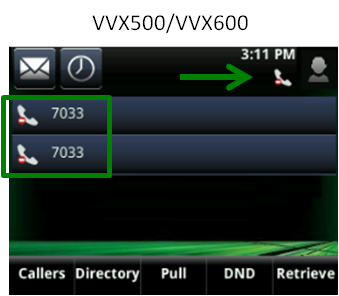
The handset with a red circle and white line icon indicates your phone is in DND mode.
Turn DND off
When DND is off, your phone will ring as normal.
To turn DND off:
- Tap the DND soft key.
- Tap the Disable soft key.
The handset icon no longer shows a red circle with a white line and the status bar at the top of your display will show DND is no longer on.



