

Editing an LTE connection on an Edge Gateway device
Use Lumen Edge Gateway Manager to edit an LTE connection on an Edge Gateway™ device. If needed, you can remove unnecessary LTE connections.
To edit an LTE connection on an Edge Gateway device:
- Sign in to Lumen Edge Gateway Manager.
- Use the search field to search for Edge Gateway devices.
Lumen Edge Gateway Manager shows Edge Gateway devices in the list section.
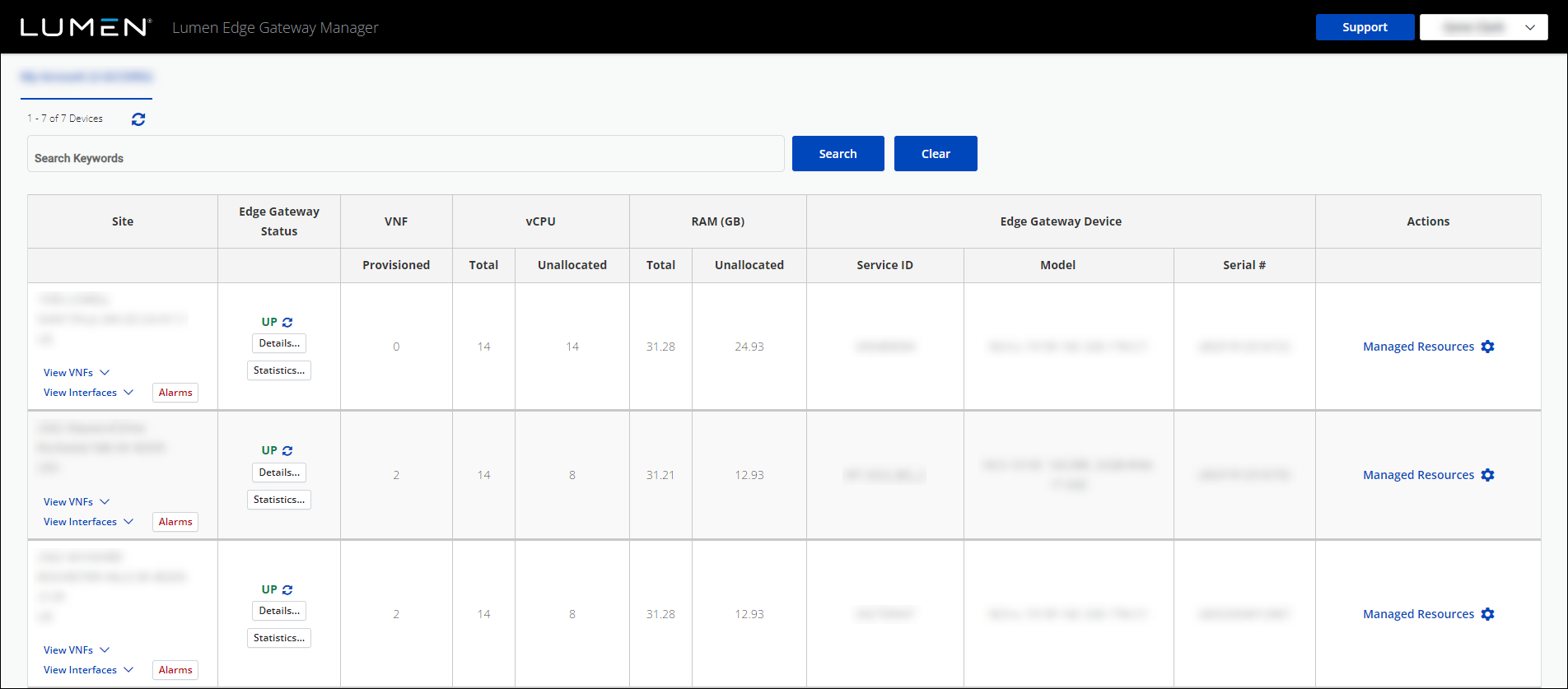
- Click Manage Resources next to the Edge Gateway device you want to work with.
- In the LTE Transports section, click the icon.
- Edit the LTE connection, then click Update.
Lumen Edge Gateway Manager edits the LTE connection.
- To schedule when the edits are made, click Schedule.
Lumen Edge Gateway Manager schedules the edits.



