

Creating an API authentication token for Edge Private Cloud
Use Lumen® Private Cloud on VMware Cloud Foundation™ to create an API authentication token used for API sessions. Lumen® Edge Private Cloud works with VMware API allowing you to create an API session to work on your clouds linked to Edge Private Cloud. With the authentication token and your cloud credentials, create API sessions to perform tasks in your cloud using API endpoints.
Important: To create a token, you must have administrator permissions. If you need permissions, contact someone in your organization who has the Organization Administrator permission within Lumen Private Cloud on VMware Cloud Foundation or create an organization administrator, if needed.
To create an API authentication token for Edge Private Cloud:
- Sign in to your Lumen Private Cloud on VMware Cloud Foundation™ environment.
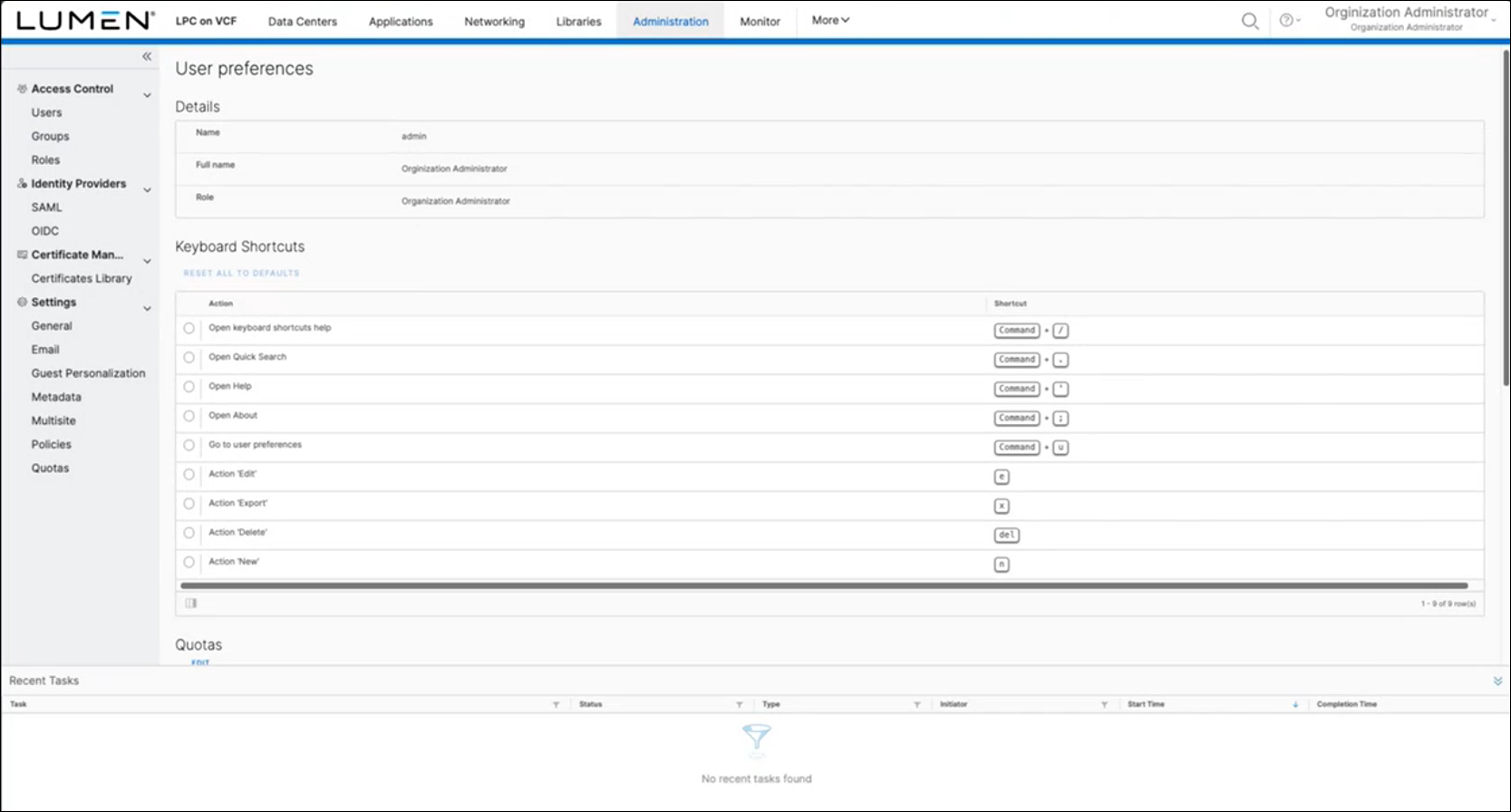
- Click your account name in the upper‑right corner, then click User preferences.
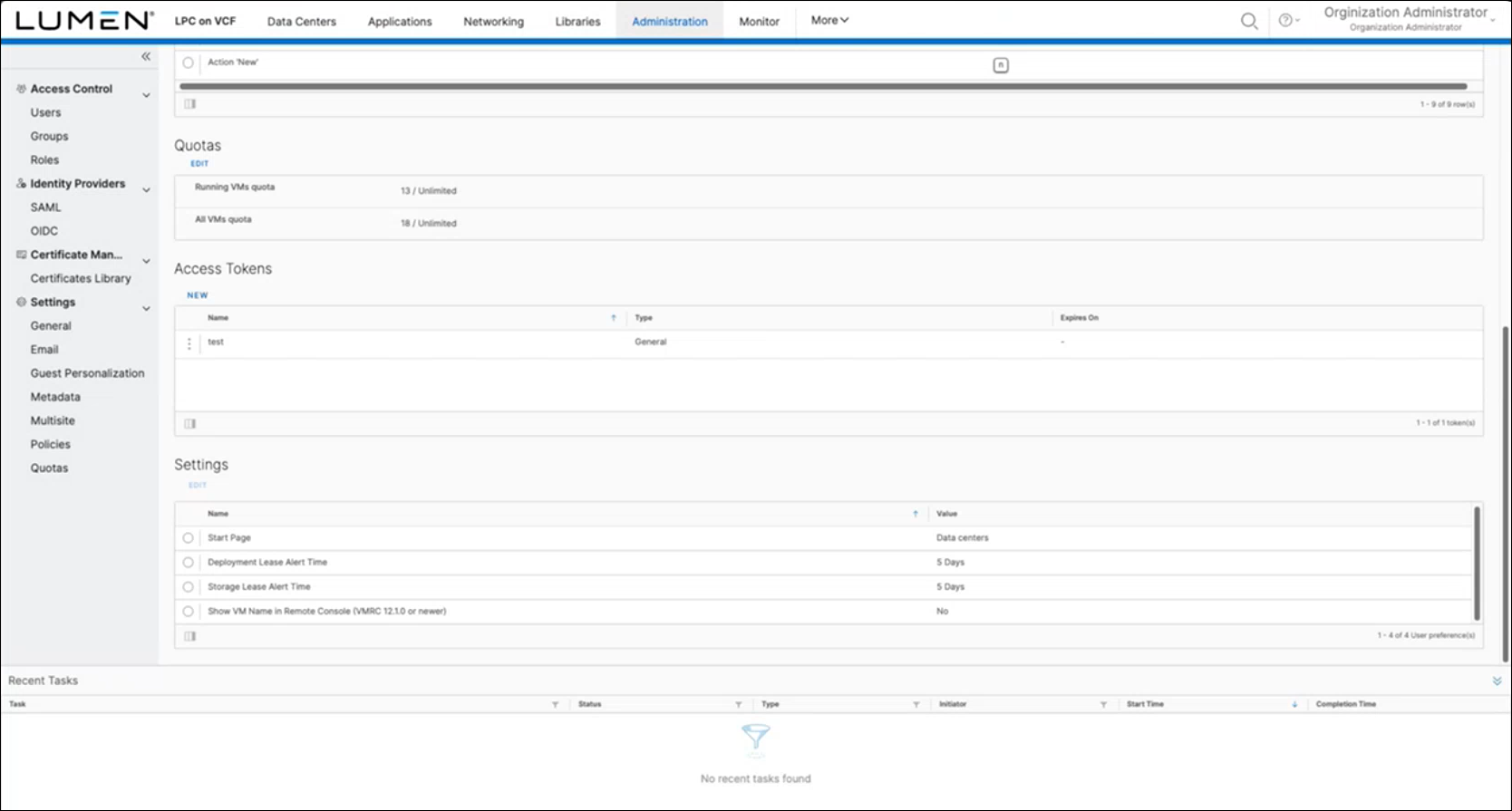
- In the Access Tokens section, click New.
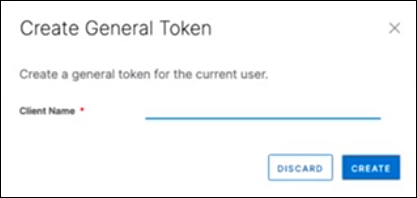
The Lumen Private Cloud on VMware Cloud Foundation™ portal shows the Create General Token window.
Note: If you do not see the Access Tokens section, you do not have the required permissions. Contact your organization administrator or submit a ticket through the Managed Services portal.
- Type a name for the token, then click CREATE.
Lumen Private Cloud on VMware Cloud Foundation™ creates the token. To use this token, you must copy it from the Create General Token window.
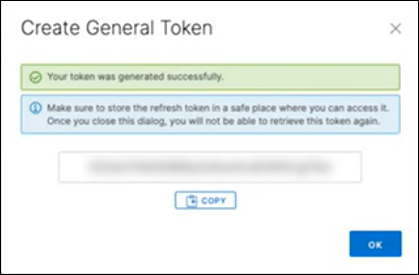
- To copy the token, click COPY. You cannot retrieve this token after clicking OK and closing the window, you can only revoke it. If you did not retain the token, repeat the process to create a new one.
- To use the token, paste the token into the authorization endpoint to create an authorized API session. With the token active and pasted into the authorization endpoint, you can make API calls to manage your Edge Private Cloud.



