

Viewing metrics for a virtual machine
Use Lumen® Private Cloud on VMware Cloud Foundation™ to view metrics for virtual machines in your Lumen® Edge Private Cloud such as CPU and memory usage.
To view metrics for a virtual machine:
- Sign in to your Lumen Private Cloud on VMware Cloud Foundation™ environment.
- Click Data Centers.
The Lumen Private Cloud on VMware Cloud Foundation™ portal shows the Virtual Data Center dashboard.
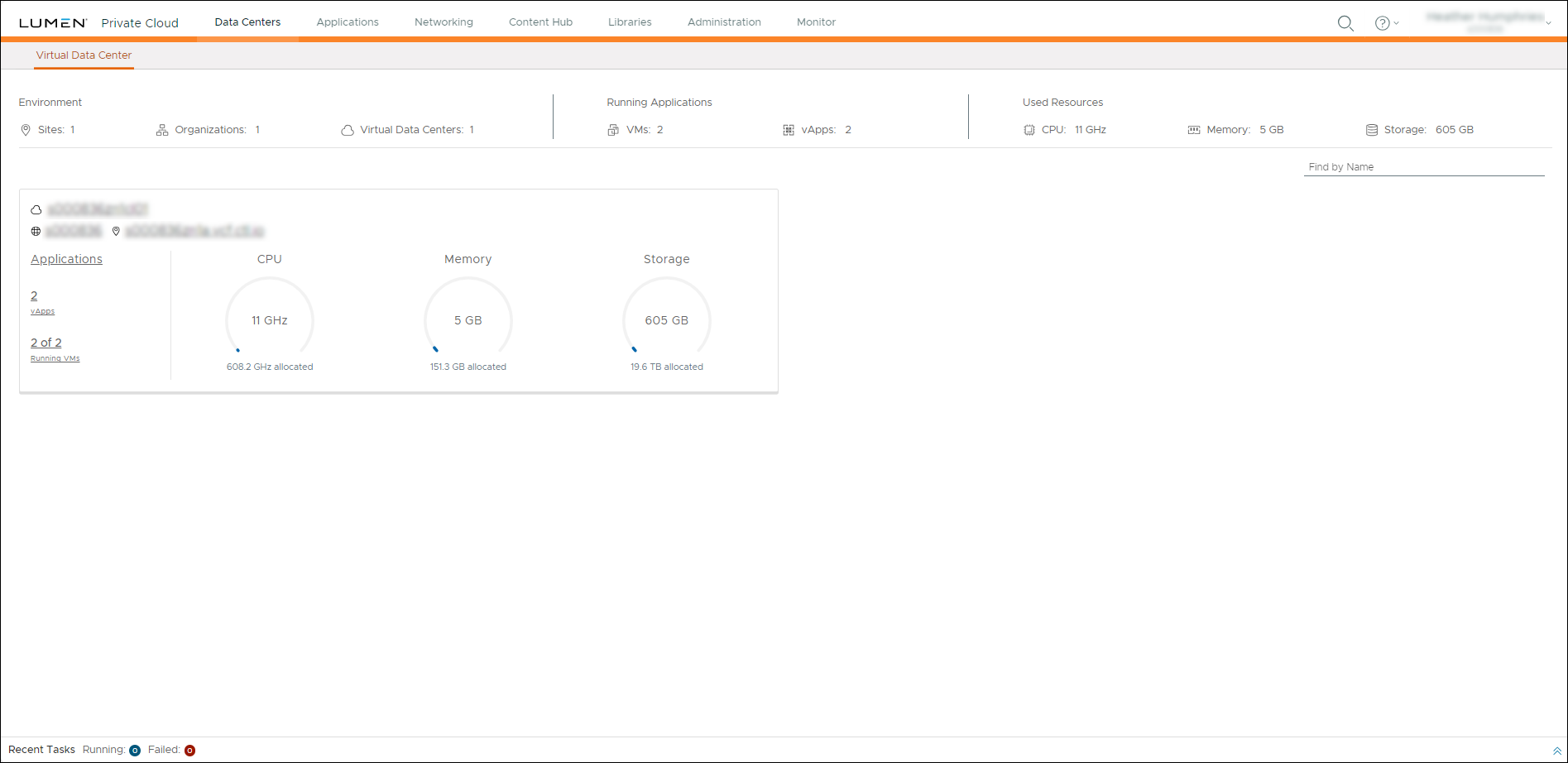
- Click inside the Data Center summary box.
- In the box for the virtual machine you want to view metrics for, click DETAILS.
- Click Monitoring Chart.
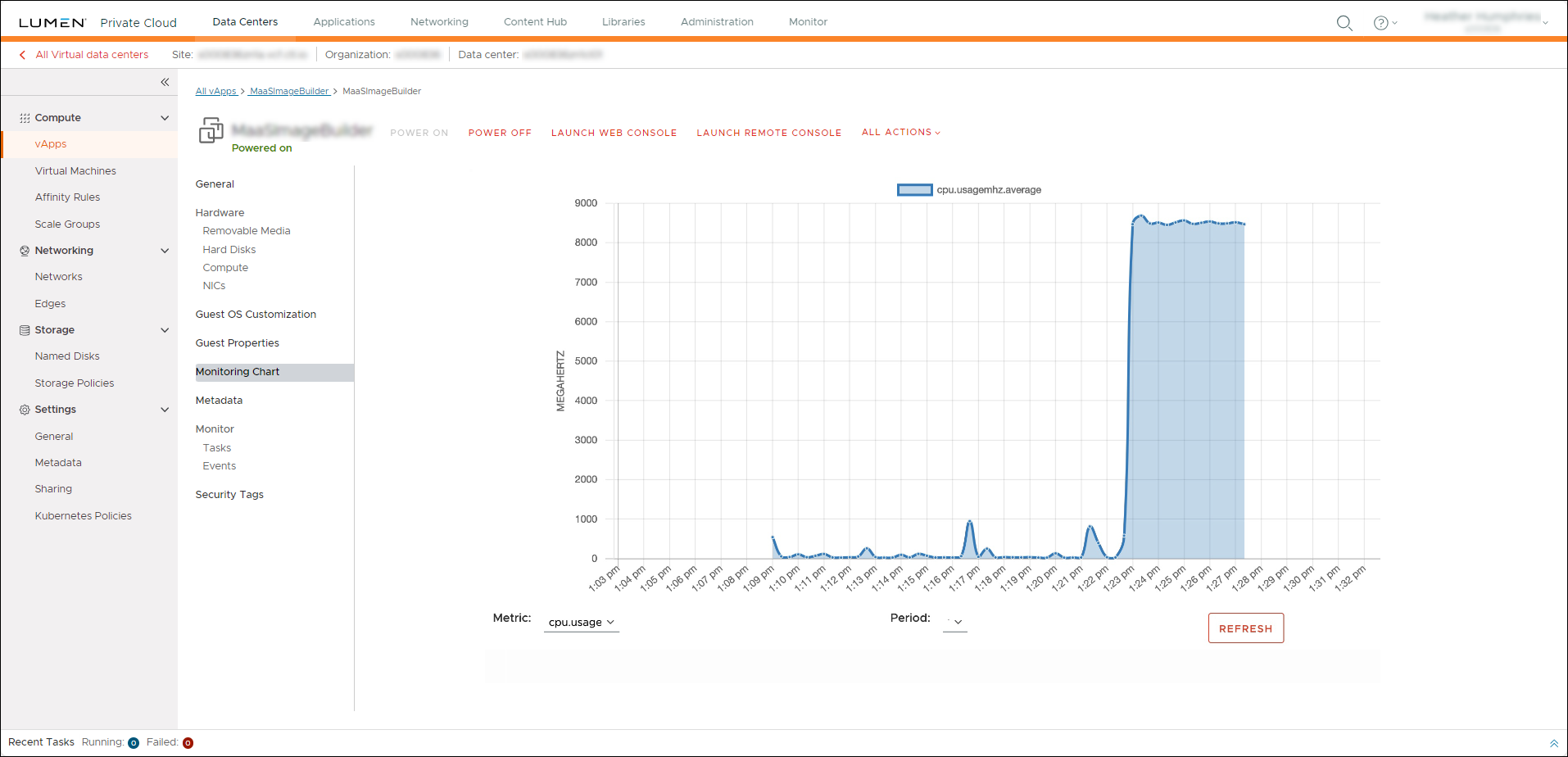
- Select the metrics and time period from the Metric and Period drop‑downs.
Lumen Private Cloud on VMware Cloud Foundation™ shows the metrics for the selected parameters.



