

Checking whether you can port a phone number to VoIP Enhanced Local service
Using Lumen Connect, you can check whether you can port phone numbers from another carrier to Lumen and add those phone numbers to a Lumen® VoIP Enhanced Local service. Once you check whether the phone numbers are portable, you can then submit an order to port the numbers.
To check whether you can port a phone number to VoIP Enhanced Local service:
- Using the left menu, click Services, click Service Tools, then click ELS & LI Management.
- If you have more than one customer number on your enterprise ID, select the customer number you want to work with, then click PROCEED.
- Click the Service Availability tab.
- From the Product list, select ELS.
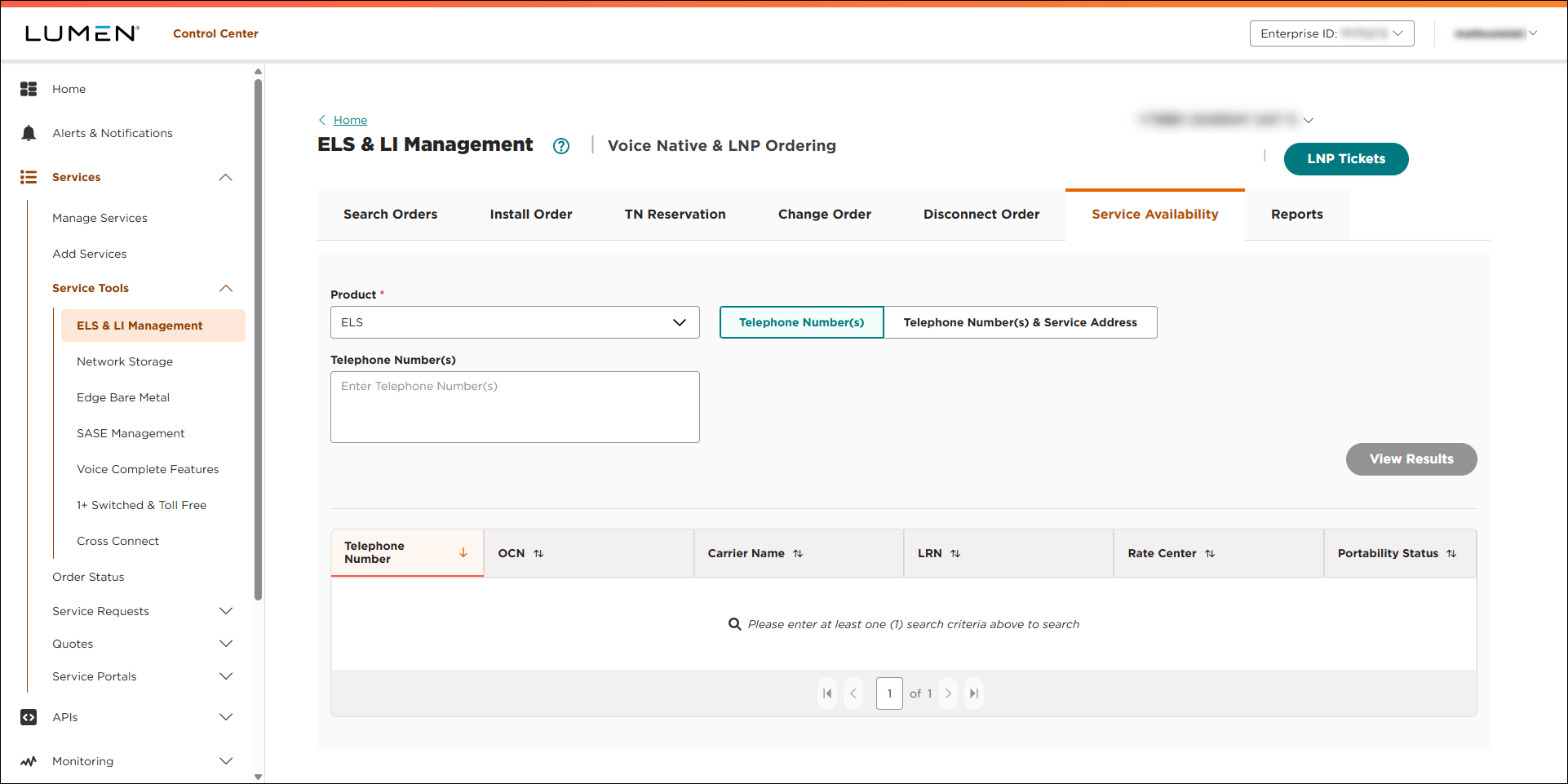
- Do one of the following:
- To check phone numbers only, click the Telephone Number(s) button, type the phone number(s) you want to check portability for (in the Telephone Number(s) field), then click VIEW RESULTS.
Lumen Connect shows whether the phone number(s) you entered are portable. If the Portability Status column shows Portable, you can submit an order to port the number(s).
- To check phone numbers with a service address, click the Telephone Number(s) & Service Address then do the following:
- In the Telephone Number(s) field, type the phone number(s) you want to check portability for.
- In the Service Address field, type the service address associated with the phone number(s) you entered.
- Click VIEW RESULTS.
Lumen Connect shows whether the phone number(s) you entered are portable and validates the address you entered. If the Portability Status column shows Portable, you can submit an order to port the number(s).
- In the Telephone Number(s) field, type the phone number(s) you want to check portability for.
- To check phone numbers only, click the Telephone Number(s) button, type the phone number(s) you want to check portability for (in the Telephone Number(s) field), then click VIEW RESULTS.



