

Downloading a phone number disconnect billing report
Using Lumen Connect, you can download a billing report for disconnected (or ported out) phone numbers for Lumen® VoIP Enhanced Local (ELS) and Lumen® Local Inbound services.
To download a phone number disconnect billing report:
- Using the left menu, click Monitoring, click Voice Reports, then click Custom Reports.
Lumen Connect the custom voice reports available for the customer number shown at the top. If you have more than one customer number for your organization, use the Customer Number field to view other available reports. To filter the list of reports for a specific product (e.g., ELS), select an option from the Report Type list.
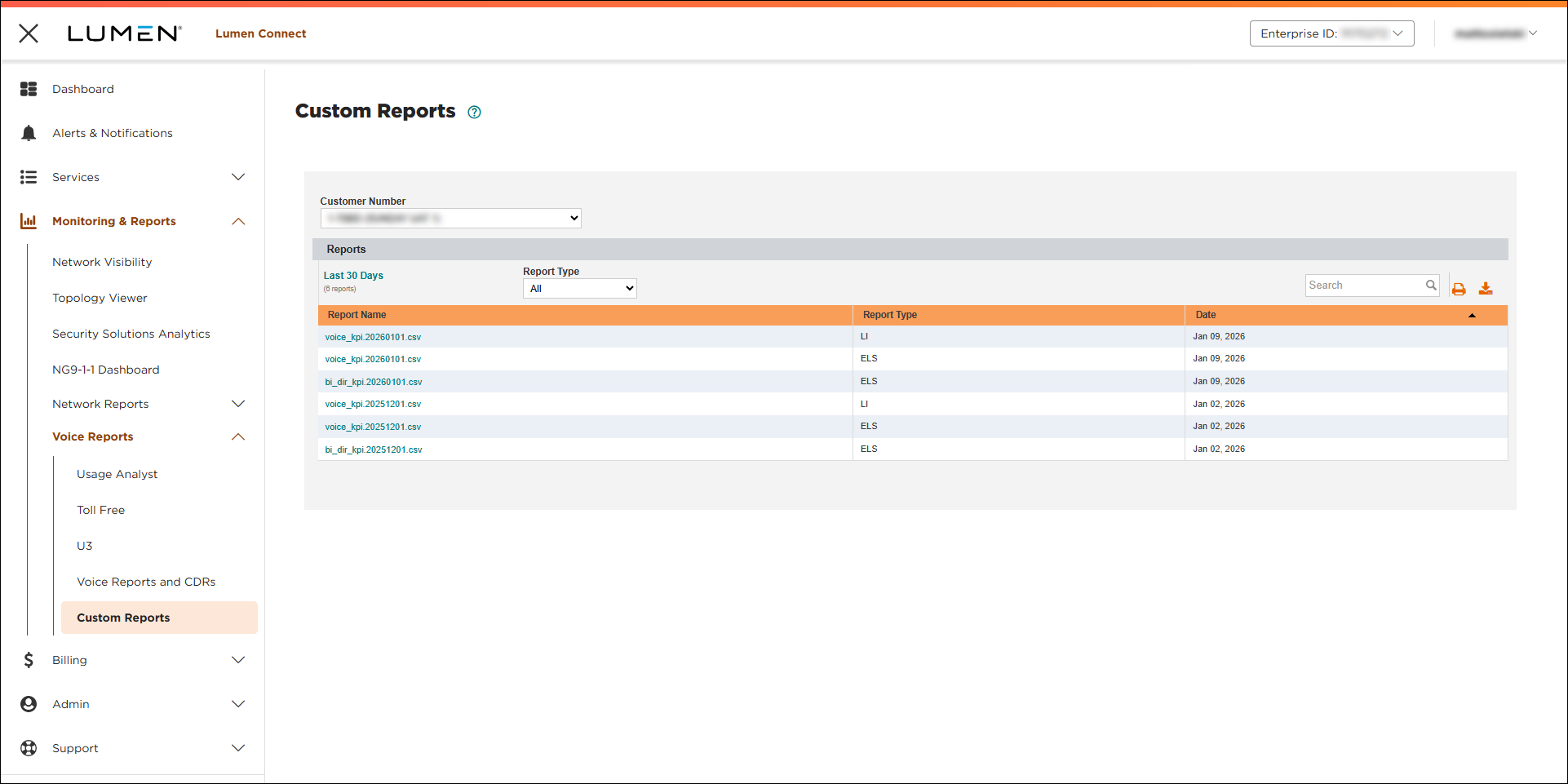
- To download a phone number disconect billing report, click the link in the Report Name column. The file name (in the Report Name column) will help you determine the report contents: [billing account number]_[customer number]_[product: 2042 for ELS; 2036 for LI]_[invoice date].



