

Downloading a wholesale voice report
Using Lumen Connect, you can download reports and call detail records (CDRs) for wholesale local, long distance, and toll-free products such as Lumen VoIP® Enhanced Local Service or Lumen® Local Inbound Service. Reports include
- call detail records
- inventory/phone book
- NPA/NXX availability
- TN utilization
- usage
- VoIP local network footprint
To download a wholesale voice report:
- Using the left menu, click Monitoring, click Voice Reports, then click Voice Reports and CDRs.
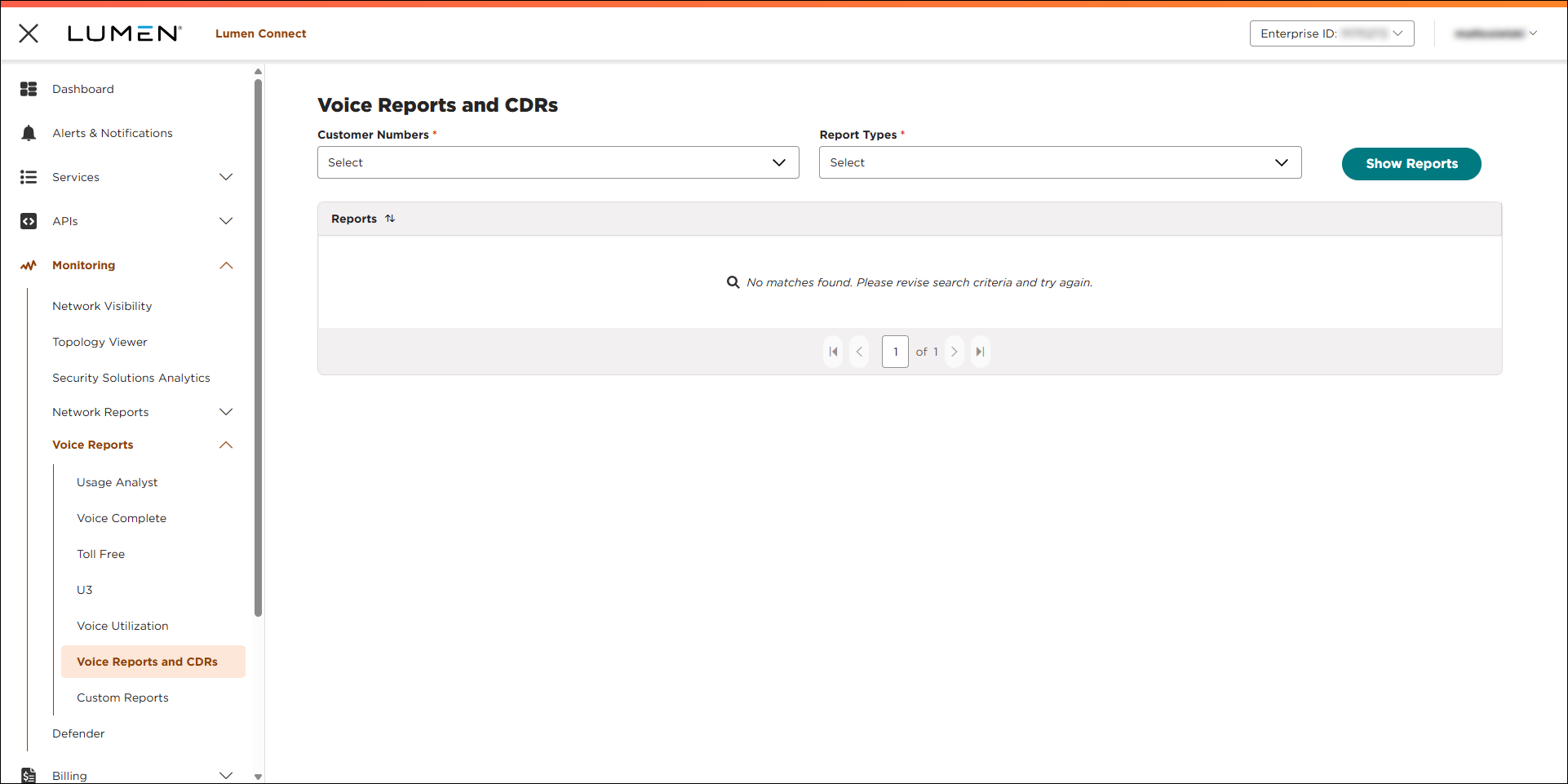
- From the list, select the customer number you want to download reports for.
- From the Report Types list, select the type of report you want to download.
- Click SHOW REPORTS.
Lumen Connect lists reports available for you to download.
- Click the link for the report you want to download.



