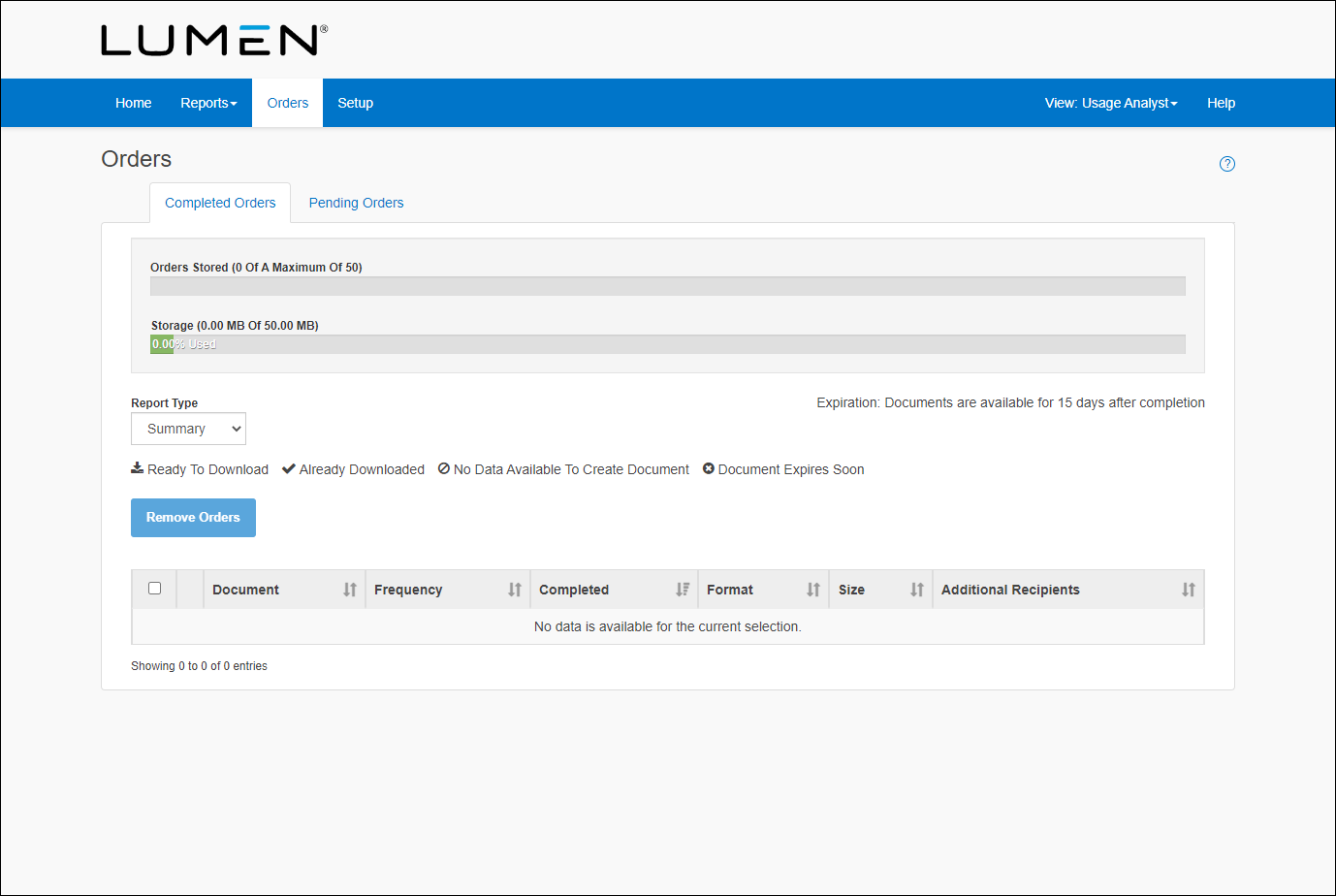
Finding the maximum storage limit
You need to maintain the available storage space for ordered use reports. If your organization runs out of storage space in Usage Analyst, no new reports can be processed, and pending orders will be put on hold.
The default maximim storage limit is 50MB. Remember, you share this space with other users in your organization. To maintain available storage space, know your maximum storage limit and regularly delete old reports.
When you try to order a new report and you are out of space, Usage Analyst will send you an on‑hold or storage‑limit‑exceeded message. Delete reports you don't need to clear space for your new report order.
To find the maximum storage limit:
- Using the left menu, click Monitoring, click Voice Reports, then click Usage Analyst.
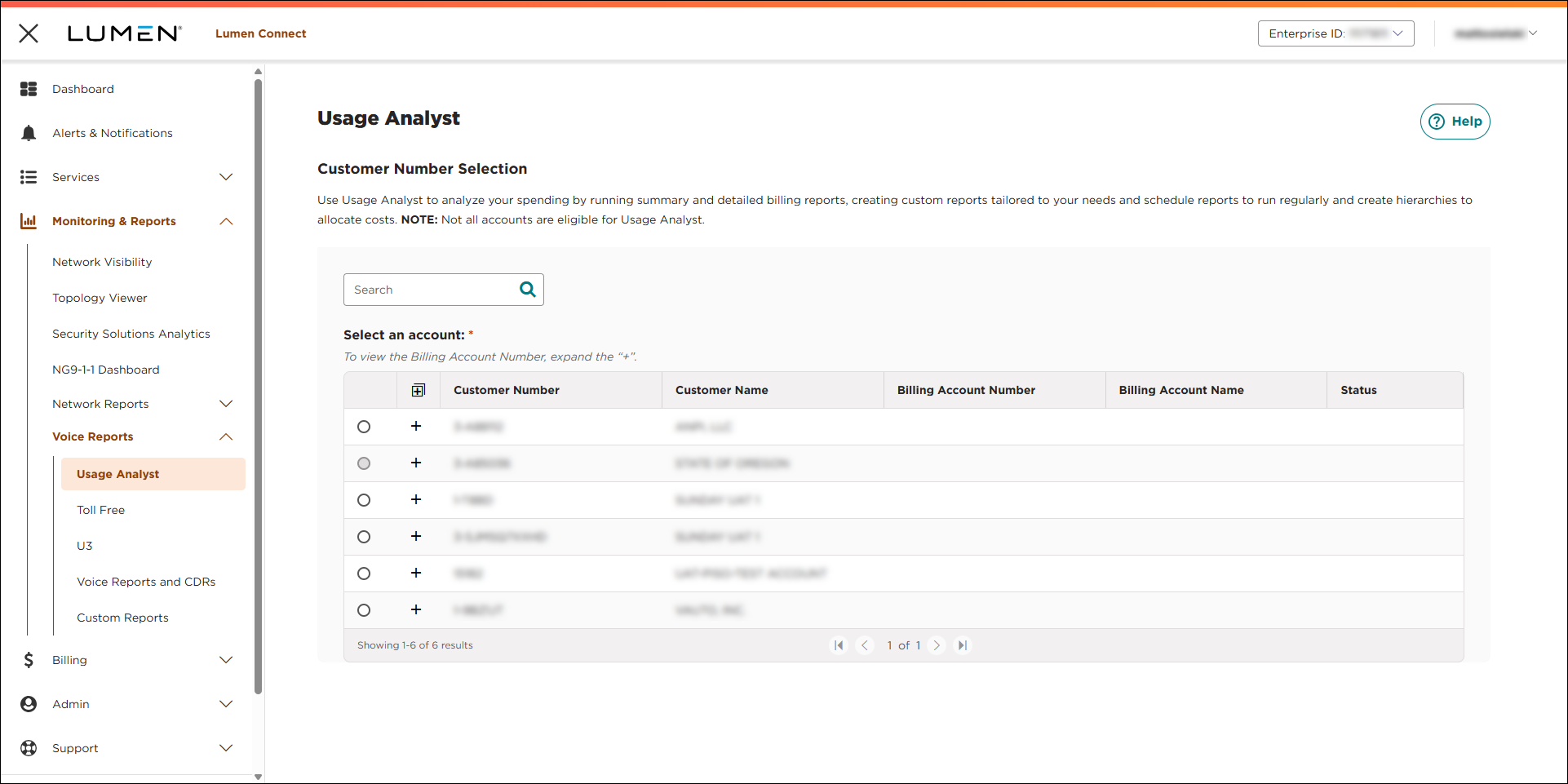
- Select the radio button next to the account you want to view, then click LAUNCH USAGE ANALYST.
Lumen Connect opens Usage Analyst in a new tab.
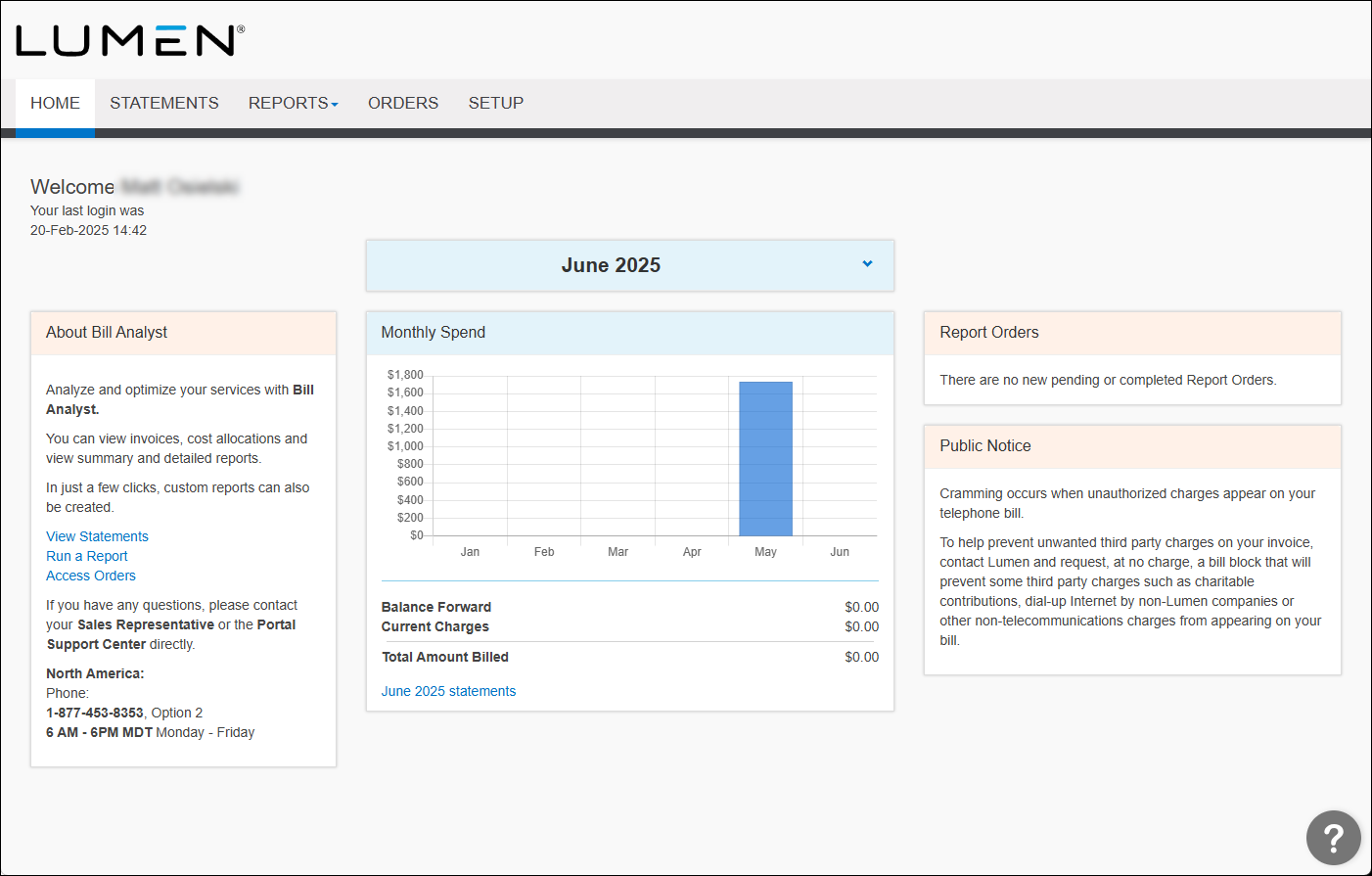
- Click the Orders tab.
Usage Analyst shows completed orders for use reports for your organization. Above the list of completed orders, Usage Analyst shows the amount of storage your orgainzation is currently using.