

Removing a use data filter
You can easily remove a filter you created in Usage Analyst; you can't delete a shared filter someone else created. If you just need to make some changes to a filter you created, you can edit the filter. (You don't have to delete it to change it.)
To remove a use data filter:
- Using the left menu, click Monitoring, click Voice Reports, then click Usage Analyst.
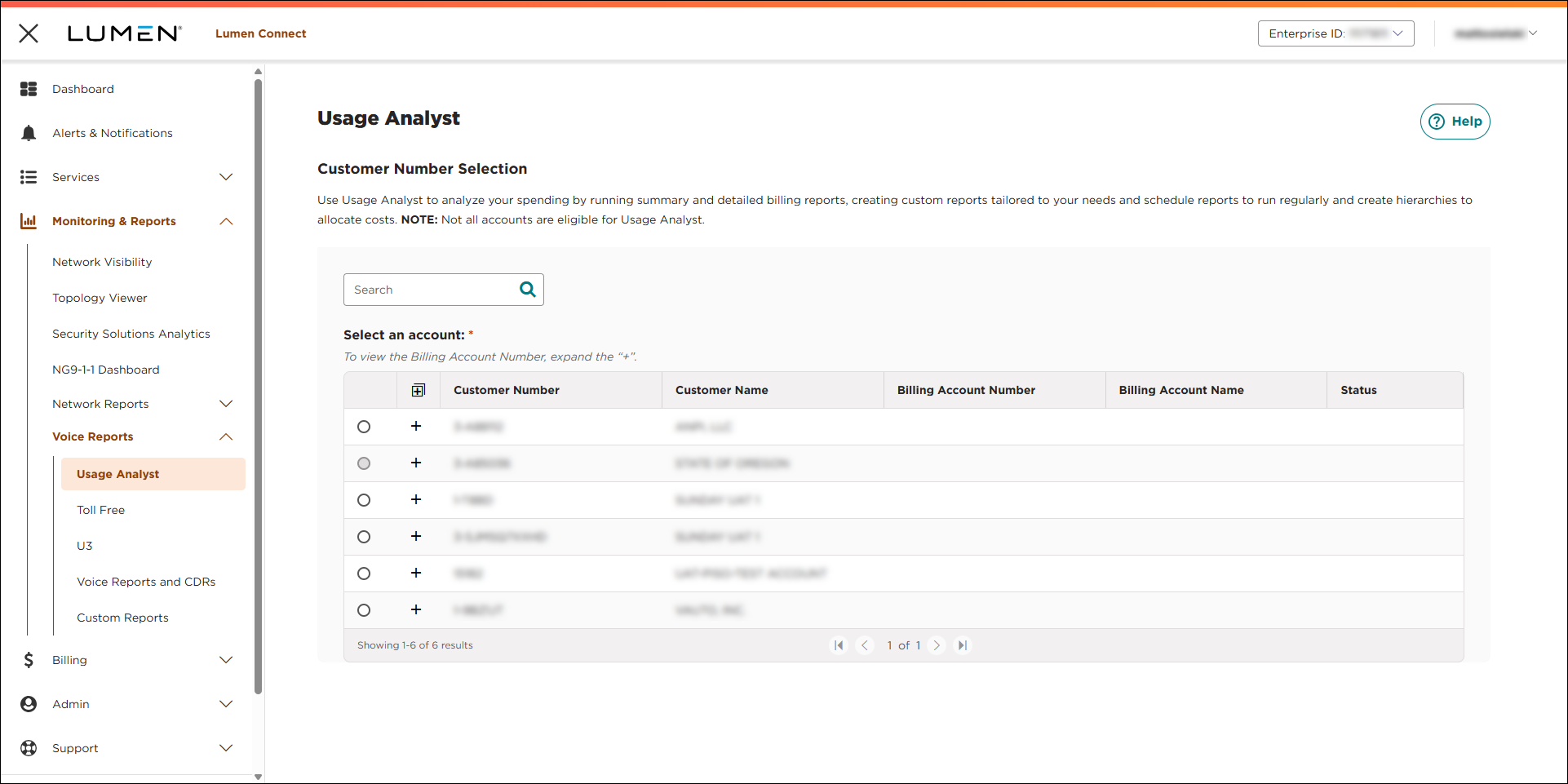
- Select the radio button next to the account you want to view, then click LAUNCH USAGE ANALYST.
Lumen Connect opens Usage Analyst in a new tab.
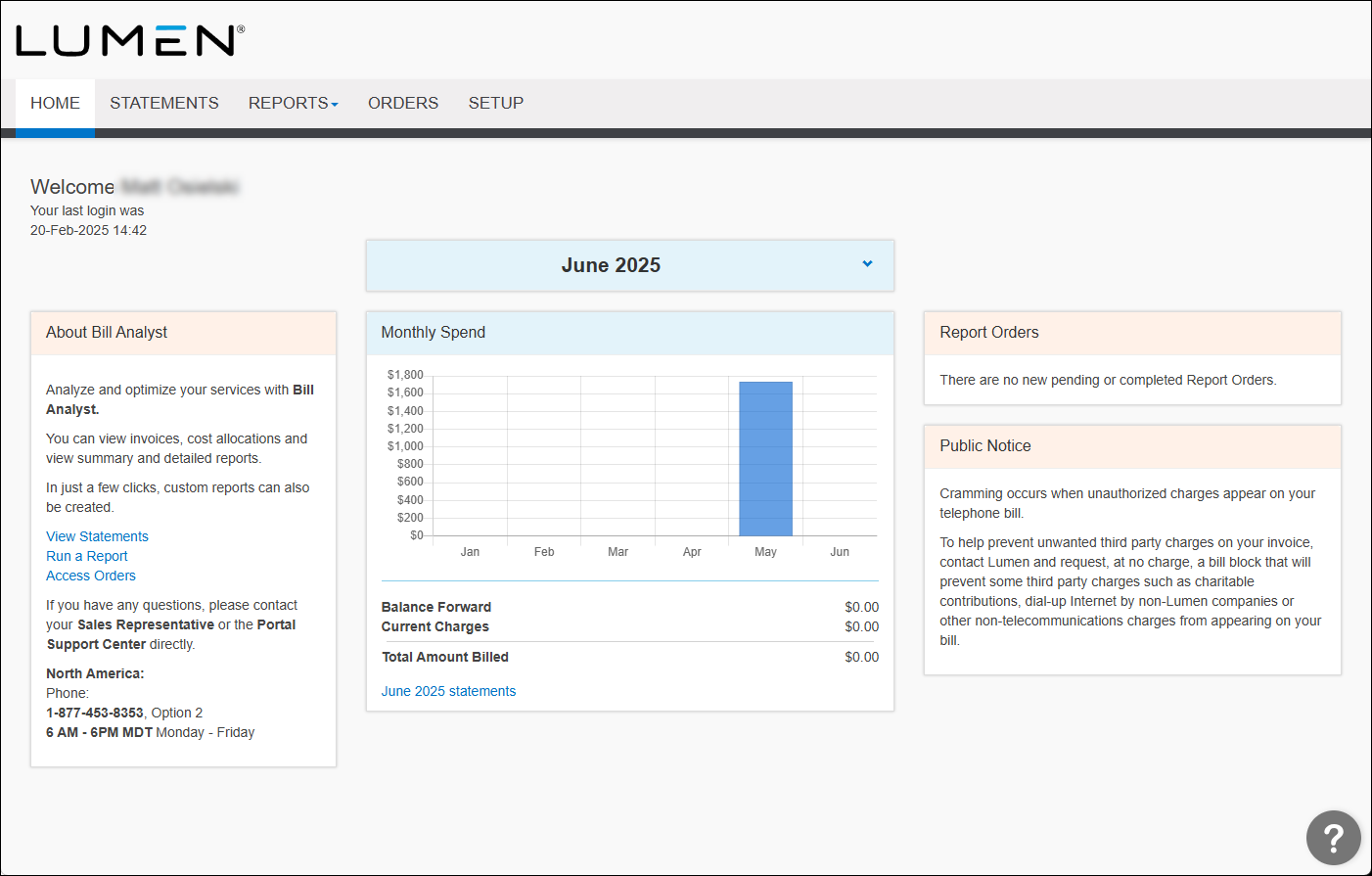
- Click the Setup tab.
- In the Tools section, click Filters.
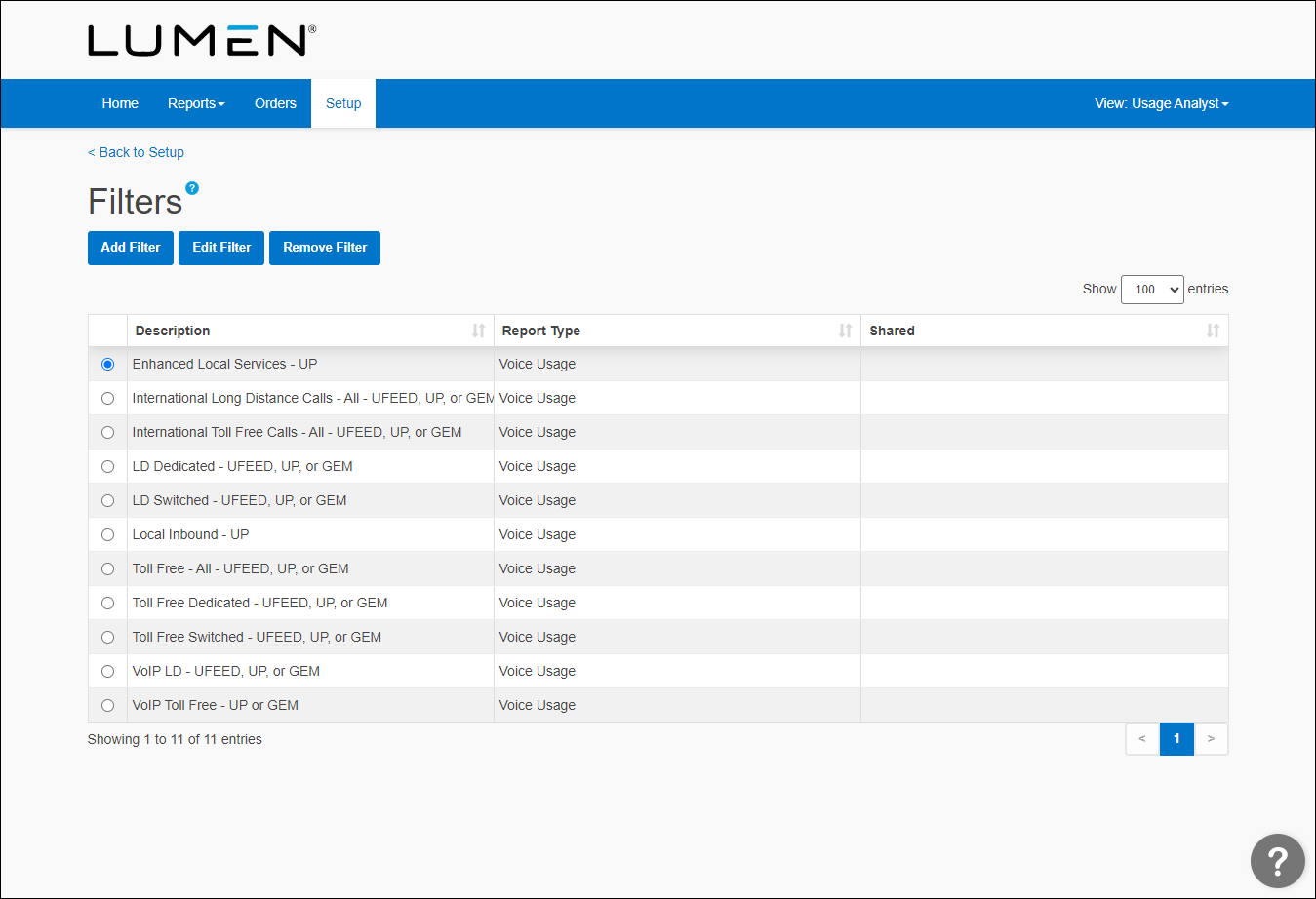
- Select the radio button next to the report you want to remove the filter from, then click Remove Filter.
Usage Analyst asks you to confirm that you want to remove the filter.
- In the the window that appears, click OK.



