

Viewing call detail records (CDRs)
Using Lumen Connect, you can view and download call detail records (CDRs) for Lumen wholesale voice services: ANI, 8XX (dedicated and switched), and calling card.
To view call detail records:
- Click Monitoring, click Voice Reports, then click Call Detail Records.
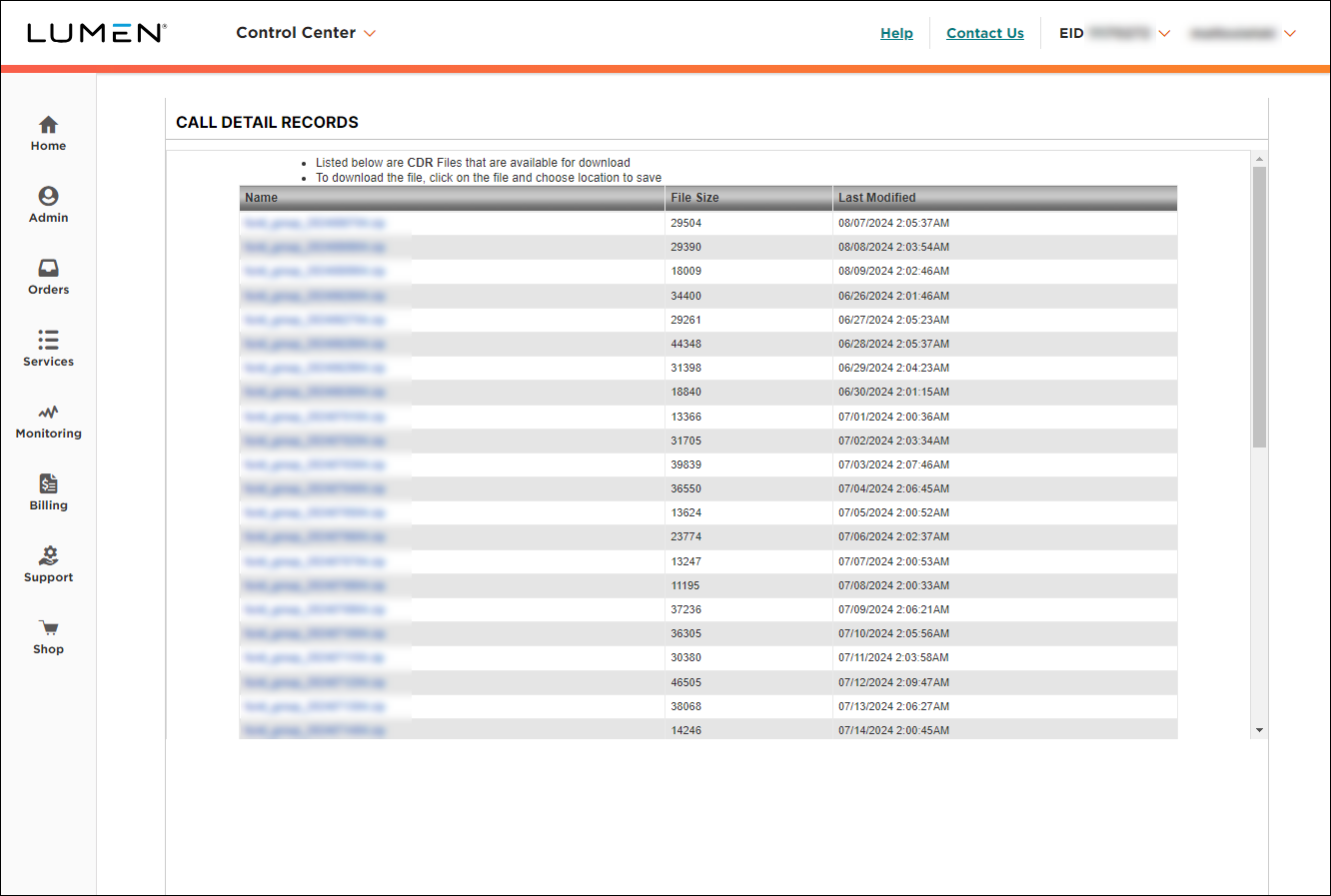
- To download a call detail records file, click a hyperlinked file name. (To sort the files, click a column header.)



