

Creating a request for an access log report
If you purchased a colocation service from Lumen, you can manage data center badge access using Lumen Connect. You can request a report to review how, when, and by whom your data center locations have been accessed. After you create the request, you can track its status using Lumen Connect. Once the report is ready, you can download it from Lumen Connect.
To create a request for an access log report:
- Using the left menu, click Support, then click Colocation Requests.
Lumen Connect shows open and recently closed colocation and field-tech requests for your organization.
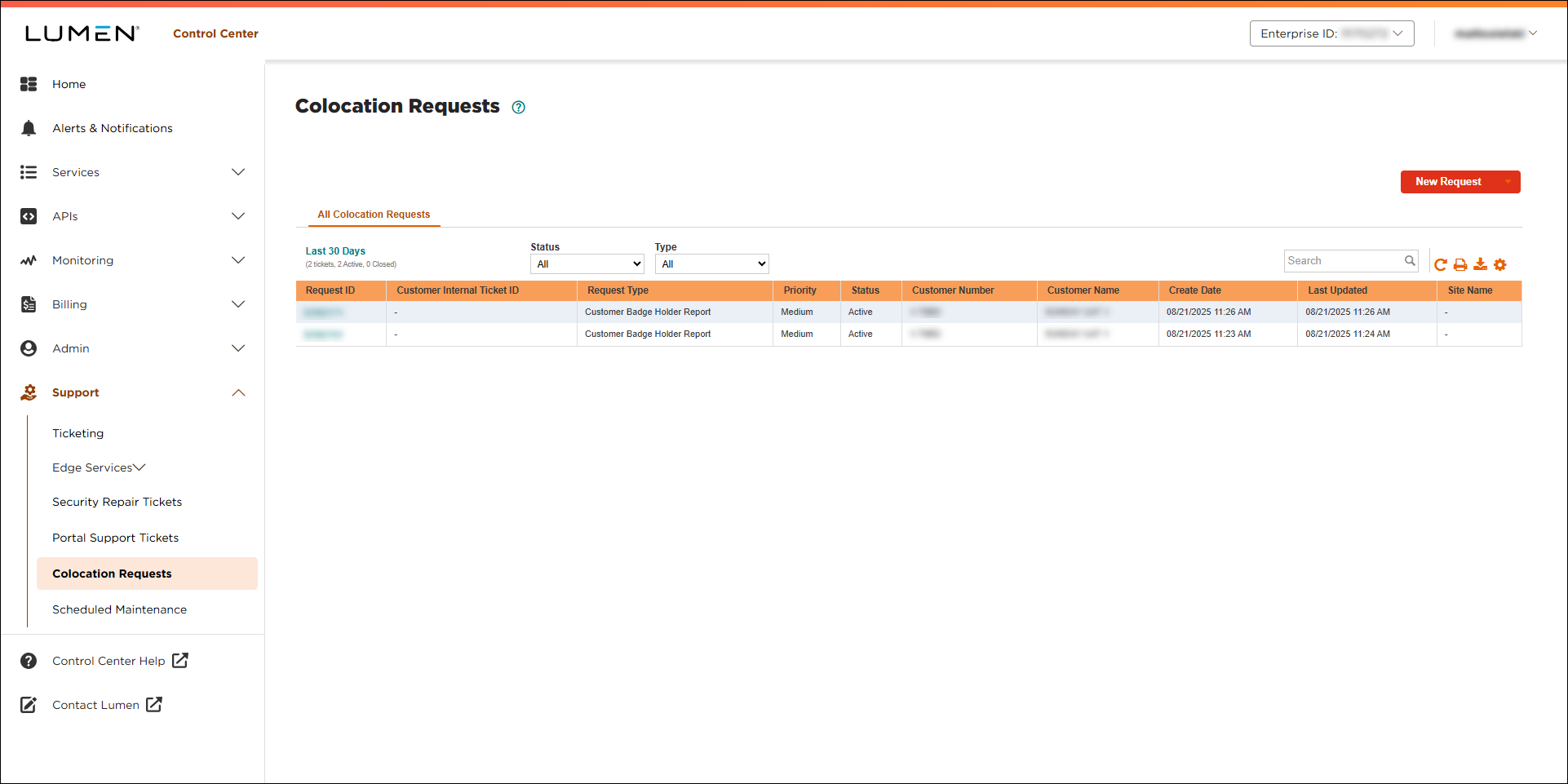
- Click New Request, then click Access Request.
- Use the Region list to select where you want to request a report for, then select Access Log Report from the Request Type list.
- Fill in the form giving as much information as possible: choose the date range for the report, provide location information for the data center, select your customer number and billing account number from the lists, and verify your contact information. (You can also add an attachment and additional instructions if needed.)
- When you’re done, click Submit, then click OK.
Lumen Connect submits your request and gives you a request ID so you can view and track your request.
- Click OK.
You can track the status of your request in Lumen Connect and, when it's ready, download the report.



