

Viewing a list of access groups
Use access groups to manage how users in your organization access your services and the features in Media portal. You can view a list of access groups and then view details for the access group (including the the services in the group). You can also add a child access group to an access group.
To view a list of access groups:
- Sign in to Media portal. (Get help resetting your password)
- From the main menu, select Portal Admin > Access Groups.
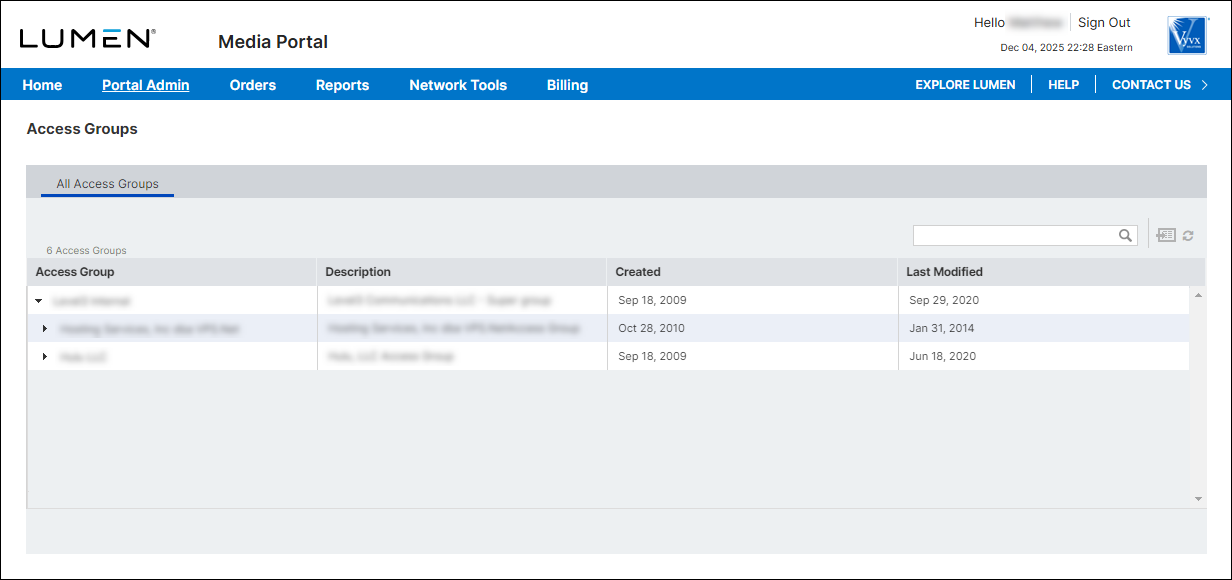
- To view details for an access group, click the row for the group.
Media portal lists the services (with SCIDs) and users (with their role) for the access group you selected.



