

SD‑WAN with Versa Networks support:
Exploring the Director view
Versa Director provides a web-based network management interface (a GUI) that you use to orchestrate the functions of your network. The web interface offers tile and tabular views of network elements, and it provides increasing levels of granularity as you click down to navigate these elements.
The Director GUI has two views:
- Director view—In this view, you configure and manage Versa Director at the global level. Typically, the configuration here applies to the templates that are deployed across organizations (tenants) and appliances.
- Appliance (FlexVNF) view—In this view, you configure and manage specific Versa FlexVNF devices. The configuration here applies to the selected FlexVNF device and its associated tenants.
Director view has four main tabs:
Monitor tab
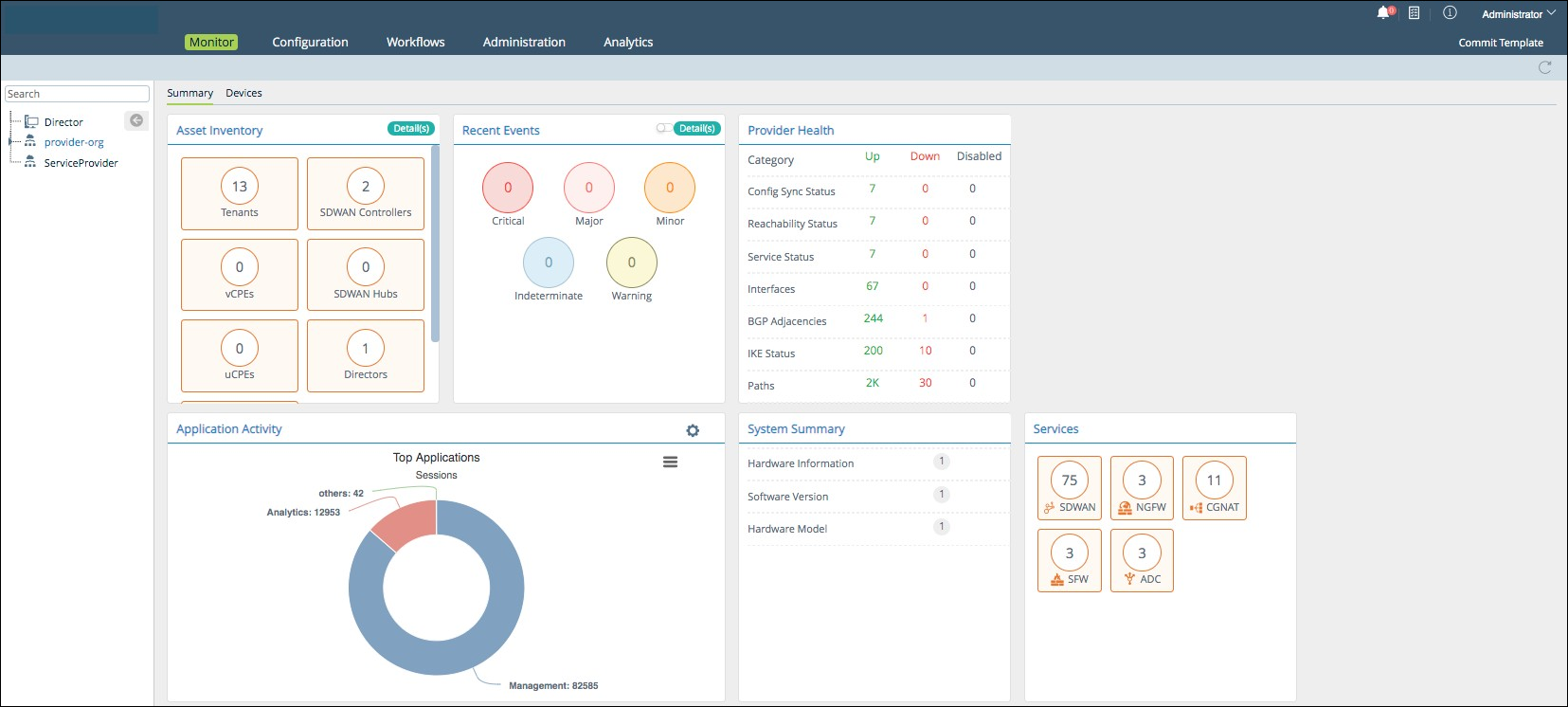
Summary subtab: provides real-time system summary of Versa Director, with various status and resource information.
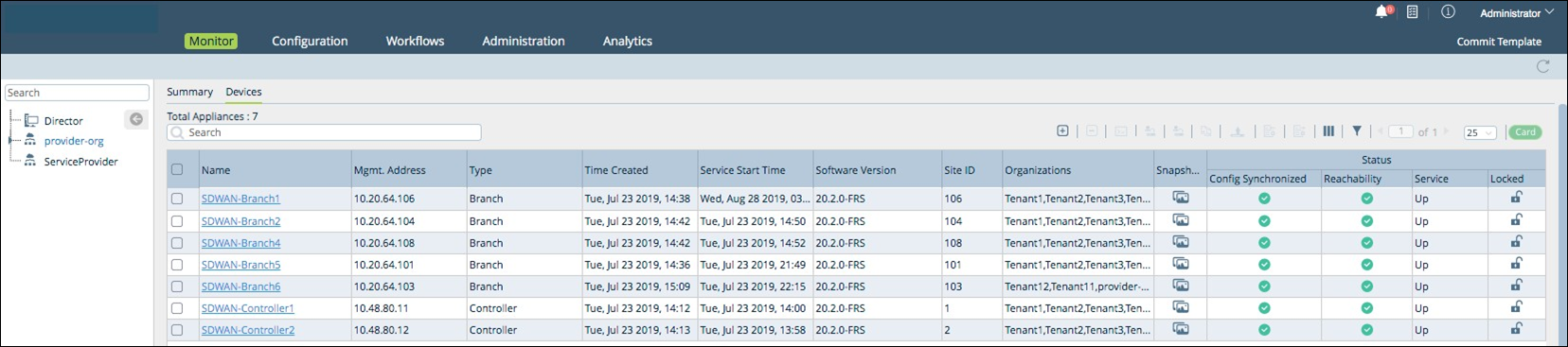
Devices subtab: provides information on all configured devices.
Configuration tab
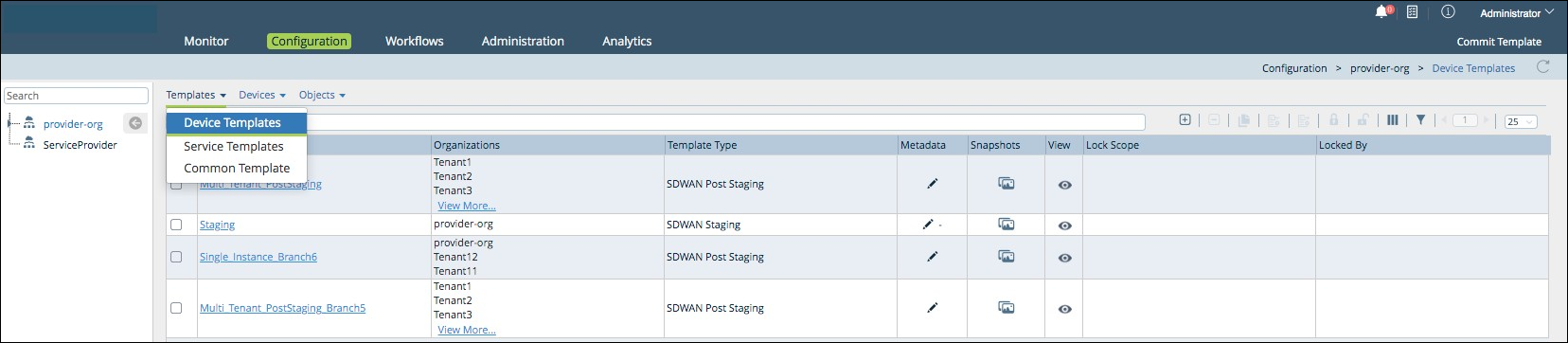
Templates subtab: this tab has the following menus:
- Device Templates: Configure staging and post staging templates.
- Service Templates: Add service templates.
- Common Template: Configure common templates. A common template gets created automatically for each organization with template name <organization-name>-Data Store. Any objects like zones, custom applications defined in the common template can be referred from service and device templates associated with the organization.
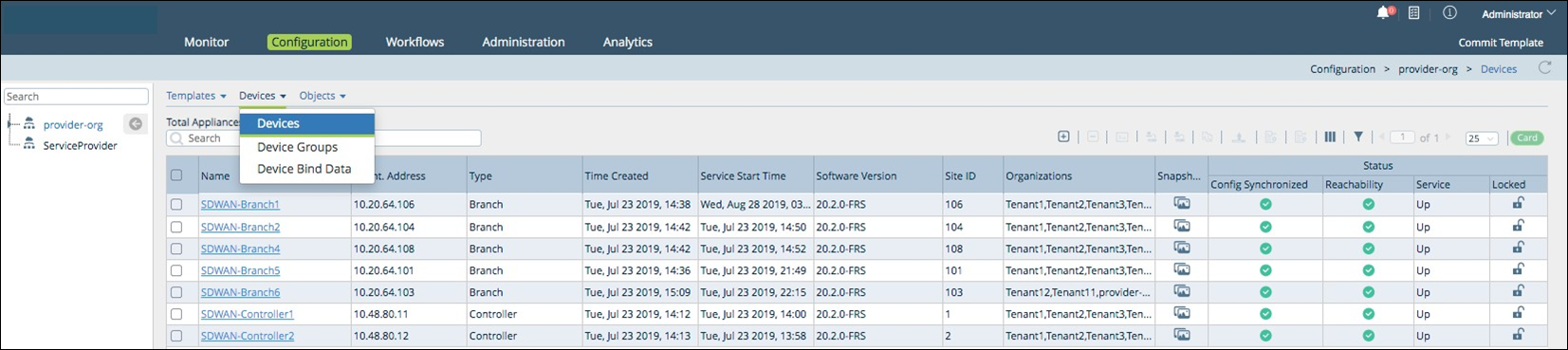
Devices subtab: this tab has the following menus:
- Devices: Add devices.
- Device Groups: Configure device groups.
- Device Bind Data: Configure device bind data.
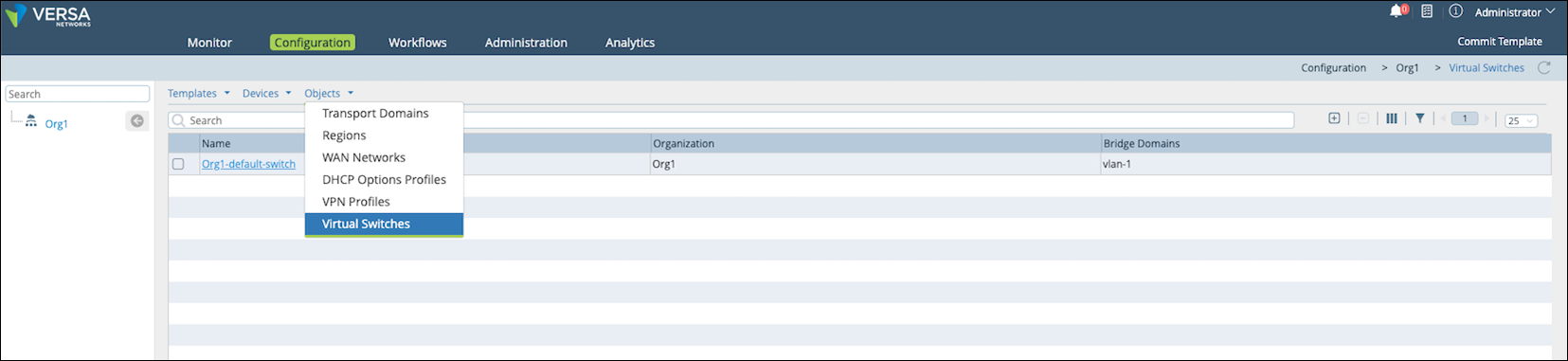
Objects subtab: this tab has the following menus:
- Transport Domains: Configure transport domains.
- Regions: Configure regions.
- WAN Networks: Add WAN networks.
- DHCP Options Profiles: Configure DHCP options profiles.
- Virtual Switches: Configure virtual switches.
Workflows tab
- Infrastructure subtab:
- Controllers. Configure controllers on a FlexVNF appliance.
- Organizations. Configure customer organizations.
- Controllers. Configure controllers on a FlexVNF appliance.
- Template subtab:
- Templates. Configure staging and post staging templates.
- Application Steering. Configure application steering templates.
- Spoke Groups. Configure spoke groups.
- Service Chains. Configure service chains.
- Templates. Configure staging and post staging templates.
- Devices subtab:
- Devices. Configure devices and device groups for branches.

Administration tab
This tab has the following menus on the left panel:
- Organizations. Add organizations.
- Appliances. Add appliances.
- Connectors. Manage connectors of different types: Local, CMS, Authentication, Syslog, AQMP, and Analytics.
- System. Configure system high availability, clients, and registration tokens.
- Notification Configuration. Configure SMTP/SMS notifications in the system.
- Entitlement Manager. Display subscription details.
- Director User Management. Configure users, roles, and map roles to users.
- Inventory. Download upgrade packages, configure hardware devices, and download security packages.
- SD-WAN. Define templates, device groups, DHCP options profiles, and device bind data.
- Support. Access support information.




