

Deleting an alternate call plan
For Lumen® Toll Free Service, keeping your call plans up to date in Lumen Connect allows you to act quickly when you need to implement an alternative plan. When your calling plan needs change, use this feature when you want to remove an existing alternate call plan.
To delete an alternate call plan:
- In the Services widget on the homepage, select Toll Free from the Find by Product or Service Tool list.
Lumen Connect shows all Toll Free services on the enterprise ID.
- Search for the service you want to work with. When you find the service you want to work with, click the hyperlinked service ID or click the icon (in the Actions column), then click View Details.
Lumen Connect shows details for the toll-free service you selected.
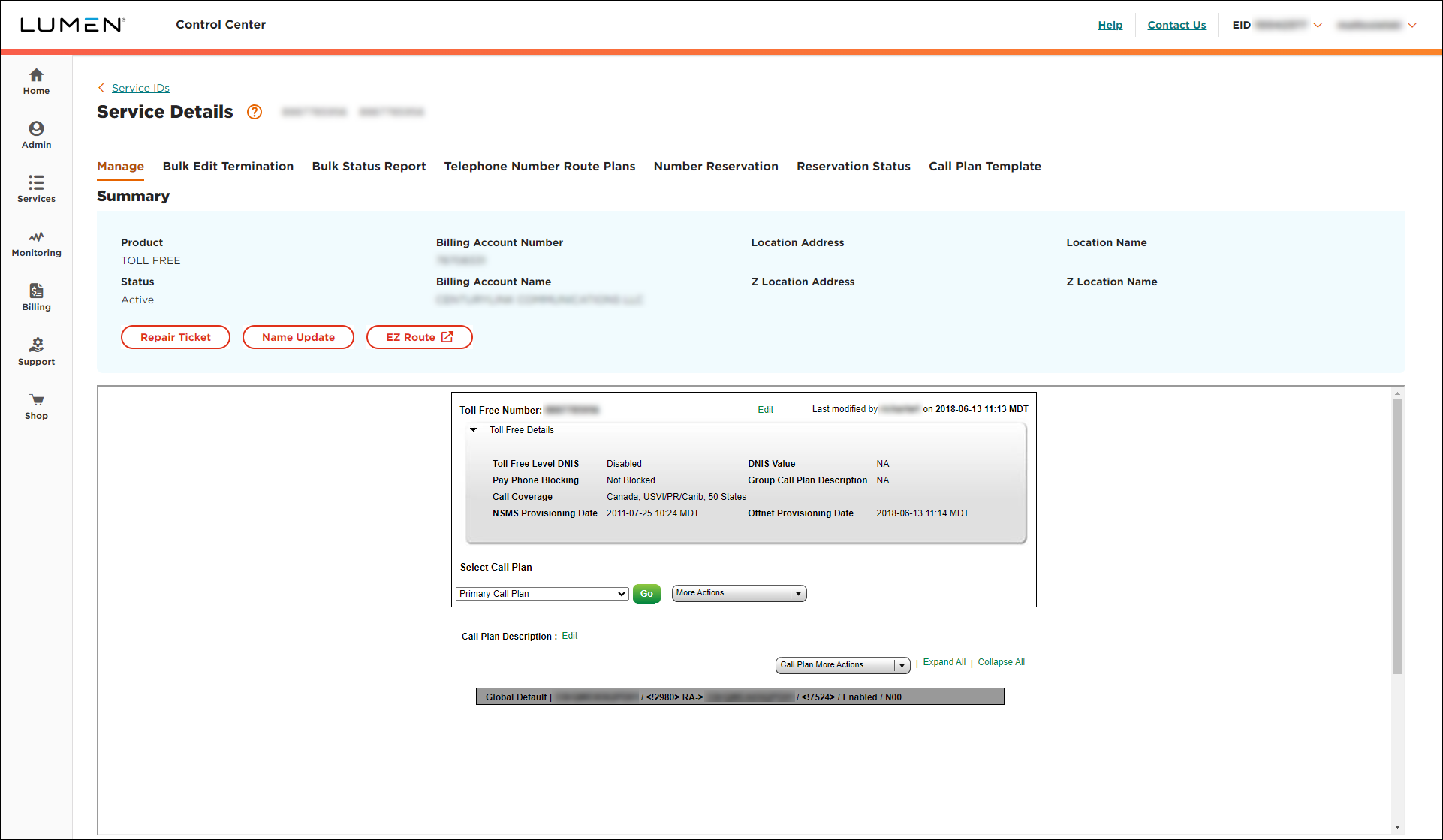
- From the Select Call Plan list, select the alternate call plan you want to delete, then click Go.
- From the Call Plan More Actions list, select Delete Call Plan.
- Click Ok.



