

Downloading a Voice Complete coverage report
Using Lumen Connect, you can download a coverage report for Lumen® Voice Complete®. The coverage report lists where Voice Complete service is available—to help you submit orders to add service at additional locations.
Note: We update the coverage report monthly.
To download a Voice Complete coverage report:
- Using the left menu, click Monitoring, click Voice Reports, then click Voice Complete.
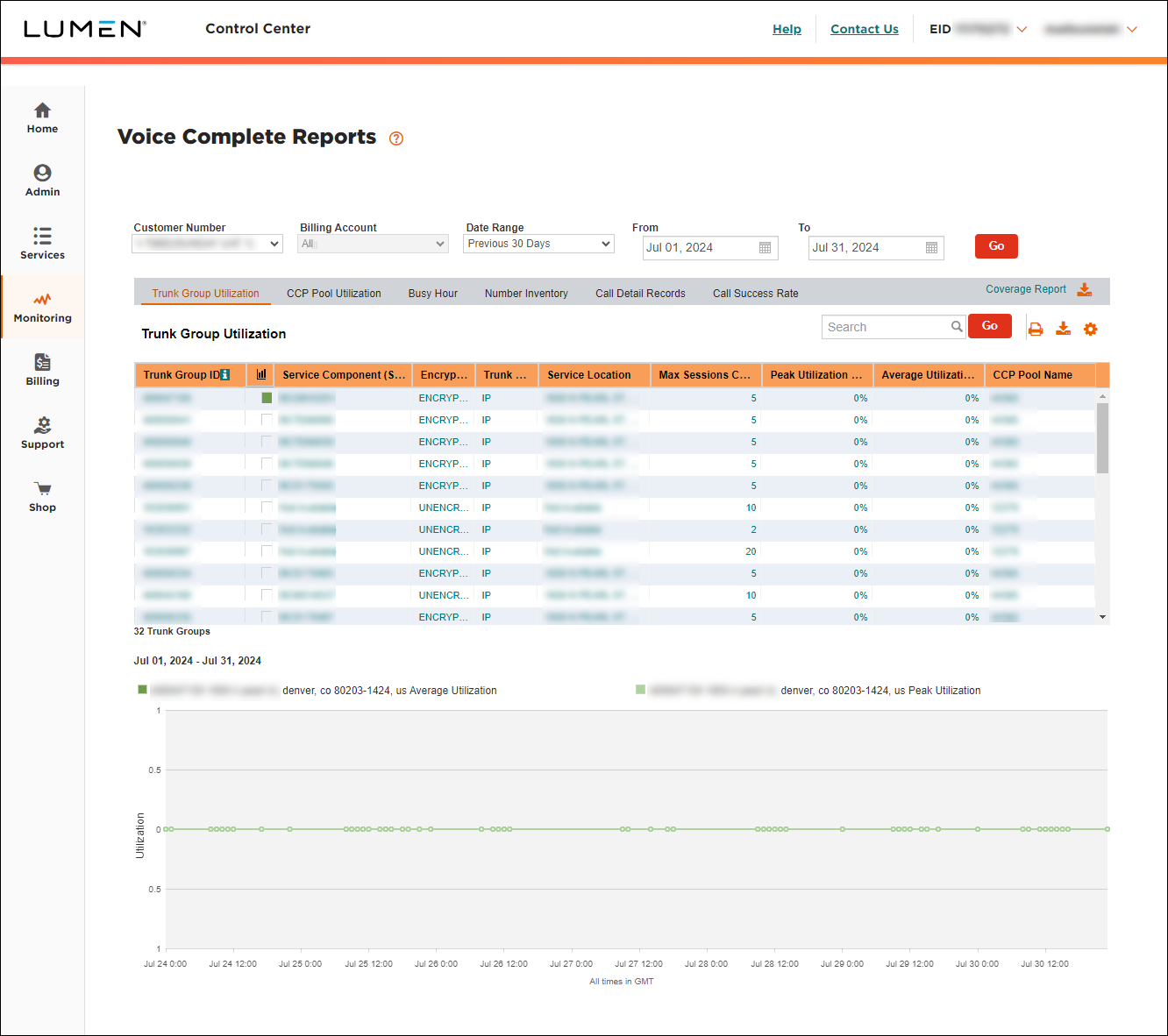
- On the right side of the gray bar at the top of the page, click Coverage Report .
Lumen Connect downloads the coverage report in Excel format.



