

Downloading a list of VoIP portal users
As a VoIP portal administrator, you can download a spreadsheet of VoIP portal users. You can use the list to help you track changes you need to make to user profile information.
To download a list of VoIP portal users:
- Sign in to the VoIP Administrator portal.
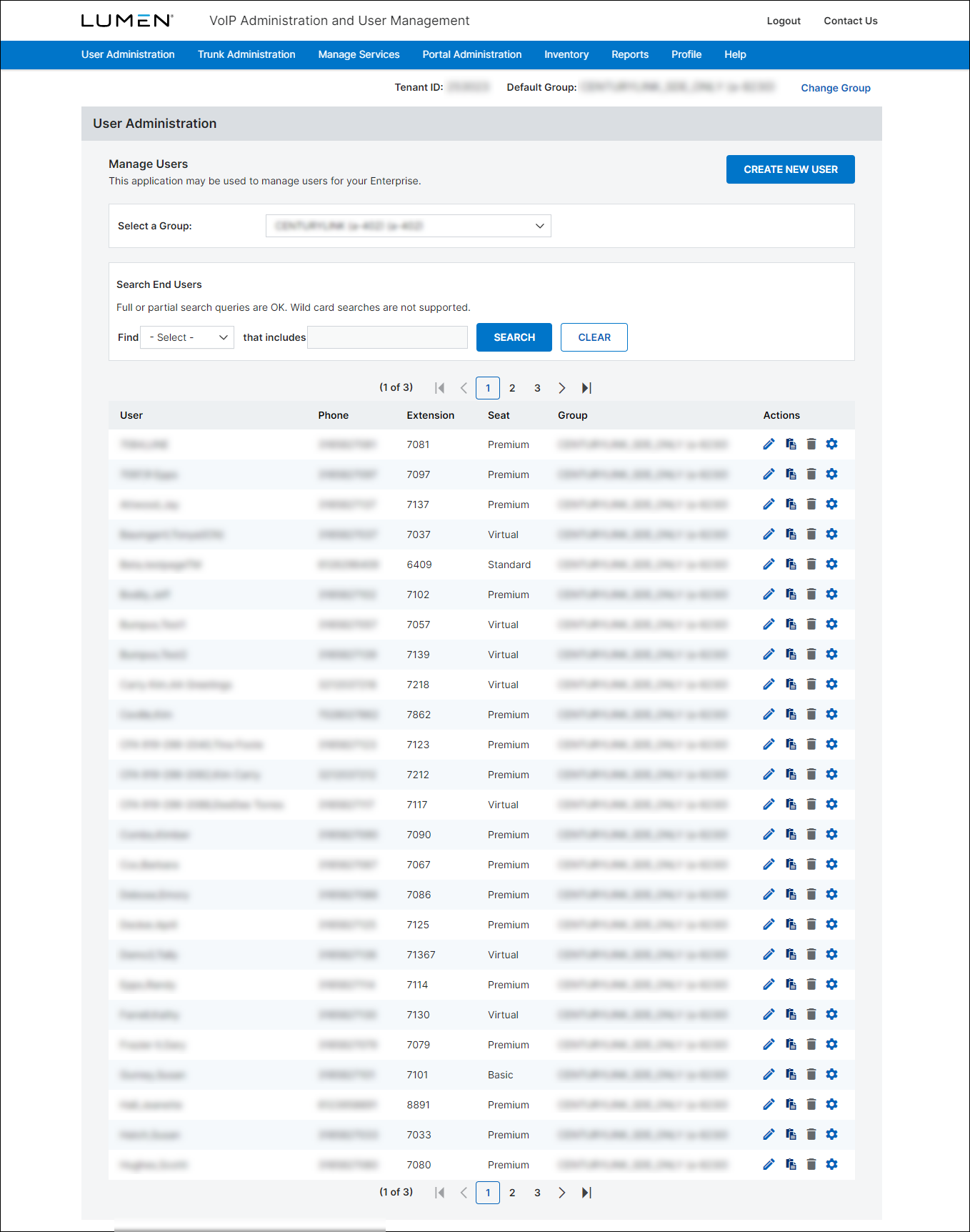
- From the main menu, hover over User Administration, then click Bulk Load Users.
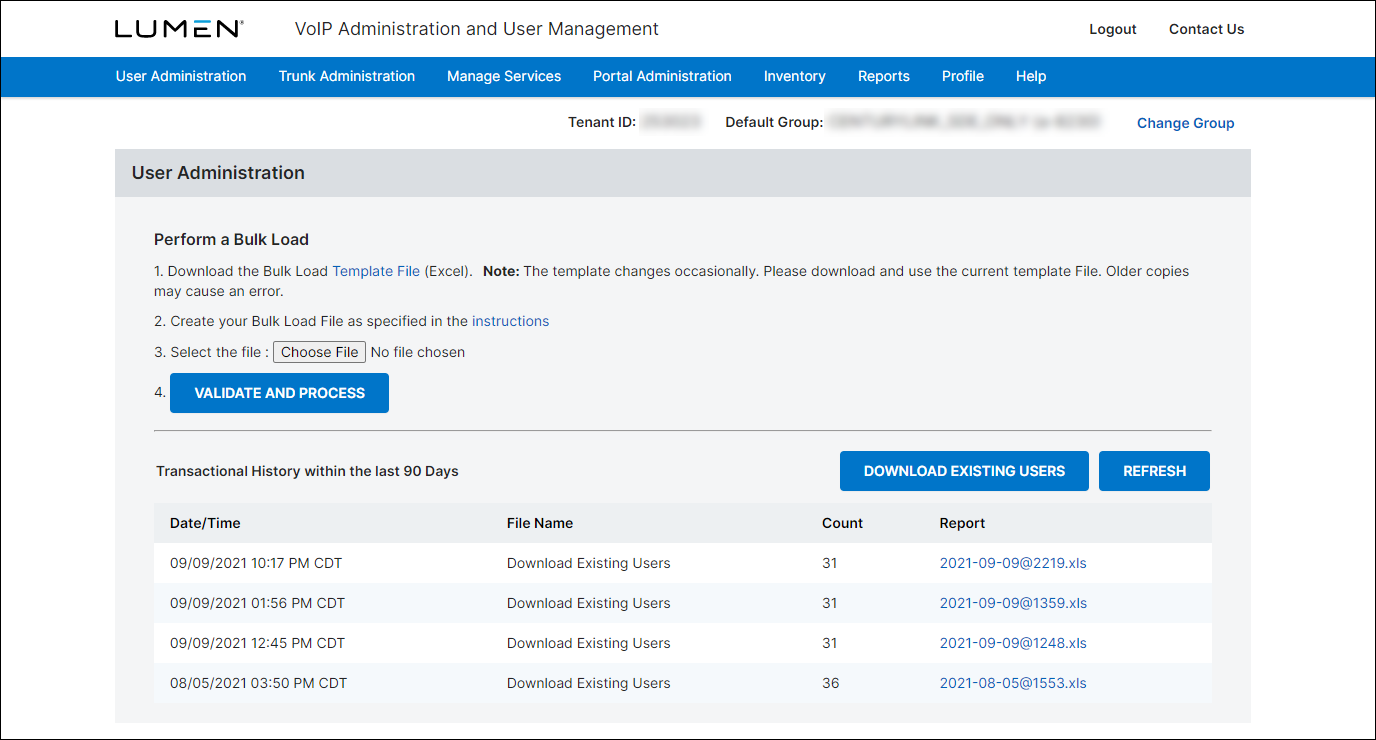
- Click Download Existing Users.
- Confirm the email address that you want the VoIP portal to email when the user report is ready to download.
- When you receive an email that the user report is ready, repeat steps 1 and 2 to return to the Perform a Bulk Load page.
The VoIP Administrator portal lists user reports requested for your organization.
- On the row for the report you requested, click the link in the Report column. (Look for reports with Download Existing Users in the File Name column. The link name in the Report column shows the date and time the report was requested.)
- Follow the prompts to download the file to your computer.



