

Calling a speed dial directory contact
After you’ve added a speed dial contact to the speed dial directory in the Contact Center Client, you can call the contact using the contact’s speed dial number.
To call a speed dial directory contact:
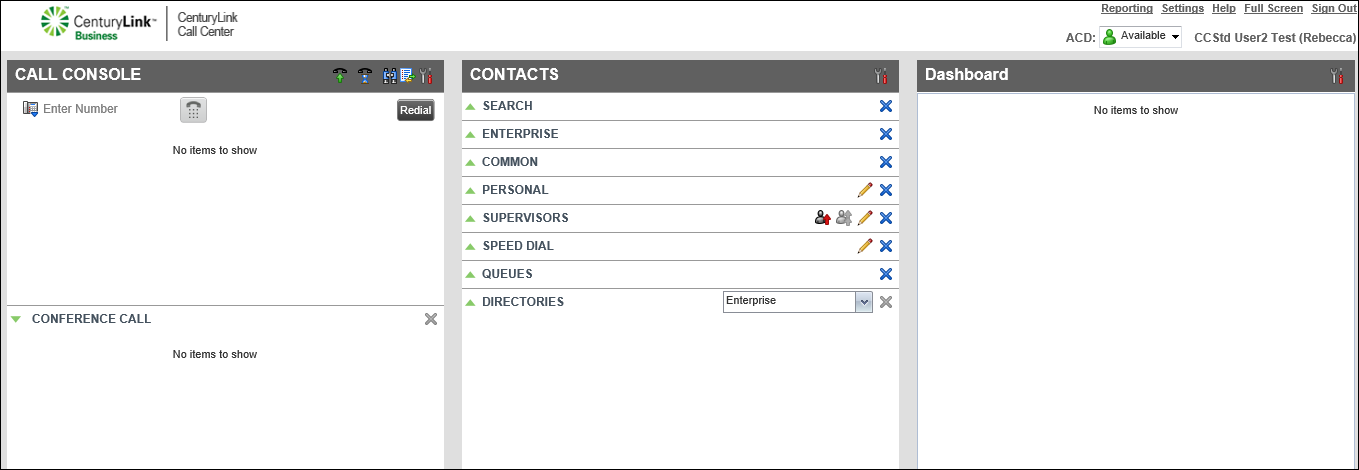
- In the Contacts pane next to SPEED DIAL, click the icon.
- When you find the contact, click their name, then click CALL.
The call details appear in the Call Console pane.
- When your desk phone rings, answer the call with your handset, speakerphone, or headset.
- To end the call, click END.



