

Calling a supervisor for an escalating problem
With the Contact Center Agent Client you can call a supervisor if a customer’s problem needs to be escalated for resolution. Although you can dial the supervisor from the Contact Center Agent Client, you’ll need to use your desk phone handset, speakerphone, or headset to talk.
To call a supervisor for an escalating problem:
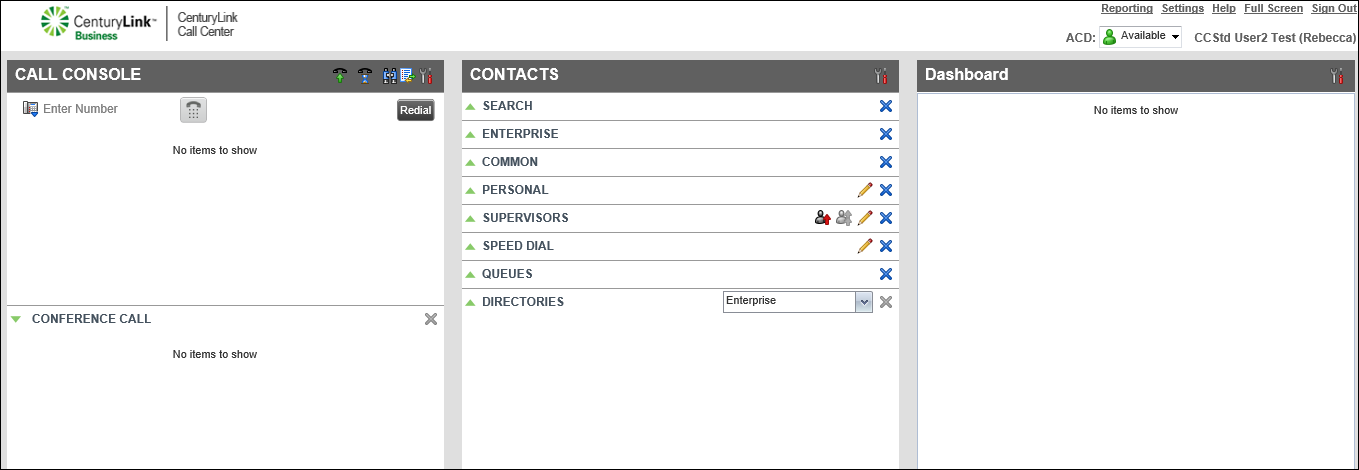
Note: If you’re on a call with the customer, the caller is placed on hold. The caller stays on hold until you resume the call.
- When your desk phone rings, pick up the phone.
Your phone makes the escalation call to the supervisor. (The customer will not be part of the call with the supervisor.)
- After talking to the supervisor, hang up your desk phone.
- To resume the call with the caller on hold, do one of the following:
- In the Call Console pane, click the ANS button.
- From your desk phone, use the Hold button or soft key.
- In the Call Console pane, click the ANS button.
The call resumes.



