

Choosing the agents you monitor
As a supervisor, you can use the Contact Center Supervisor Client to monitor the agents assigned to you to track their average speed to answer, average call handle times, agent status, and other call statistics.
To choose the agents you monitor:
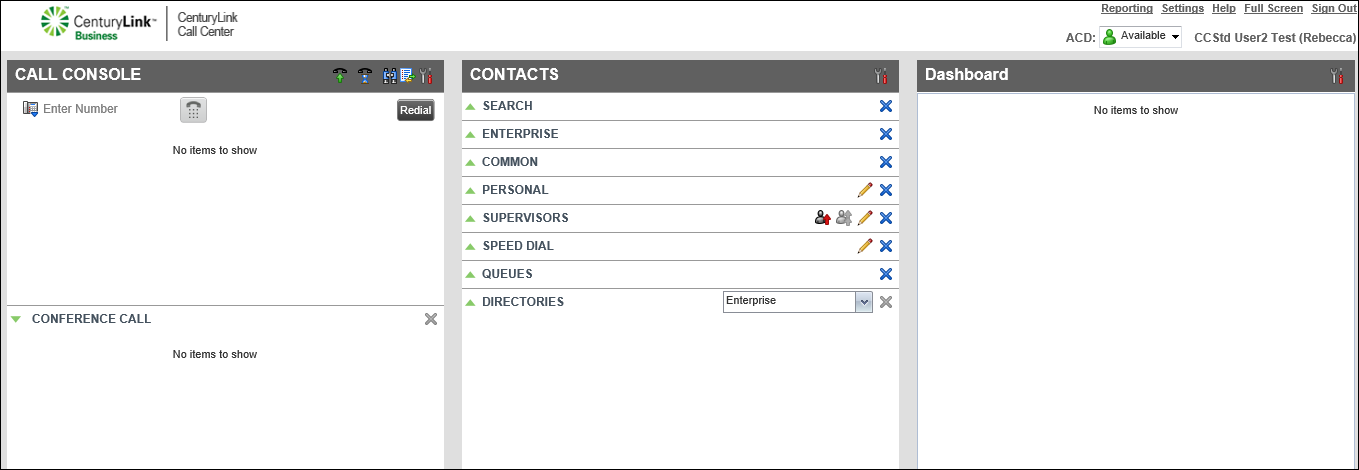
- Click the icon, then do any of the following:
- To monitor an agent, select the checkbox next to the agent's name.
- To stop monitoring an agent, clear the checkbox next to the agent's name.
- To monitor an agent, select the checkbox next to the agent's name.
- When you're done, click Save.
The Contact Center Client updates the agent directory with the agents you selected to monitor.



