

Joining a queue
You can join or unjoin a queue if your organization’s administrator gave you permissions to set this function in the Contact Center Client. If you try to select or deselect the queues to join or unjoin and the Client doesn’t allow you to select a queue, you don’t have permissions to choose your queue membership. You can also set your status within a queue to indicate whether you're available to take calls.
To join a queue:
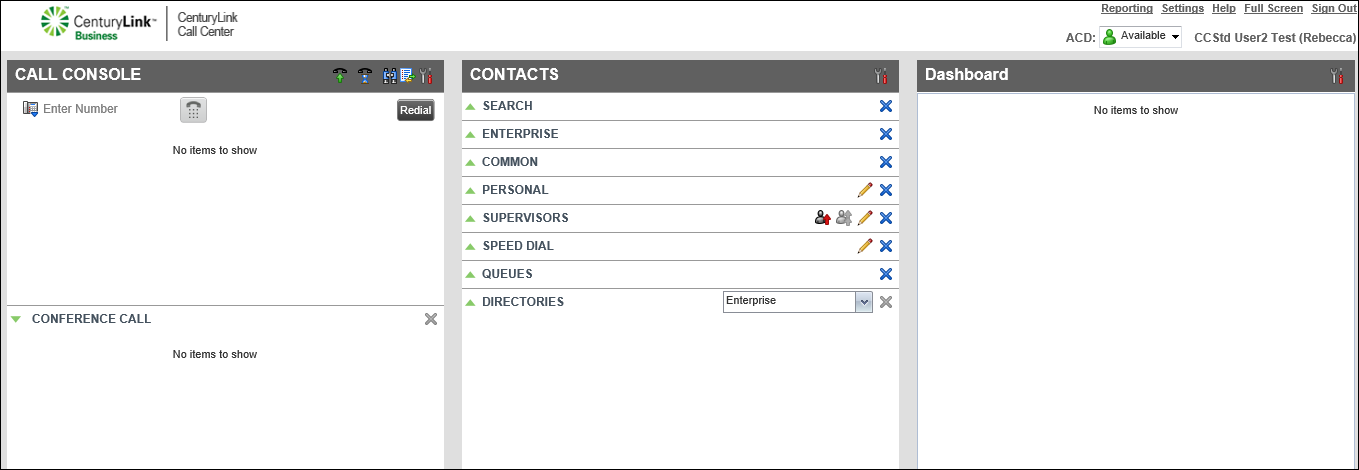
- Click Settings (in the upper-right corner).
- Click the Application tab.
- Select the checkbox next to each queue you want to join.
Note: To unjoin a queue, clear the checkbox next to the queue.



