

Making an emergency call to a supervisor
If you’re on a call with someone with an emergency, you can use the Contact Center Agent Client to quickly call a supervisor.
To make an emergency call to a supervisor:
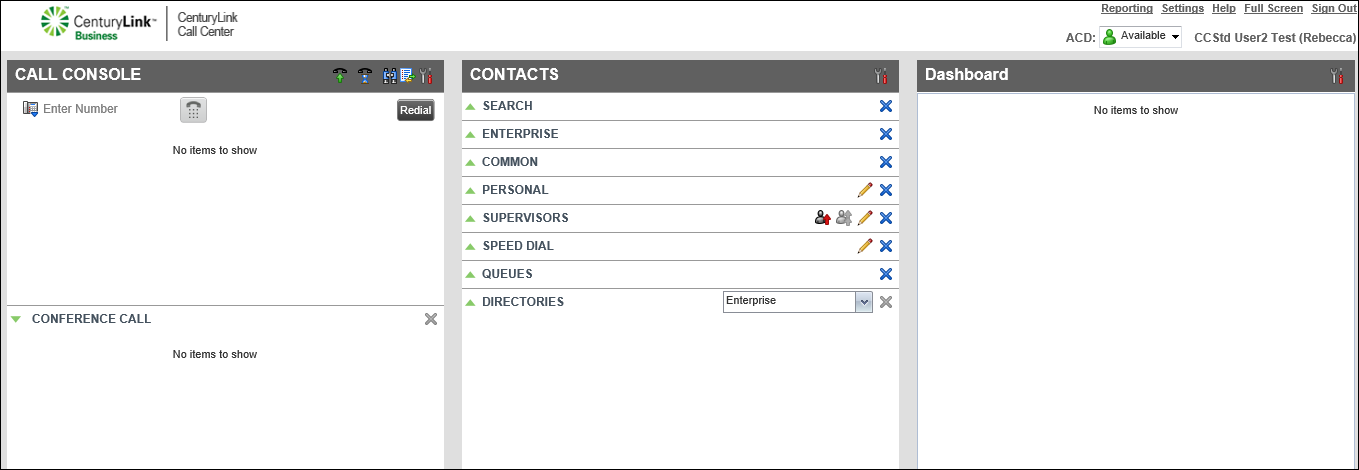
- In the Contacts pane, click the Emergency call to supervisor icon (next to Supervisors).
- When your desk phone rings to initiate the emergency call to your supervisor, pick up your handset, speakerphone, or headset.
When the supervisor answers, the caller with the emergency joins the call with you and the supervisor.



