

Viewing and using your queue directory
Use the Contacts pane in the Contact Center Client, you can view the queue(s) that are assigned to you.
To view and use your queues directory:
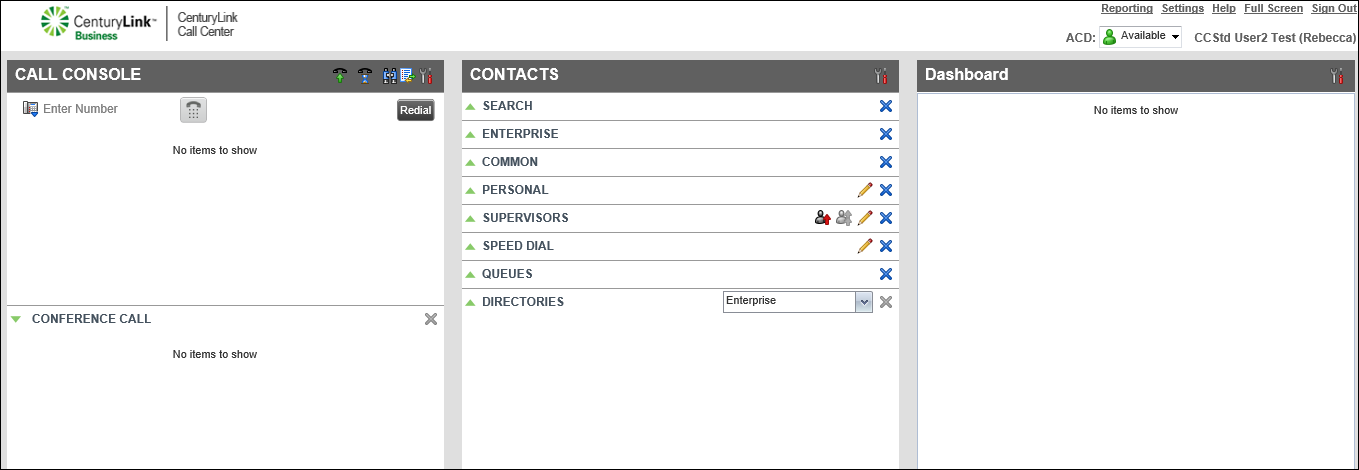
- In the Contacts pane next to QUEUES, click the icon.
- Do any of the following:
- To view a queue’s phone number, click the queue’s record.
- To call a queue, click CALL.
- To view a queue’s phone number, click the queue’s record.



