

Changing your Receptionist Console password
Your password for the VoIP portal and Receptionist Console doesn’t expire automatically. However, for security reasons, you should change your password periodically. Receptionist Console shares login credentials with the VoIP portal. When you change your password in Receptionist Console, remember to use this same password when accessing the VoIP portal.
To change your Receptionist Console password:
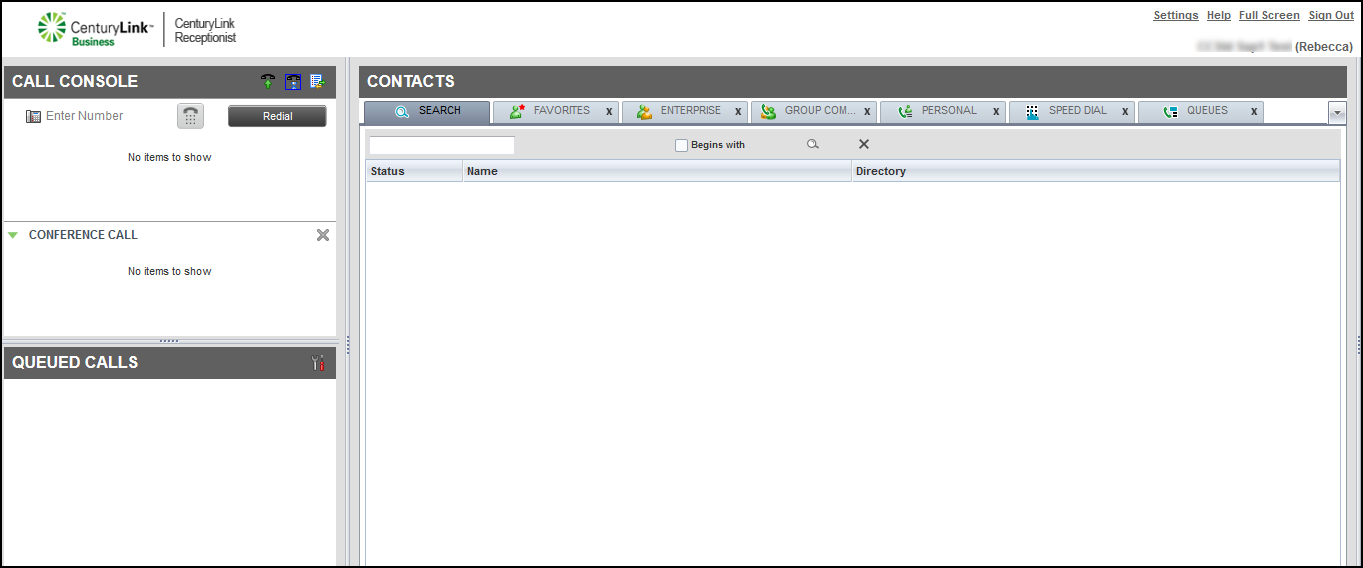
- Click Settings (in the upper-right corner).
- In the Account section (the first row), click the Change Password link.
- In the box that appears, type your old password, type your new password, then type your new password again.
Note: Follow these guideline for creating your password.
Passwords must have:
- 8 ‑ 40 characters
- one upper case letter
- one lower case letter
- one number
- one special character (e.g. #@!%$)
Passwords may not:
- be the same as a previous password
- contain a space
- be the same as your user ID
- be your VoIP phone number
- Click Change Password.
Receptionist Console changes your password.



