

Blind transferring a call in Receptionist Console
There are two ways to transfer a caller using Receptionist Console: blind and consultative. If you want to transfer a caller without making an announcement, use the blind transfer way. You can transfer calls that are active, on hold, or ringing on your phone. You can manually dial the number of the person you want to transfer the call to or click on a contact in your directory.
Blind transferring a call by manually dialing the phone number
To blind transfer a call by manually dialing the phone number:
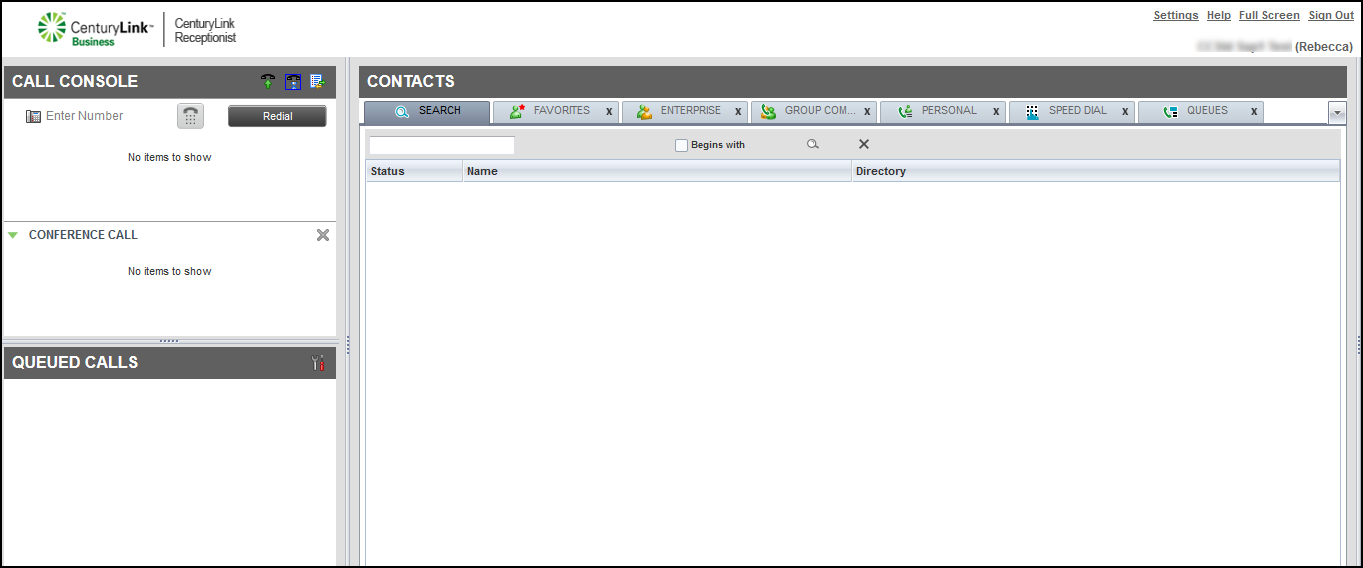
- In the Call Console pane, select a call to transfer.
- In the Enter Number field, type (or copy and paste) the phone number to transfer the call to, then click Transfer.
Blind transferring a call using a directory
To blind transfer a call using a directory:
- In the Call Console pane, select a call to transfer.
- In the Contacts pane, use a directory to locate a contact, then click on the record for the contact.
- In the active call area of the Call Console pane use your cursor to drag the active call record to the contact in the directory. When the green arrow icon is positioned on top of the contact you want to transfer the call to, release your cursor.
Note: You can also do the following:
- If you want to transfer the call to the contact’s alternate number, click the TXR down arrow, then select the number to transfer the call to.
- You can also blind transfer a call by clicking on a contact in a directory, then clicking TXR.



