

Viewing and using your call history
Your Receptionist Console call history logs show placed, received, and missed calls. You can call a contact from a call history log and delete a record or an entire list.
To view and use your call history:
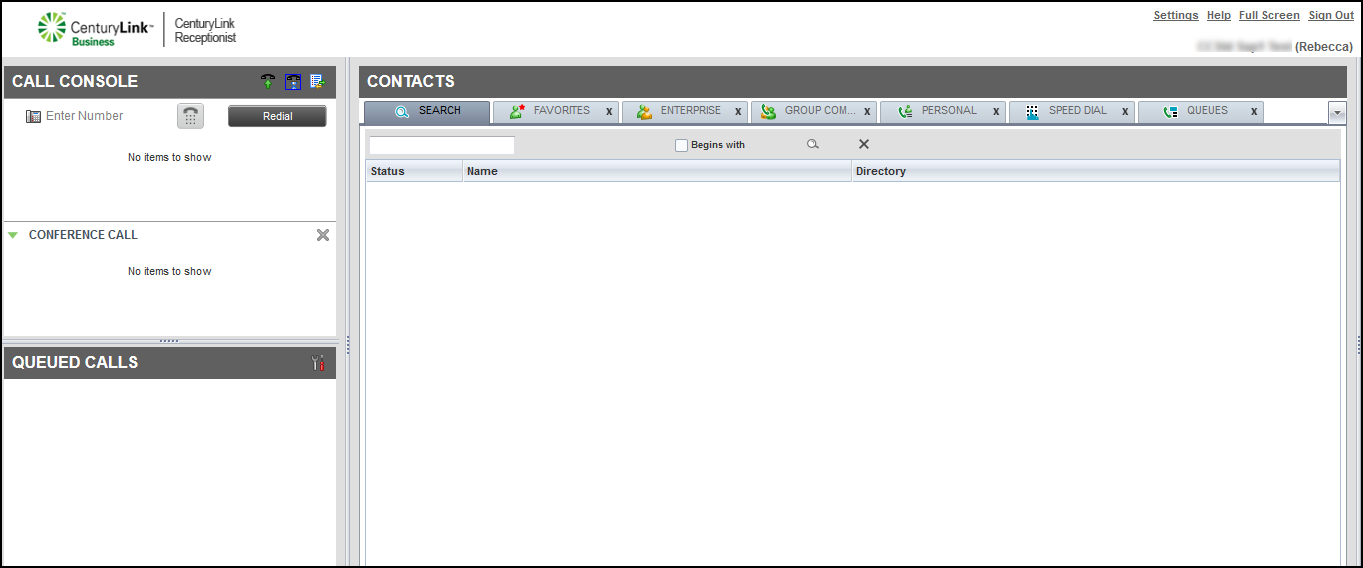
- On the Call Console header bar, click the Call History icon.
By default, Receptionist Console shows your missed calls log. To view a different call log, from the Show list at the top of the call history window, select the log you’d like to view.
- You can also do any of the following:
- To call a contact, click on the call record, then click CALL.
- To delete a record, click the x next to the name.
- To delete all the call records for a specific call log, click Delete All in the bottom left of the window.
- To close the Call History window, click OK in the lower‑right corner of the window.
- To call a contact, click on the call record, then click CALL.



