

Using your enterprise directory in Receptionist Console
Your Receptionist Console enterprise directory contains all of the users from your organization. If you’ve selected users to monitor in the VoIP portal, their status will show next to their names in the enterprise directory.
To use your enterprise directory:
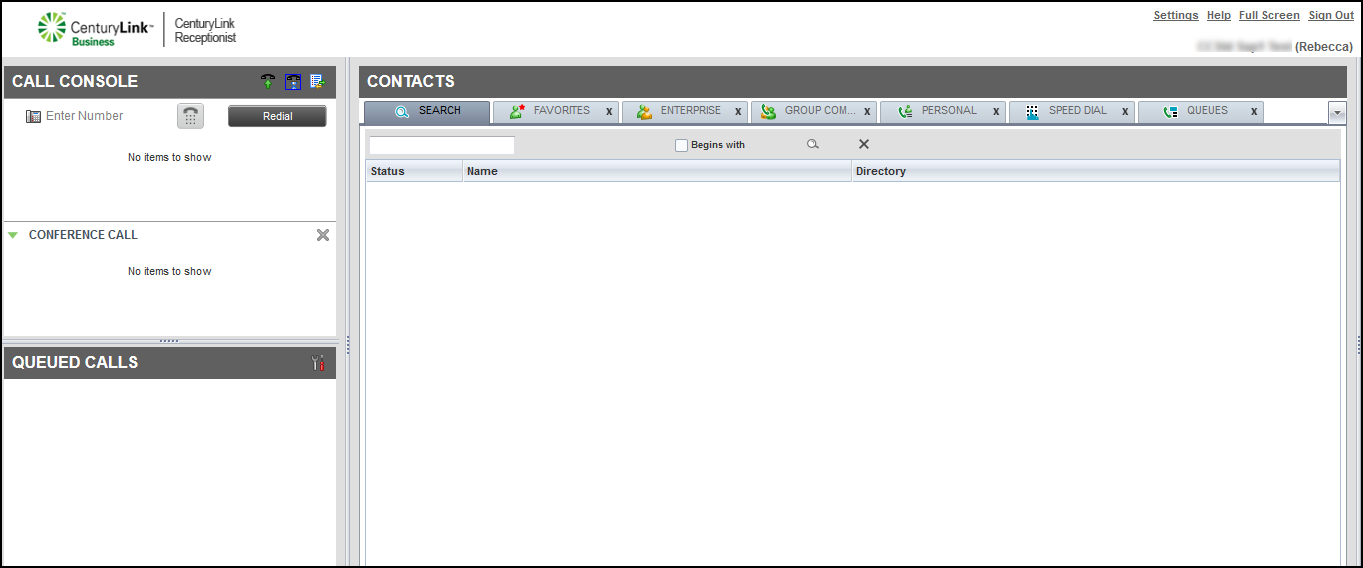
- In the Contacts pane, click the ENTERPRISE tab.
- To call the contact using the directory, click on the contact’s record, then click CALL.
- If you’ve selected to monitor the contact in the VoIP portal, identify the contact’s phone status by the icon next to the individual’s name:
Receptionist Console lists your favorites with a status for each: Idle (), Busy (), Ringing (), Unknown (), Do Not Disturb (), or Call Forward Always ().
- To add a note about a user, such as the person is on vacation or out of the office, click Notes.
- In the window that appears, type the note, then click OK.
Receptionist Console saves the note for the contact.



