

Viewing the status of your current calls
Use the Call Console pane in Receptionist Console to view the status of your current calls: calls on hold, incoming calls, and active calls.
To view the status of your current calls:
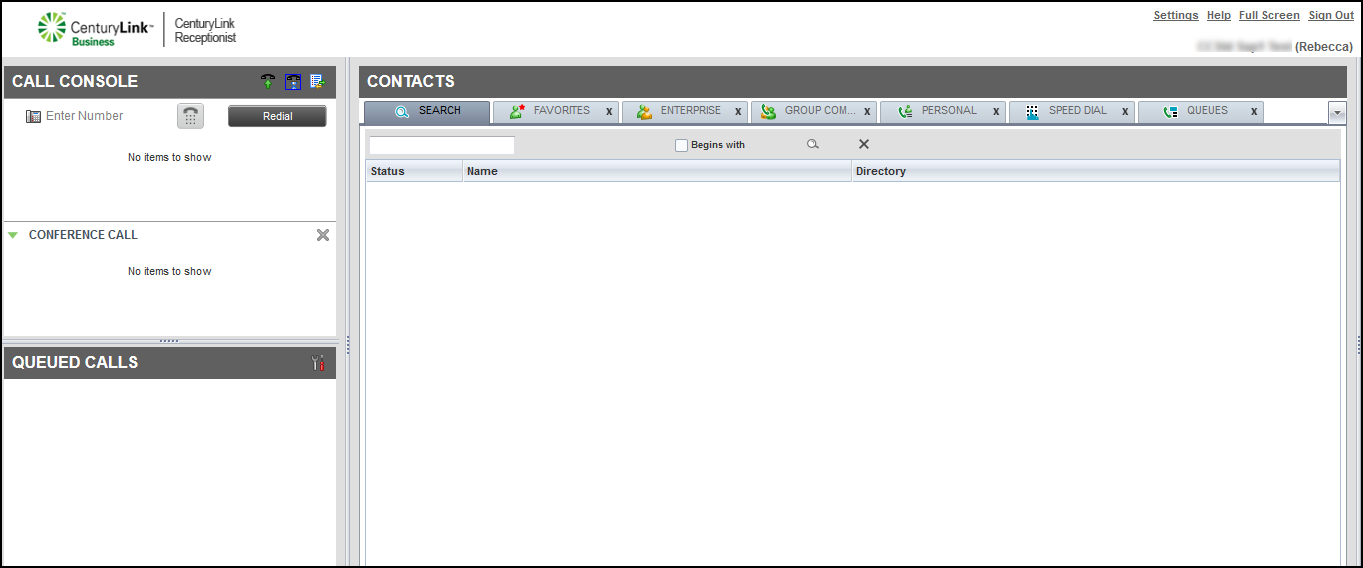
- In the Call Console pane, use the icons to see the status of your current calls.
- You can also do any of the following:
- To answer an incoming call while on a current call, click ANS.
The first call is automatically placed on hold.
- To resume a call on hold, click ANS next to the call details.
- To end a call, click END next to the call details.
- To transfer a call, click TXR next to the call details.
- To answer an incoming call while on a current call, click ANS.



