

Turning Call Forwarding Always on and off
Use the Call Forwarding Always feature in Receptionist Console to forward incoming calls ringing to your direct line to a number you specify. It won't change your ACD status and you'll continue to get calls that come from the queue (if you're available). By default, the feature is turned on.
Turning Call Forwarding Always on
To forward incoming calls to a number different from your direct line, you'll need to turn Call Forwarding Always on.
To turn Call Forwarding Always on:
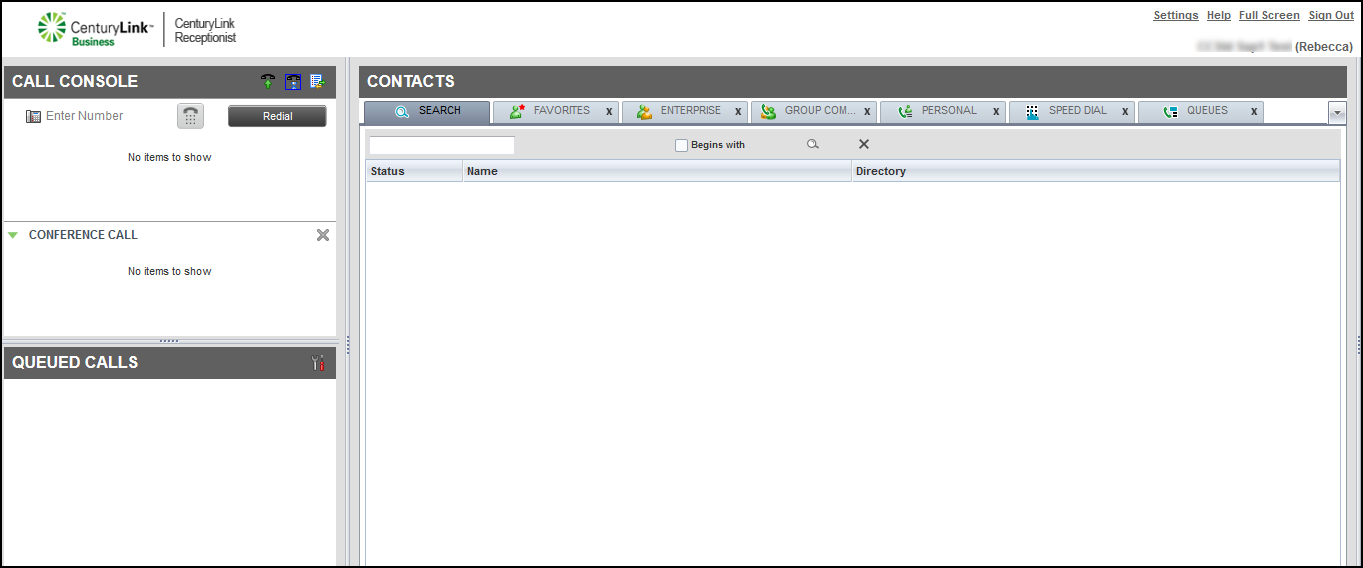
- Click Settings (in the upper-right corner).
- Click the Services tab.
Receptionist Console shows your active and inactive services.
- In the Inactive section, click Call Forwarding Always.
- In the Service Settings section, select the Active checkbox.
- If you want a reminder that call forwarding is on, select the Ring Splash checkbox.
- In the Forward To field, type the phone number you want to forward calls to.
- Click Save.
Turning Call Forwarding Always off
To resume calls ringing to your direct line, you'll need to turn Call Forwarding Always off.
To turn Call Forwarding Always off:
- Click Settings (in the upper-right corner).
- Click the Services tab.
Receptionist Console shows your active and inactive services.
- In the Active section, click Call Forwarding Always.
- In the Service Settings section, clear the Active checkbox.
- Clear the Ring Splash checkbox.
- Click Save.



