

Requesting a customer service record for a phone number
Using Lumen Connect, you can request customer service records for phone numbers currently on SPID 8824. You can retrieve data for up to 5,000 phone numbers at a time. You can also create an LNP status report for porting orders created by your organization.
To request a customer service record for a phone number:
- Using the left menu, click Services, click Service Tools, then click ELS & LI Management.
- If you have more than one customer number on your enterprise ID, select the customer number you want to work with, then click PROCEED.
- Click the Reports tab.
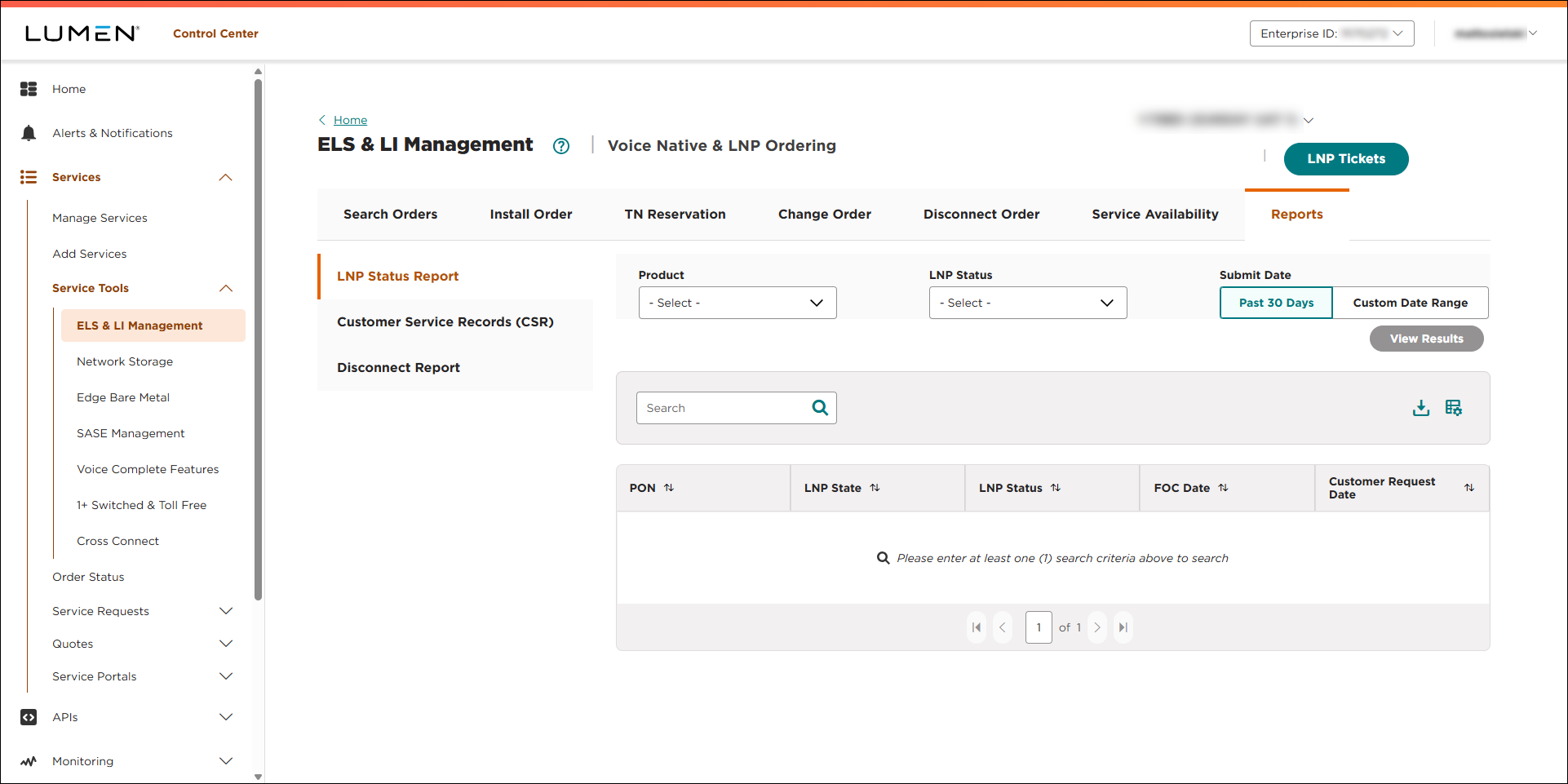
- Click Customer Service Records (CSR).
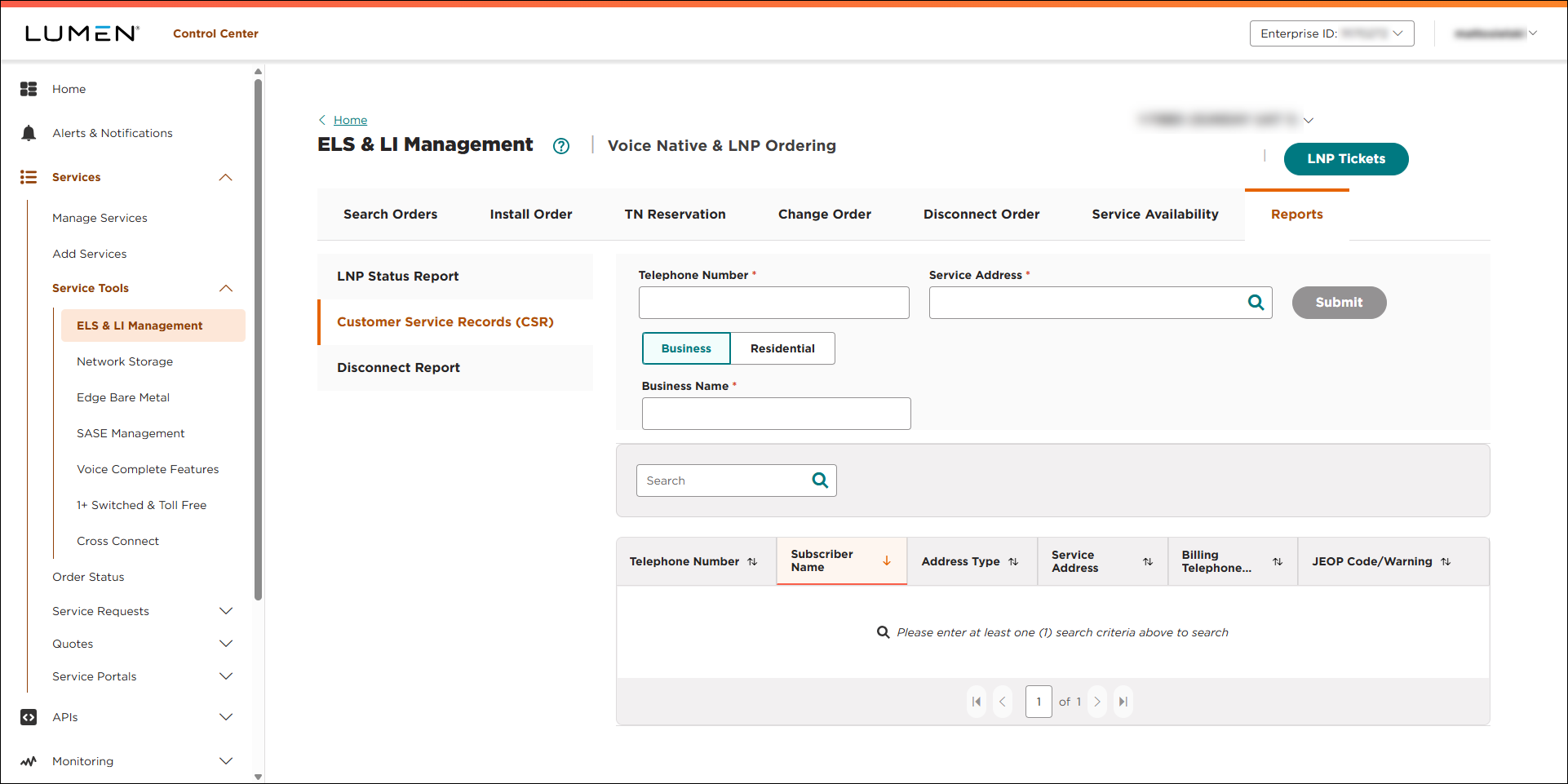
- Fill in the information for the customer service record you want to request:
- In the Telephone Number field, type the phone number. (You can also paste in a list of up to 5,000 phone numbers—separated by a comma.)
- In the Service Address field, type the service address for the phone number. (Lumen Connect filters the list of addresses as you type.)
- Do one of the following:
- If this is a business phone number, select Business, then type the name of the business.
- If this is a residential phone number, select Residential, then type the first and last name of the customer.
- If this is a business phone number, select Business, then type the name of the business.
- In the Telephone Number field, type the phone number. (You can also paste in a list of up to 5,000 phone numbers—separated by a comma.)
- When you're done, click SUBMIT.
Lumen Connect shows the customer service record for the phone number(s) you entered. To download the data, click the icon.



