

Changing your time zone preference
You can set Lumen Connect to show times in Greenwich Mean Time (GMT) or using your browser's local time zone.
To change your time zone preference:
- In the upper-right corner, click your username, then click My Profile.
Lumen Connect shows your profile.
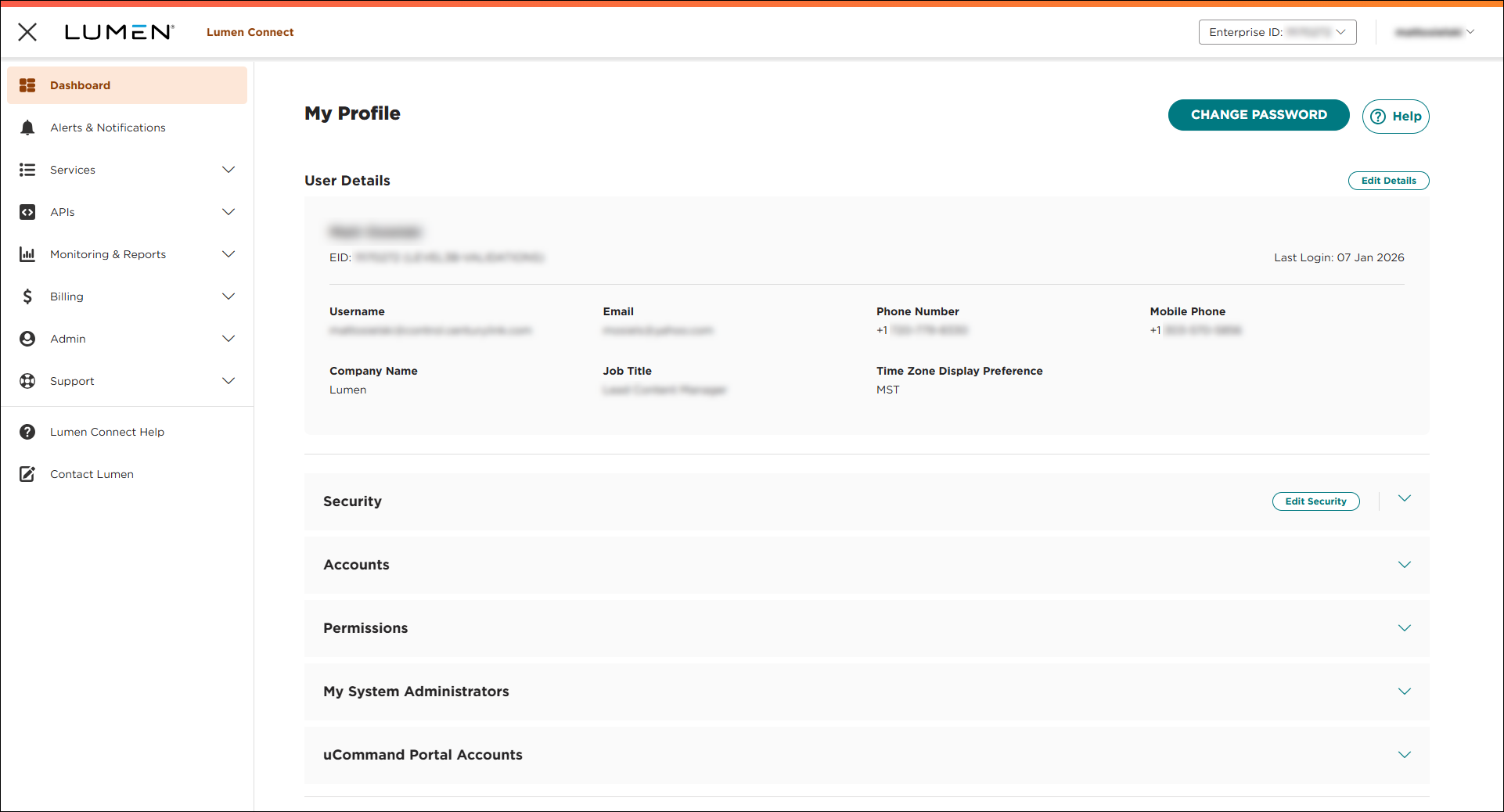
- Click EDIT PROFILE, then click Edit User Details.
- To set your time zone, do one of the following:
- To use your time zone, click User Time Zone.
- To use GMT, click GMT Time Zone.
- To use your time zone, click User Time Zone.
- Click Save & Return to Profile.
Note: We've recently increased our security. Depending on when you last updated your profile, you may also need to update your security questions.



