Updating your Lumen Connect profile
You can make changes to your Lumen Connect profile yourself: change your name, password, email address, phone number(s), time zone preference, and mailing address.
It's important to keep your contact information up to date. At a minimum, keep your email address current—this is how we alert you of portal enhancements or when orders are complete, systems are down, or when tickets are updated. (To receive text alerts, you'll also need to add your mobile phone number.)
However, if you need to change your enterprise ID, enterprise name, or username, you won't be able to do that yourself, you'll need to contact your system administrator.
To update your Lumen Connect profile:
- In the upper-right corner, click your username, then click My Profile.
Lumen Connect shows your profile.
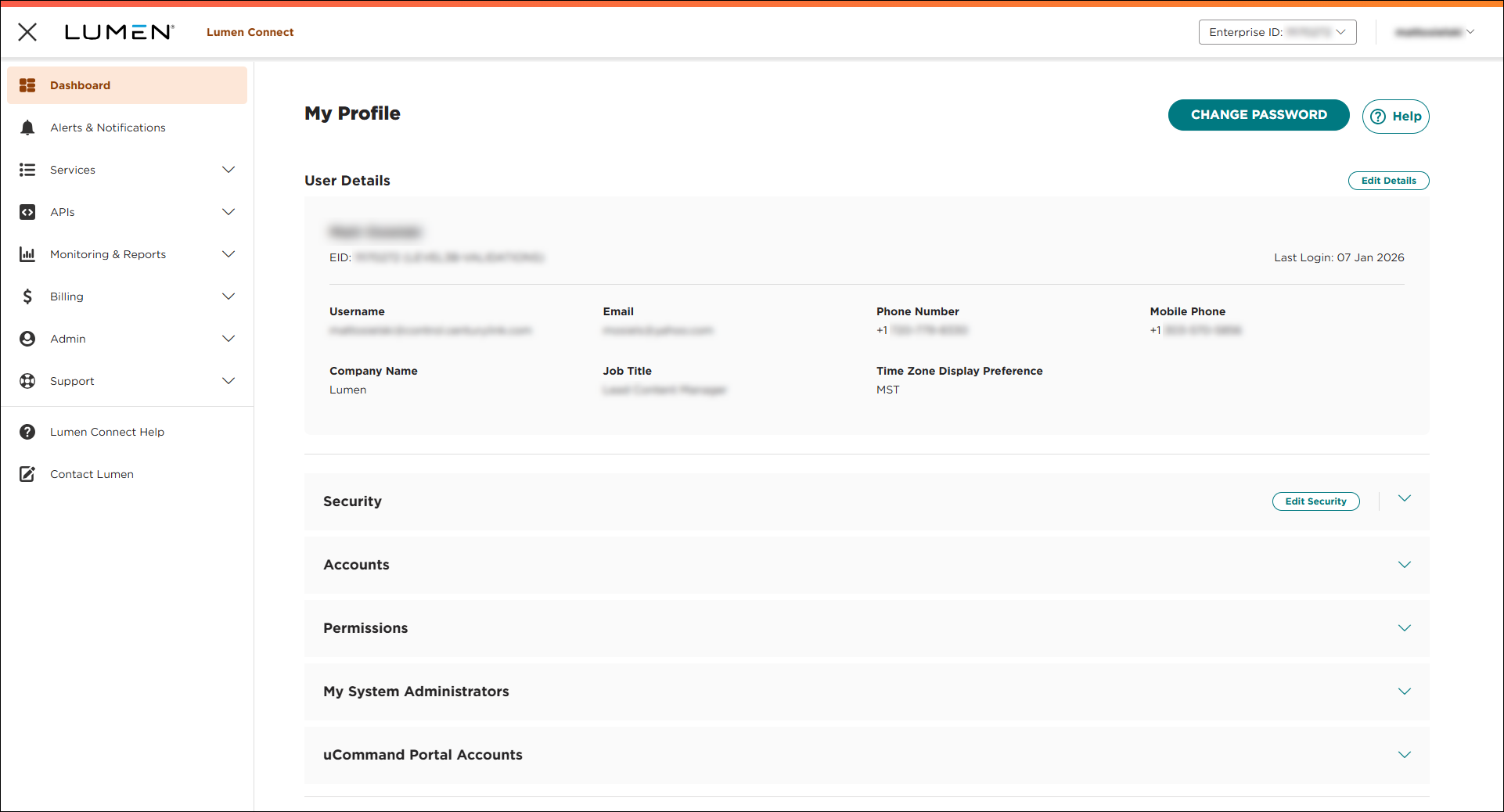
- Click EDIT PROFILE, then click Edit User Details.
- Make changes to your profile, then click SAVE.
Lumen Connect saves your changes.



