

Viewing the status of a cross connect request
Using Lumen Connect, you can view the status of cross connect requests you've submitted to Lumen. Along with the status, you can also view details for each request and add notes to the request to communicate with Lumen.
To view the status of a cross connect request:
- Using the left menu, click Services, click Service Tools, then click Cross Connect.
Lumen Connect shows cross connect requests for your organization with a status for each request.
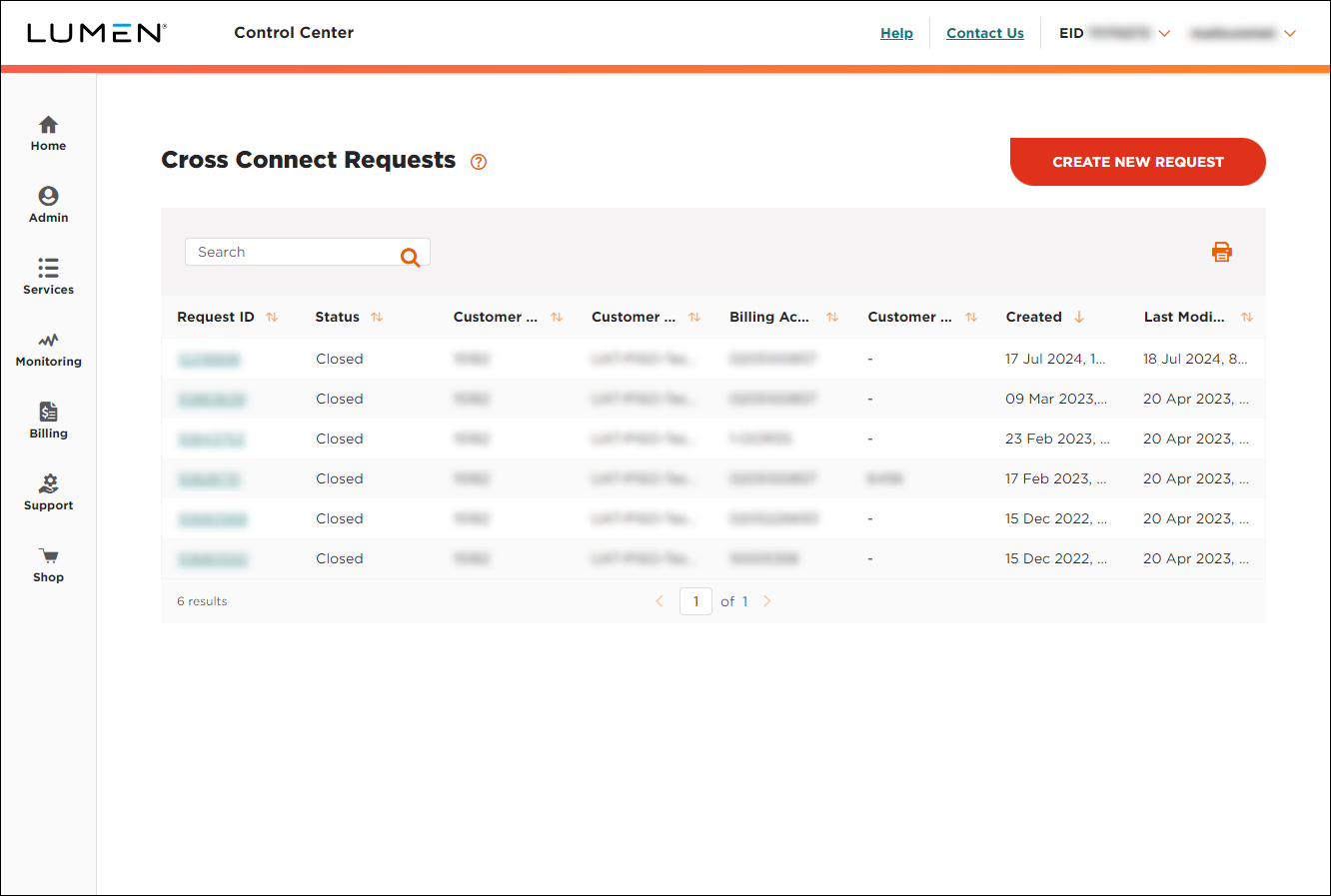
- To view details for a request, click the link in the Request ID column.



