

Creating a request for access to a data center
If you purchased a colocation service from Lumen, you can submit a ticket in Lumen Connect to request and manage data center badge access:
- request a new badge
- request temporary access (up to five business days in advance)
- deactivate a badge
- add additional access to a badge
- extend a badge (North America only)
After you submit an access request, you can track its status in Lumen Connect.
Note: If you need us to dispatch a Lumen technician to a data center, you can submit a billable field tech ticket in Lumen Connect.
To create a request for access to a data center:
- Using the left menu, click Support, then click Colocation Requests.
Lumen Connect shows open and recently closed colocation and field-tech requests for your organization.
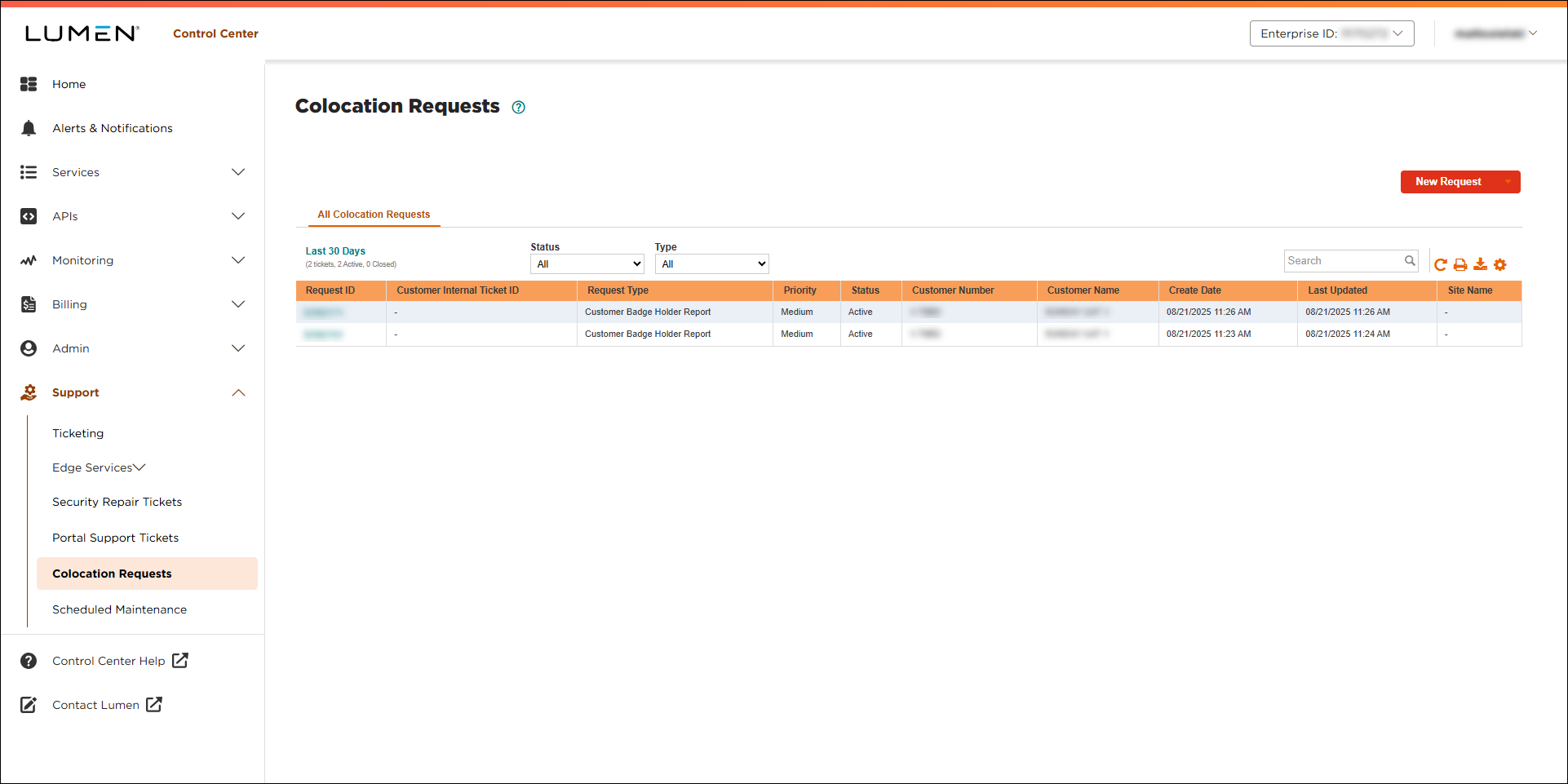
- Click New Request, then click Access Request.
- Select the region where you want the access and the type of access you need from the lists.
- Complete the form with as much information as possible; Lumen Connect asks you for different information depending on the type of access request you select.
- When you’re done, click Submit.
Lumen Connect submits your request and gives you a request ID; you can now track the status of your request.
- Click OK to close the confirmation window.



