

Viewing a list of Media portal users
In Media portal, you can view a list of users in your organization, including a status for the user, their assigned roles, the date the user was created, and the date the user last signed in. From the list, you can view details for a user and then take actions such as updating their profile information, resetting their password, reactivating them, deleting them, or changing their permissions.
To view a list of Media portal users:
- Sign in to Media portal. (Get help resetting your password)
- From the main menu, select Portal Admin > User Profiles.
Media portal lists the users for your organization.
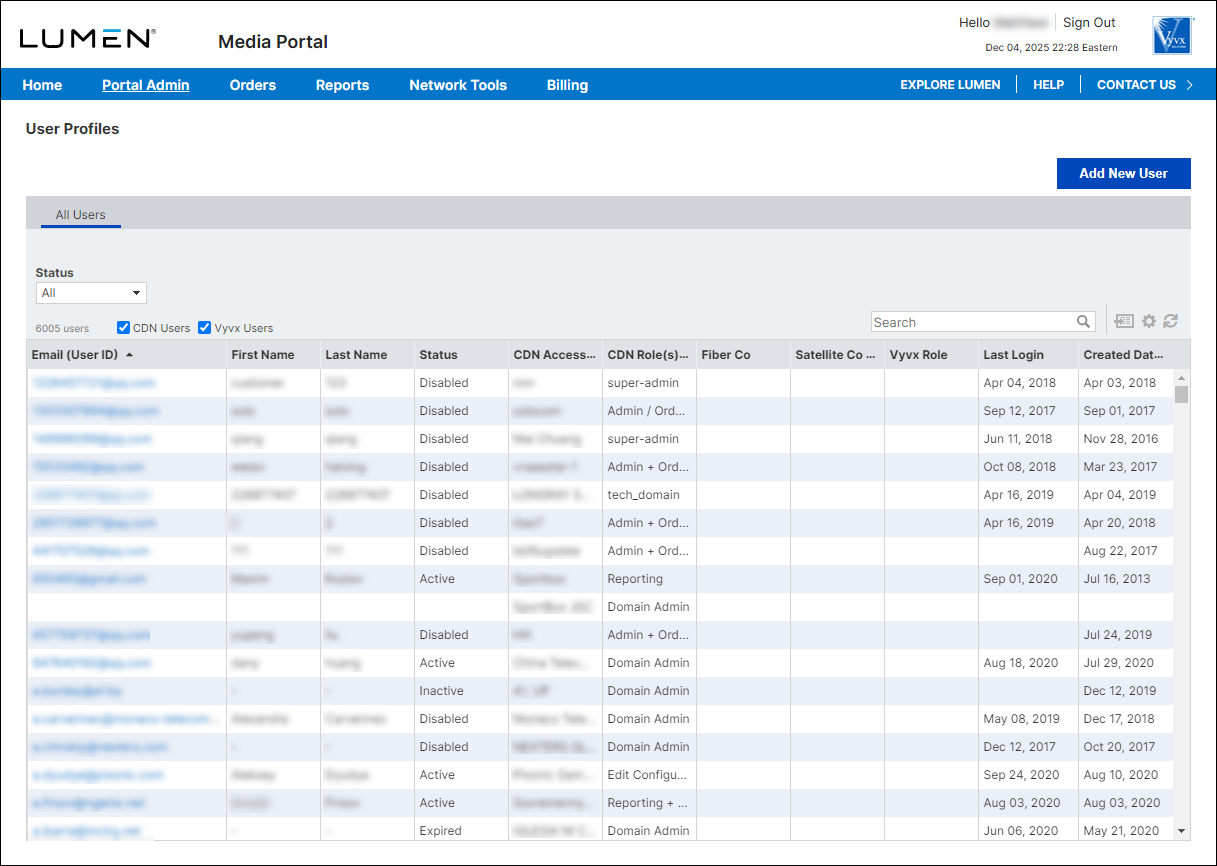
- To view details for a user, click the link in the Email (User ID) column.
Media portal shows details for the user you selected.



