

Creating an order for a toll-free termination
Using Lumen Connect, you can place an order for a toll‑free termination for routing multiple toll‑free numbers to a single point on a Lumen® 1+ Switched and Toll Free service. You can create a termination for a ring‑to number or a switch/trunk group combination. (You can create only one termination per switch/trunk group combination.) If you want to order multiple terminations, you can also create a bulk order using a spreadsheet.
To create an order for a toll-free termination:
- Using the left menu, click Services, click Service Tools, then click 1+ Switched & Toll Free.
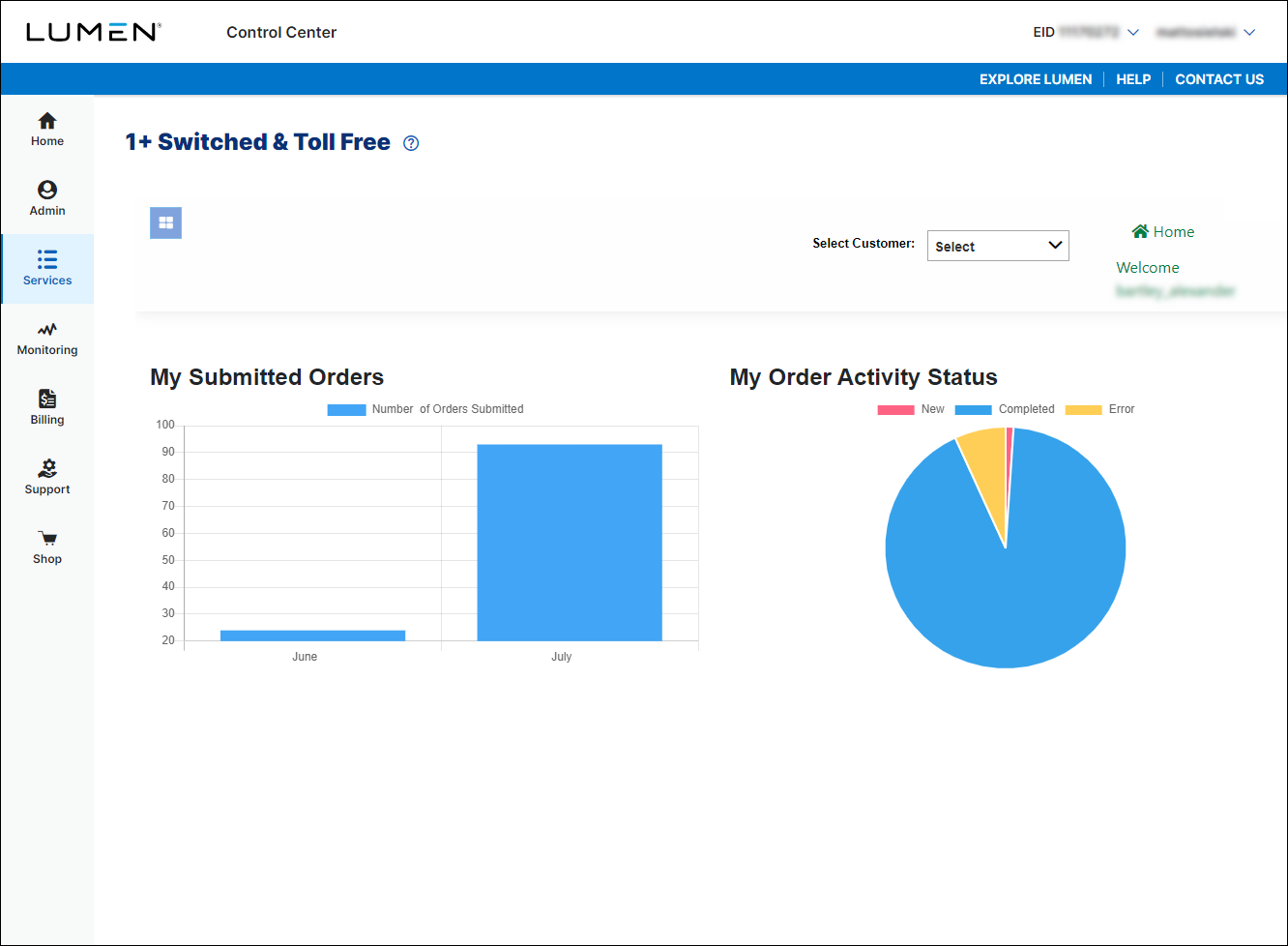
- If you have more than one customer number, use the Select Customer list to select the customer ID you want to work with.
- Click the menu icon (), click Toll Free, then click Create Term.
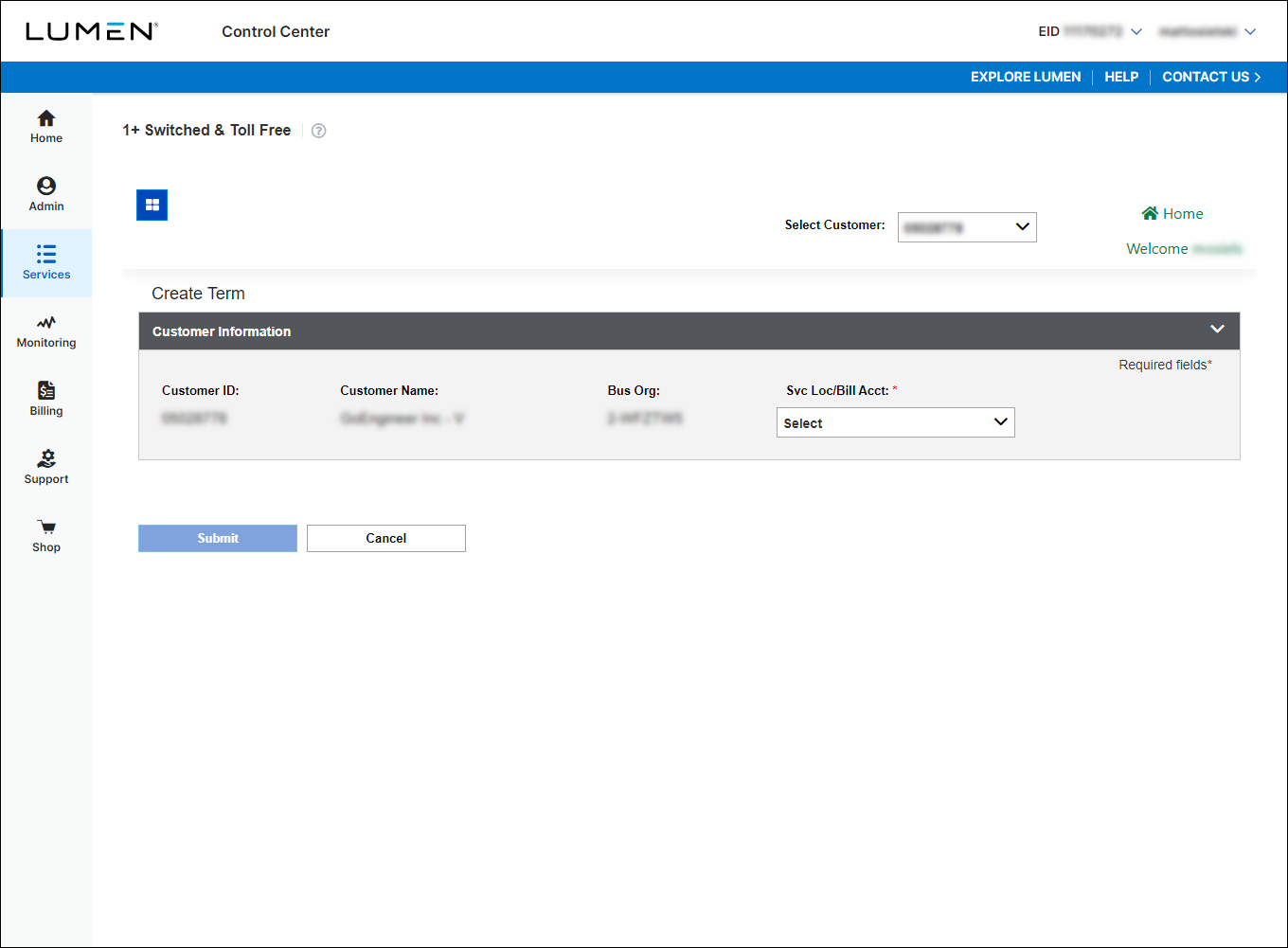
- In the Svc Loc/Bill Acct field, select the billing account number you want to place the order under. (If you only have one billing account number, Lumen Connect automatically selects that billing account number for you.)
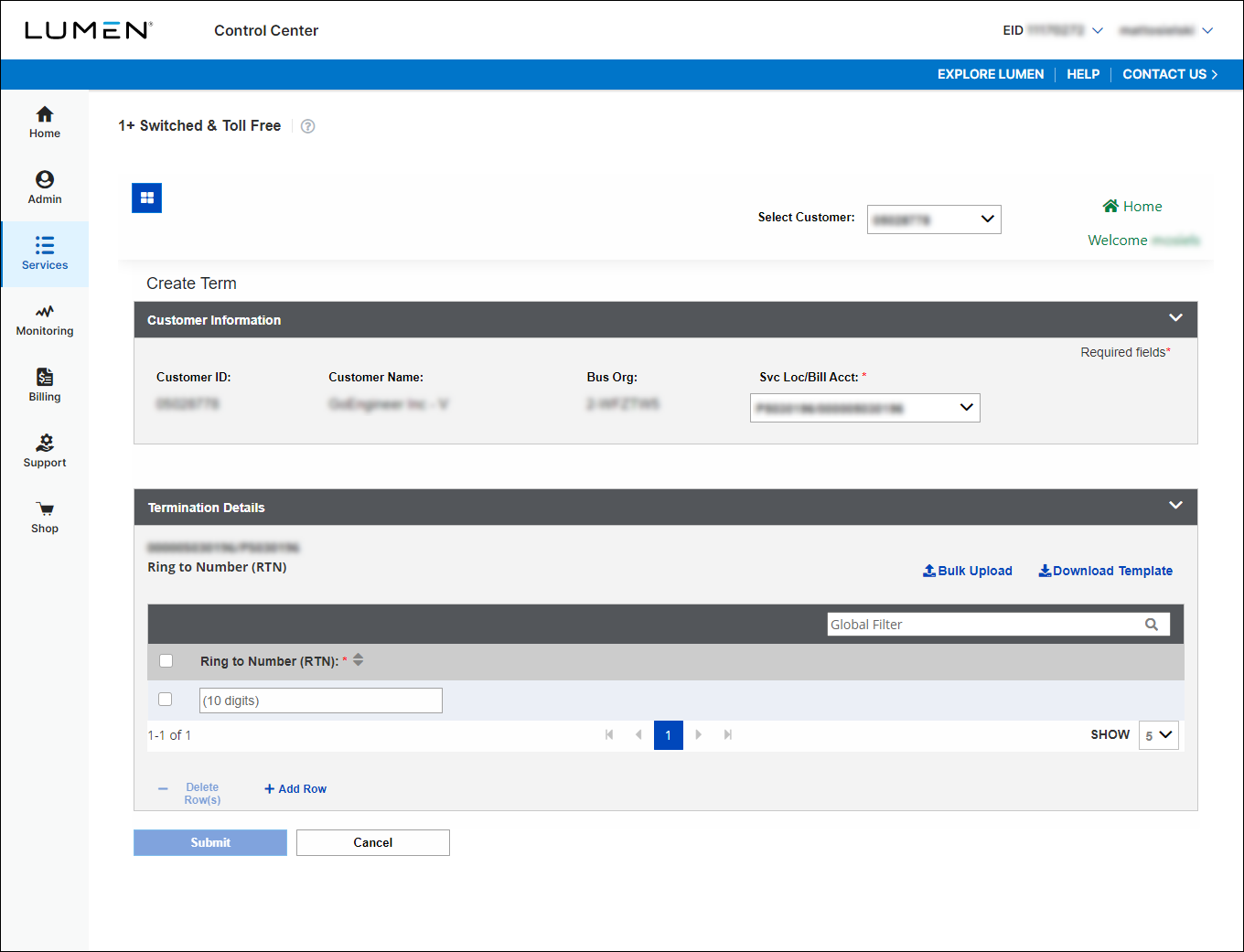
- Do one of the following:
- To use a ring to number for the termination, type the number in the Ring to Number (RTN) column.
- To use a trunk group for the termination, use the lists in the Switch ID and Trunk Group columns to select the trunk group.
- To use a ring to number for the termination, type the number in the Ring to Number (RTN) column.
- In the DNIS Type column, select whether you want to send the toll-free number or a specific DNIS. If you select DNIS, type the number in the field that appears.
- To create additional terminations, click + Add Row, then repeat step 7.
- When you're done, click Submit.
Lumen Connect submits the order for the termination. You can now track the status of your order online.



