

Searching for an announcement
Using Lumen Connect, you can search for announcements created for your organization for a Lumen® 1+ Switched and Toll Free service. You can play the announcement so you know which one you want to use when creating a toll‑free route plan. If you no longer need an announcement, you can delete it from Lumen Connect. You can also update an announcement to update the description or to upload a new recording.
To search for an announcement:
- Using the left menu, click Services, click Service Tools, then click 1+ Switched & Toll Free.
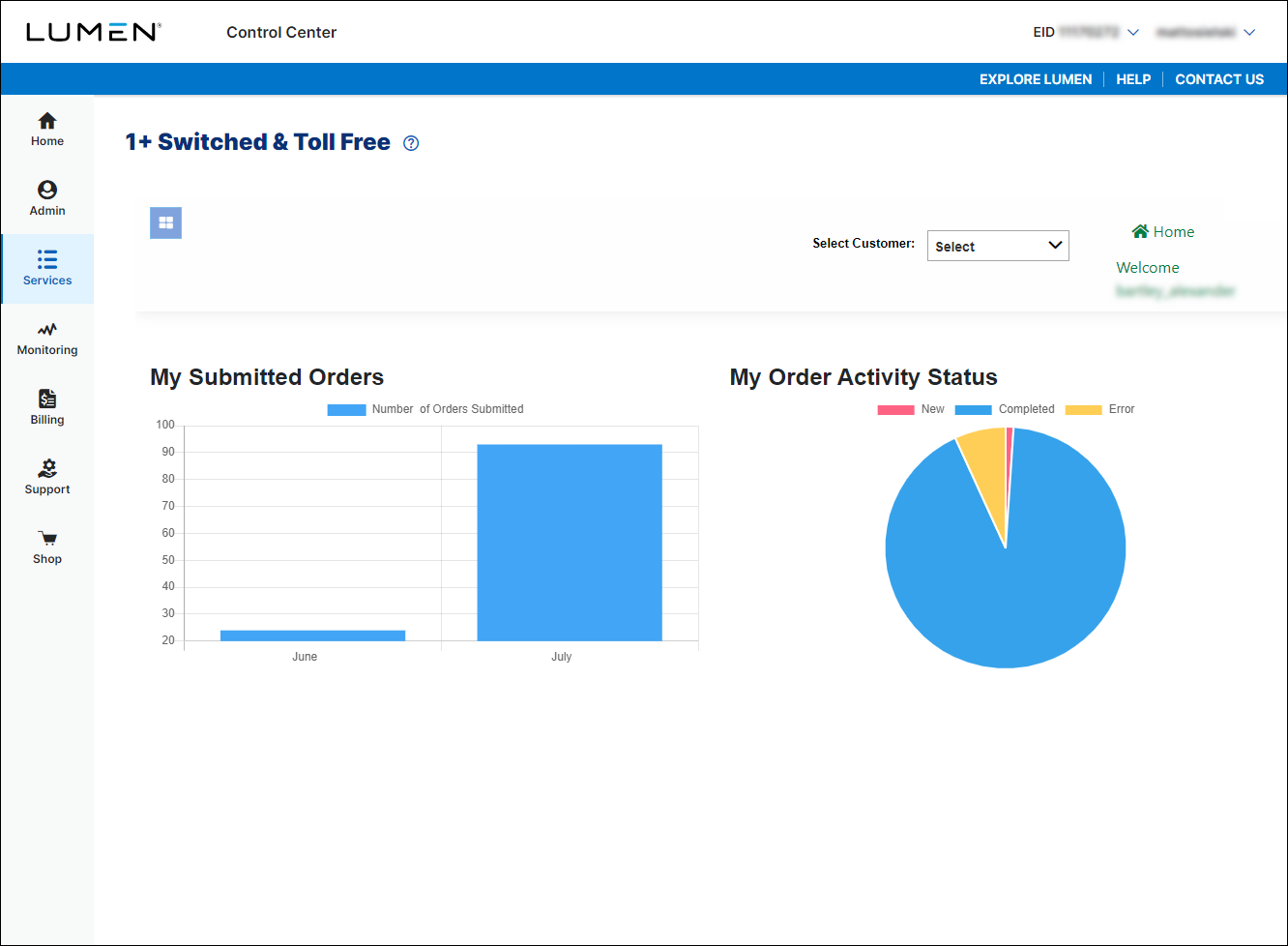
- If you have more than one customer number, use the Select Customer list to select the customer ID you want to work with.
- Click the menu icon (), click Announcements, then click Search.
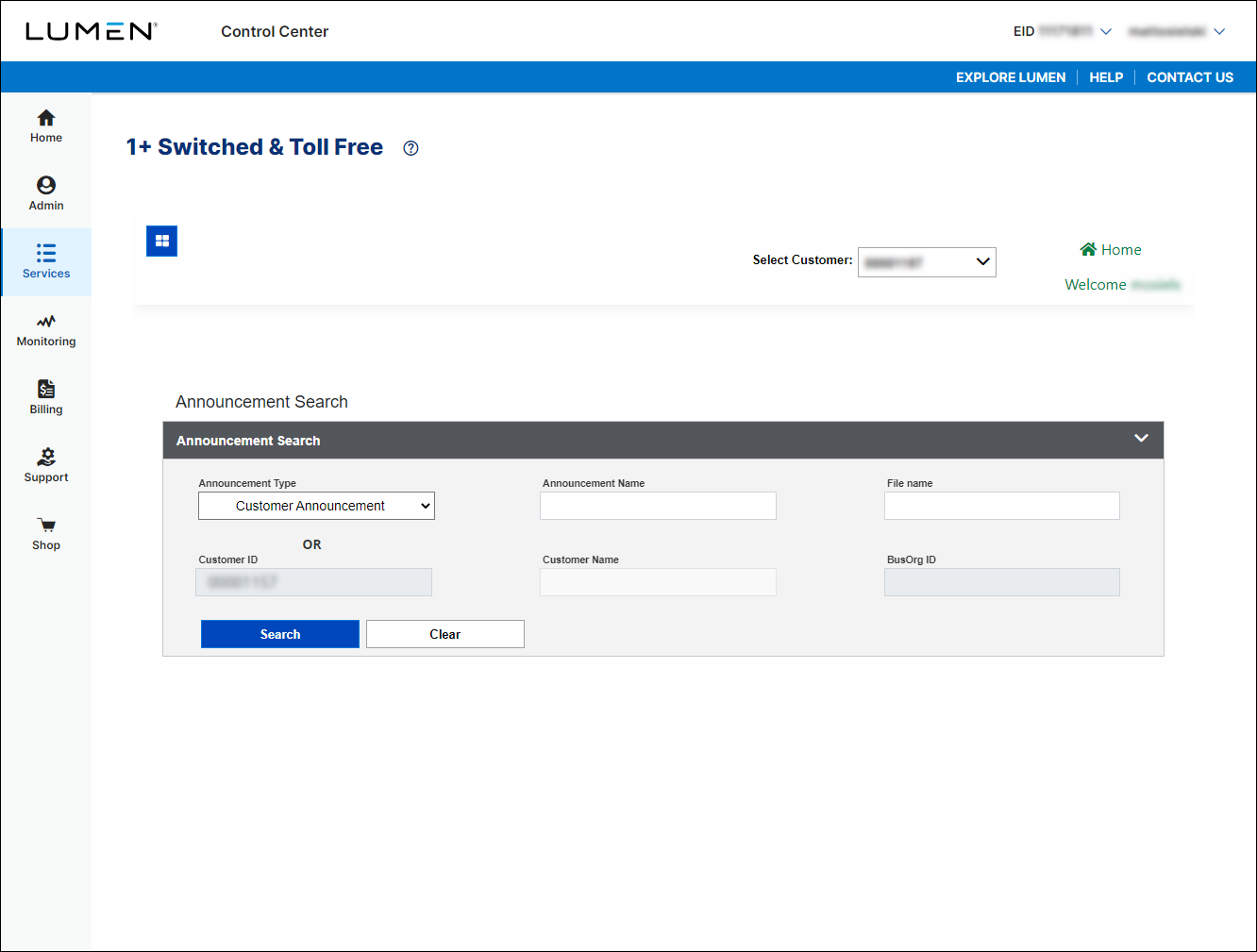
- Do either of the following:
- To view all announcements, click Search.
- To view announcements matching search criteria, use the fields in the Announcement Search box to specify the announcement(s) you're looking for, then click Search.
- To view all announcements, click Search.



