

Viewing the status of a 1+ Switched ANI order
Using Lumen Connect, you can view the status of orders placed for ANIs (individual or bulk) for a Lumen® 1+ Switched and Toll Free service.
To view the status of a 1+ Switched ANI order:
- Using the left menu, click Services, click Service Tools, then click 1+ Switched & Toll Free.
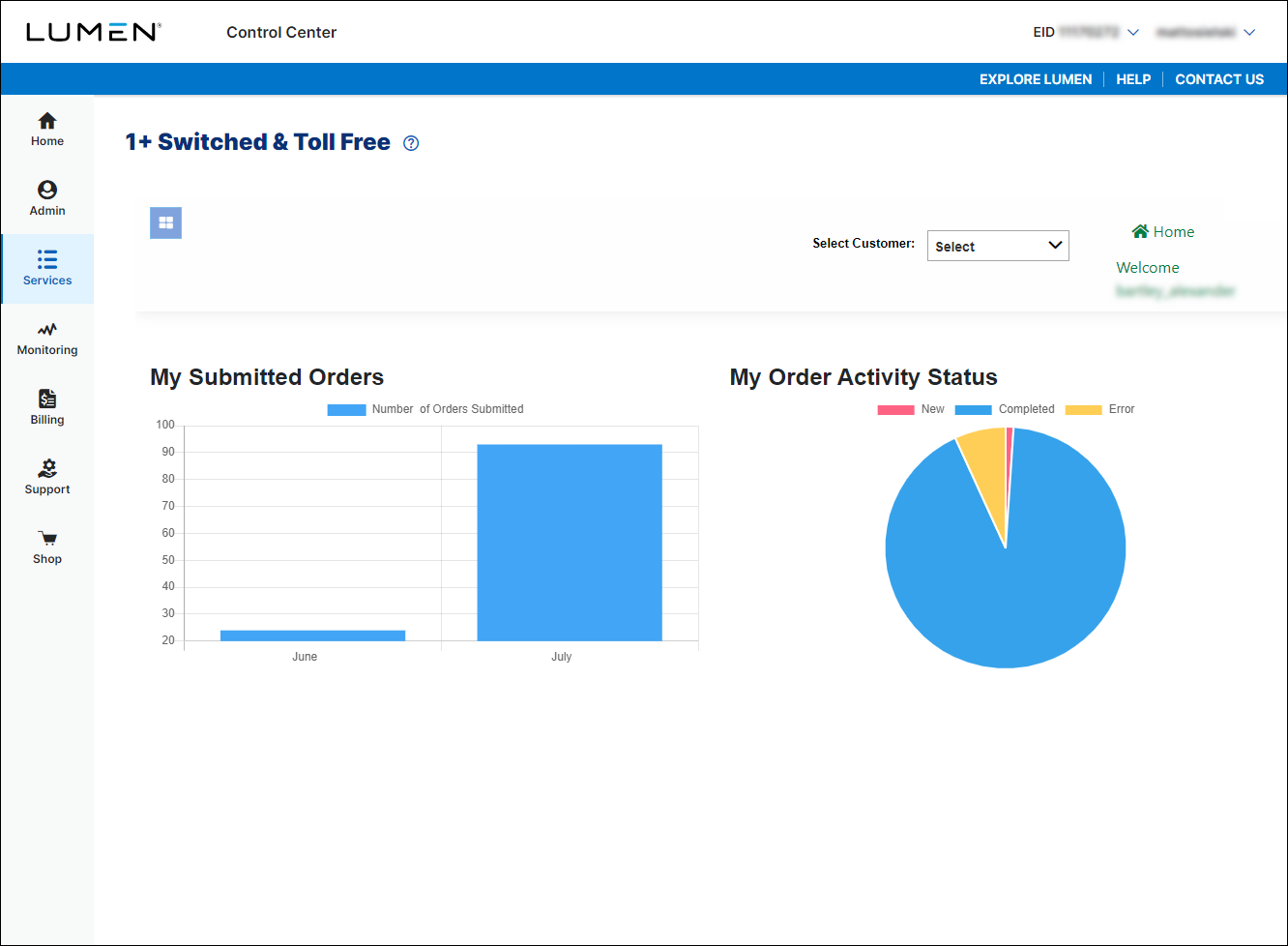
- If you have more than one customer number, use the Select Customer list to select the customer ID you want to work with.
- Click the menu icon (), click 1+, then click Search.
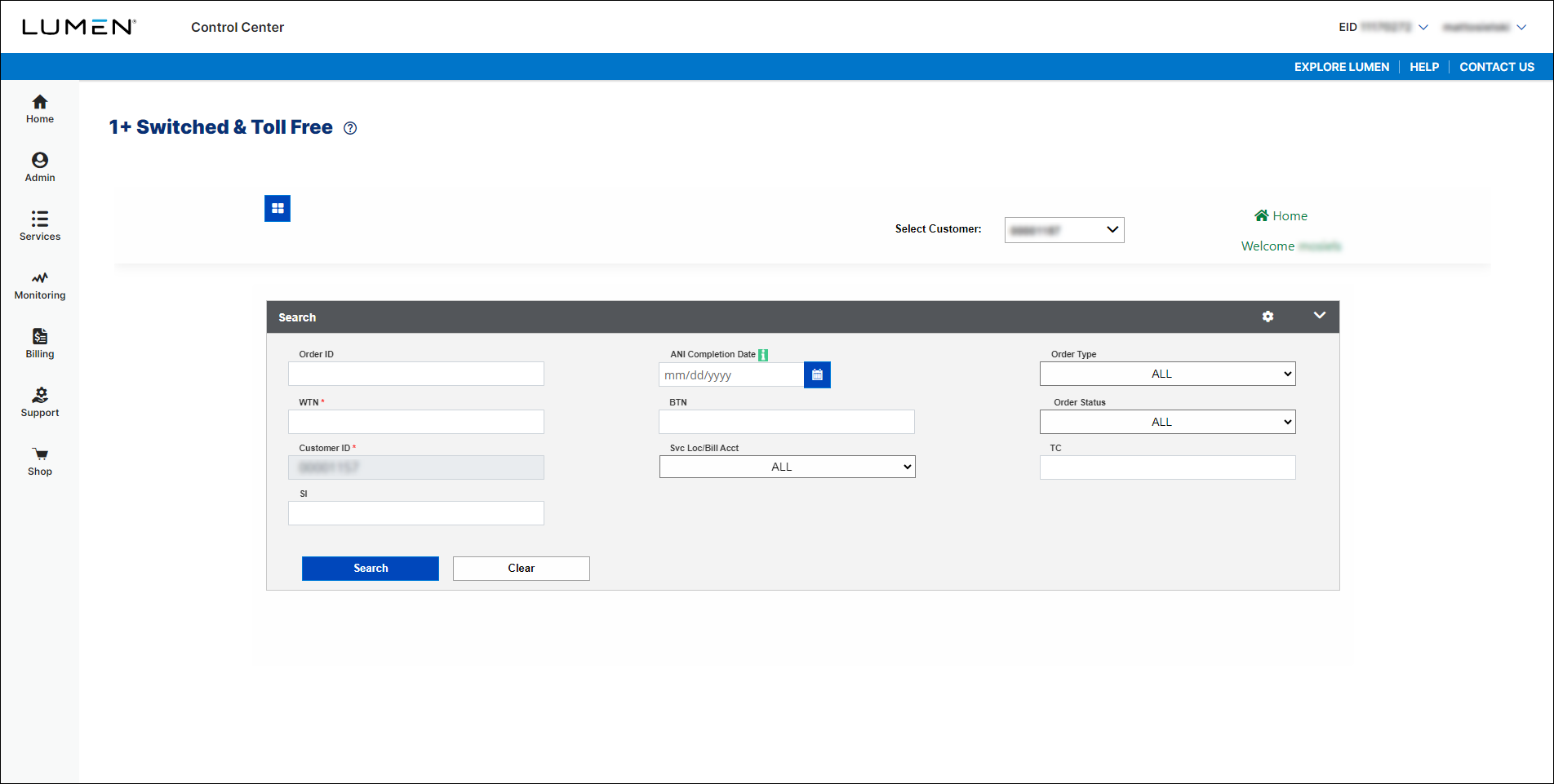
- Use the fields to enter criteria related to the order you want to view, then click Search.
Lumen Connect shows all orders matching your search criteria and shows a status for each order. (You may have to scroll to the right to view the status for the order.



