

Creating DNIS information for a toll‑free number
For Lumen® Toll Free Service, DNIS (dialed number identification service) lets you know which phone number your customer called to reach you and is useful in a variety of circumstances. For example, if you're operating a call center, you could set up your switch to recognize the DNIS of an incoming call and play the appropriate greeting for the product associated with the toll‑free number. After adding DNIS information in Lumen Connect, you can update it or delete it as your organization's needs change.
To create the DNIS information for a toll-free number:
- In the Services widget on the homepage, select Toll Free from the Find by Product or Service Tool list.
Lumen Connect shows all Toll Free services on the enterprise ID.
- Search for the service you want to work with. When you find the service you want to work with, click the hyperlinked service ID or click the icon (in the Actions column), then click View Details.
Lumen Connect shows details for the toll-free service you selected.
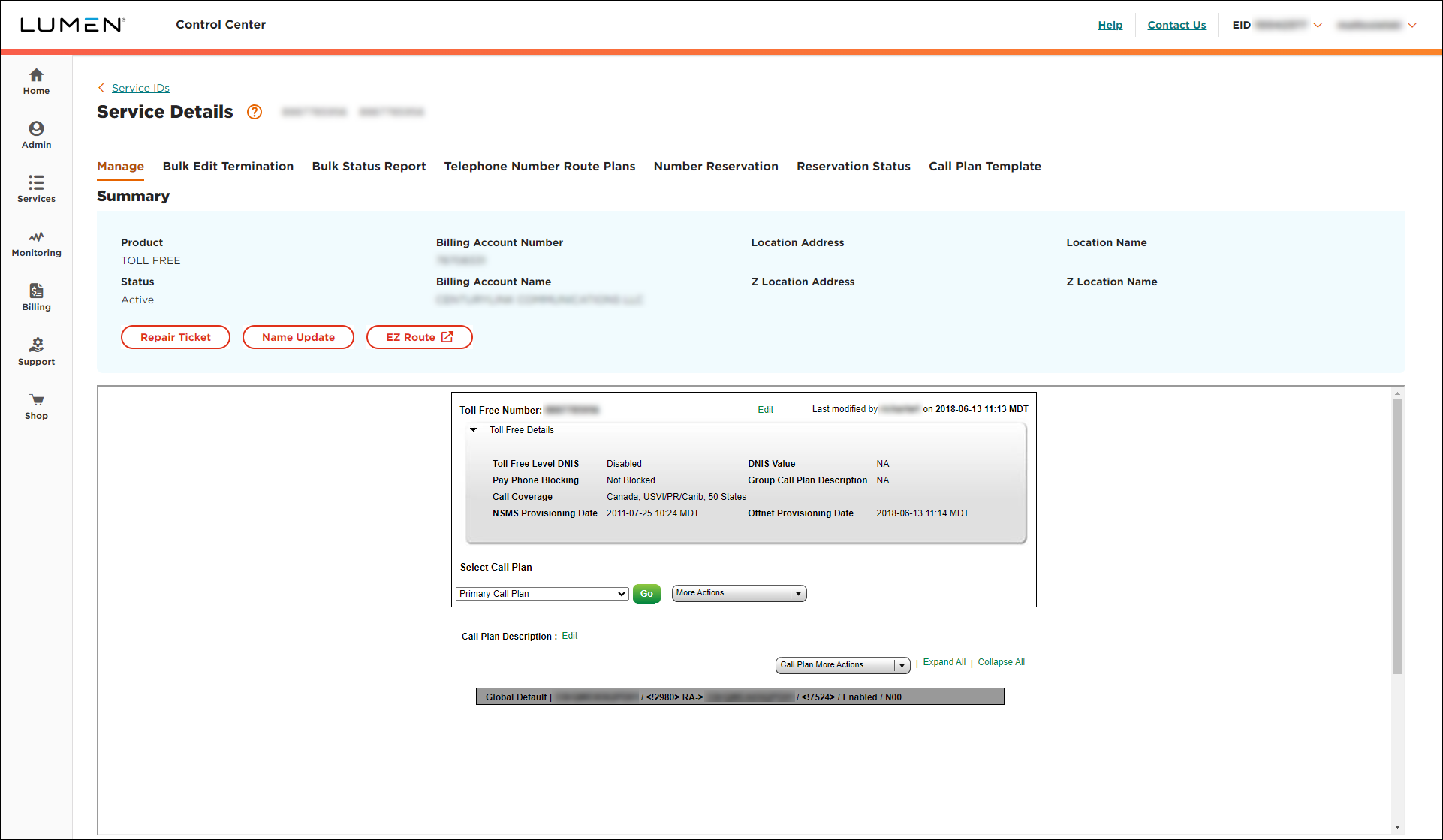
- From the Call Plan More Actions list, select Edit Call Plan.
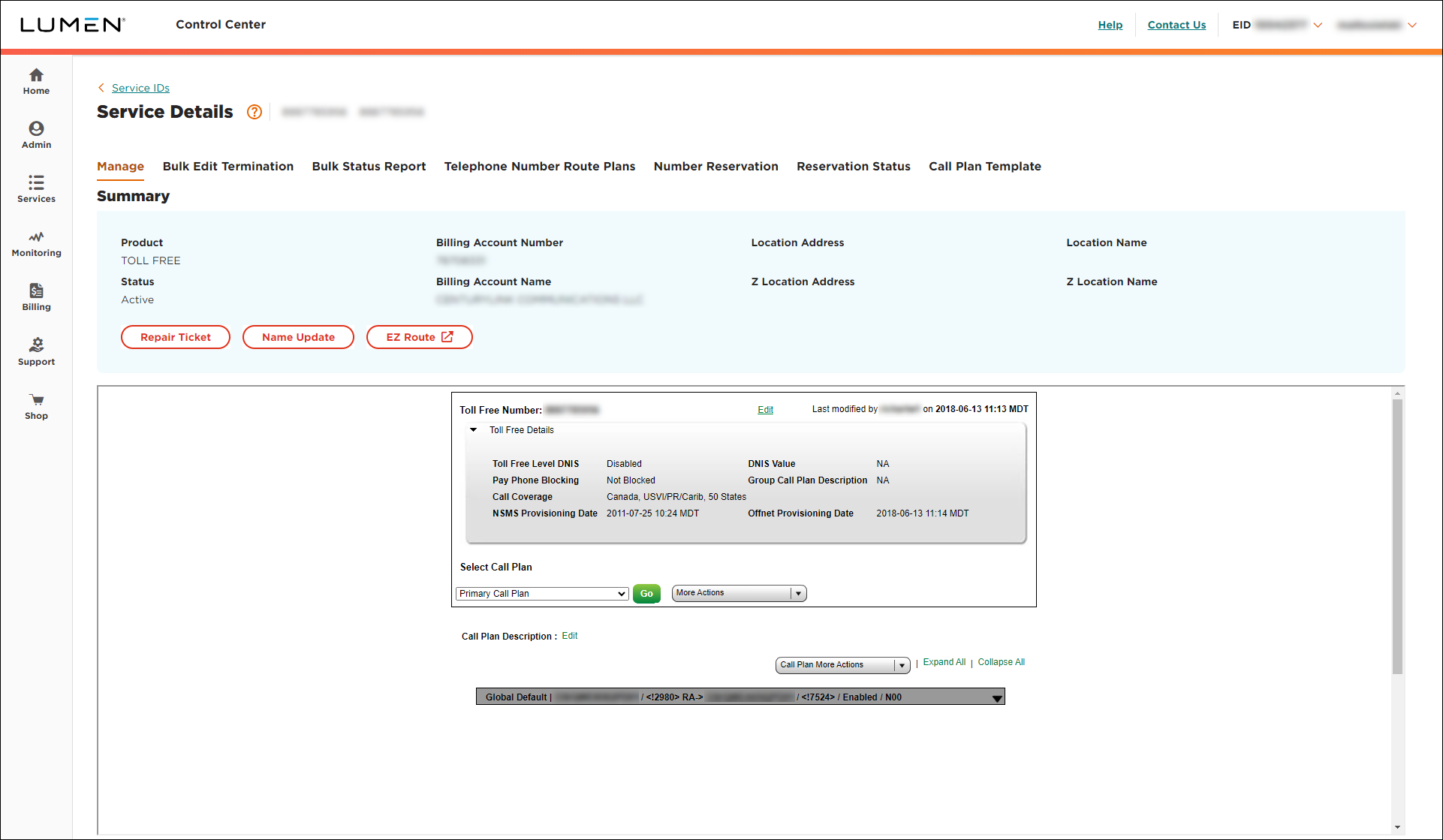
- From the Call Plan More Actions list, select Terminating Addresses.
- Find the trunk group, then click Edit.
- To add a DNIS label, type the DNIS number, then click Save.
- Click Back to Call Plan.
- Click Save Changes (you may need to scroll down in the window).
- Select the date and time you want your changes to take effect, then click Submit.
Important: After you schedule the changes, you cannot edit the plan until the pending changes are activated. You can check the status of the request by selecting Job List from the More Actions list.



