

Viewing a call success rate report for Voice Complete
Use the call success rate report to view a month-to-date view of the inbound and outbound calls for phone numbers on your Lumen® Voice Complete® service, along with the percentage of successful calls and the average call-handling time (ACHT) for each call. You can download the call success rate report (including all customer numbers within the date range) from Lumen Connect. You can also view call detail records for Voice Complete.
To view a call success rate report for Voice Complete:
- Using the left menu, click Monitoring, click Voice Reports, then click Voice Complete.
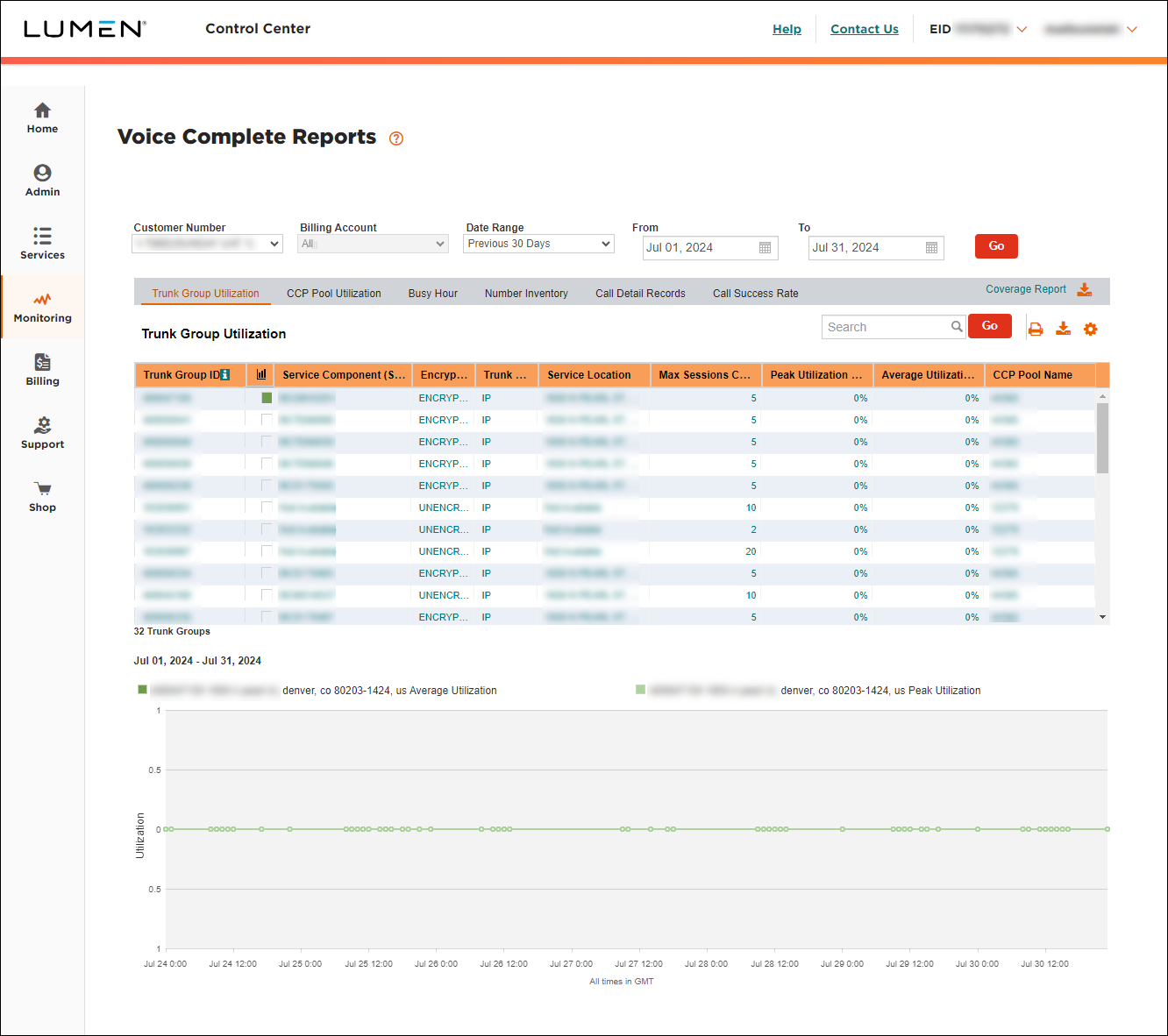
- Select the customer number with the Voice Complete trunk group(s) you want to call success data for, then click Go.
- Click the Call Success Rate tab.
Lumen Connect shows the call success rate report for the customer number you selected.
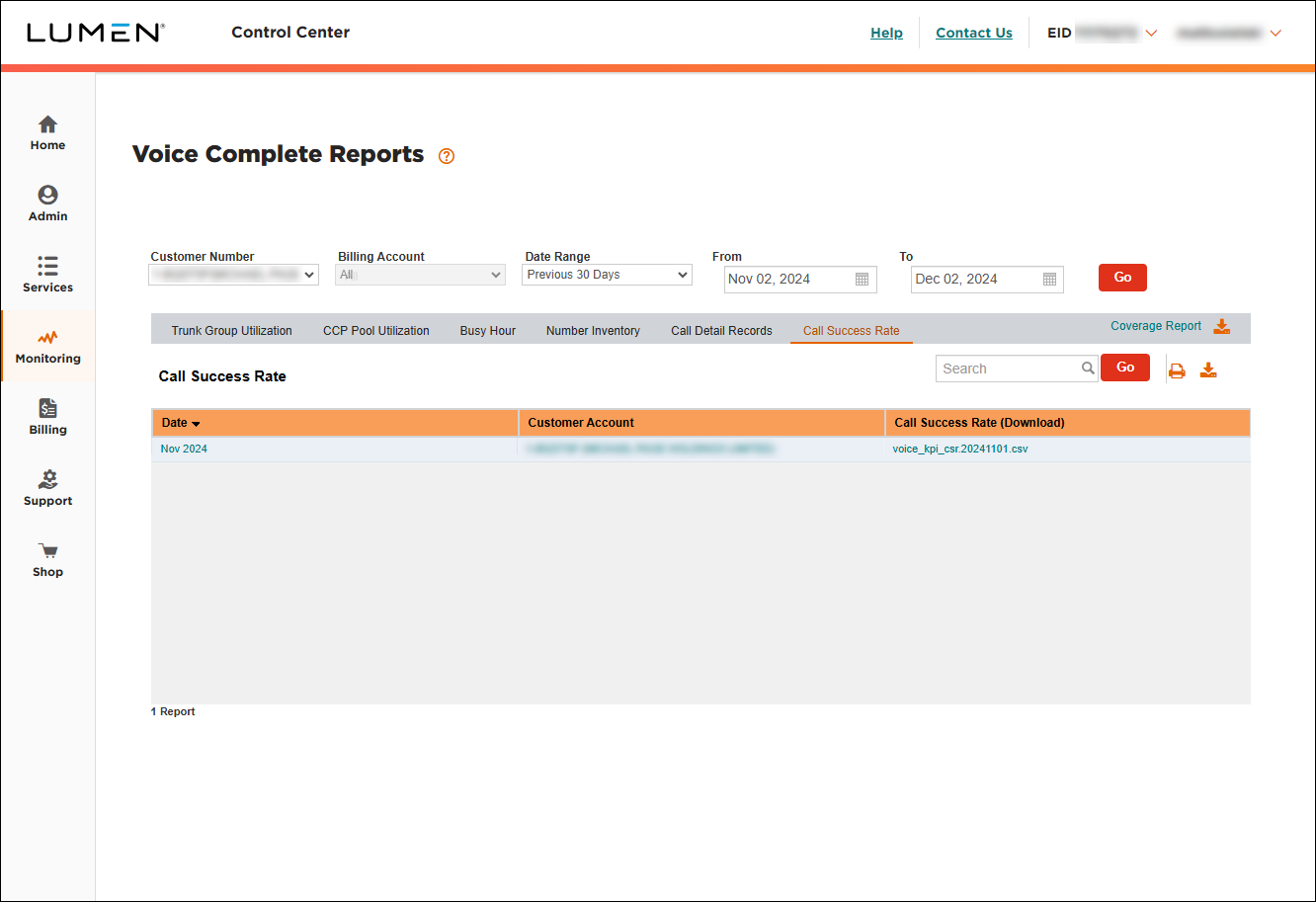
- Click the hyperlink in the Call Success Rate (Download) column to download the report to your computer.
- Open the report using Excel or another application that can process a .csv file.
The report contains call success data for the customer number you selected:
- GMT Date: the date for which the call success rate data is presented.
- Customer: the name associated with the customer number you selected.
- Total Calls: the number of calls that took place on the date in the first column.
- CSR: call success rate—the percentage of calls that were completed successfully (e.g., 1 equals 100% success and .99963 equals 99.963% success).
- ACHT: average call handling time—the average duration of the calls on that date.
- GMT Date: the date for which the call success rate data is presented.



