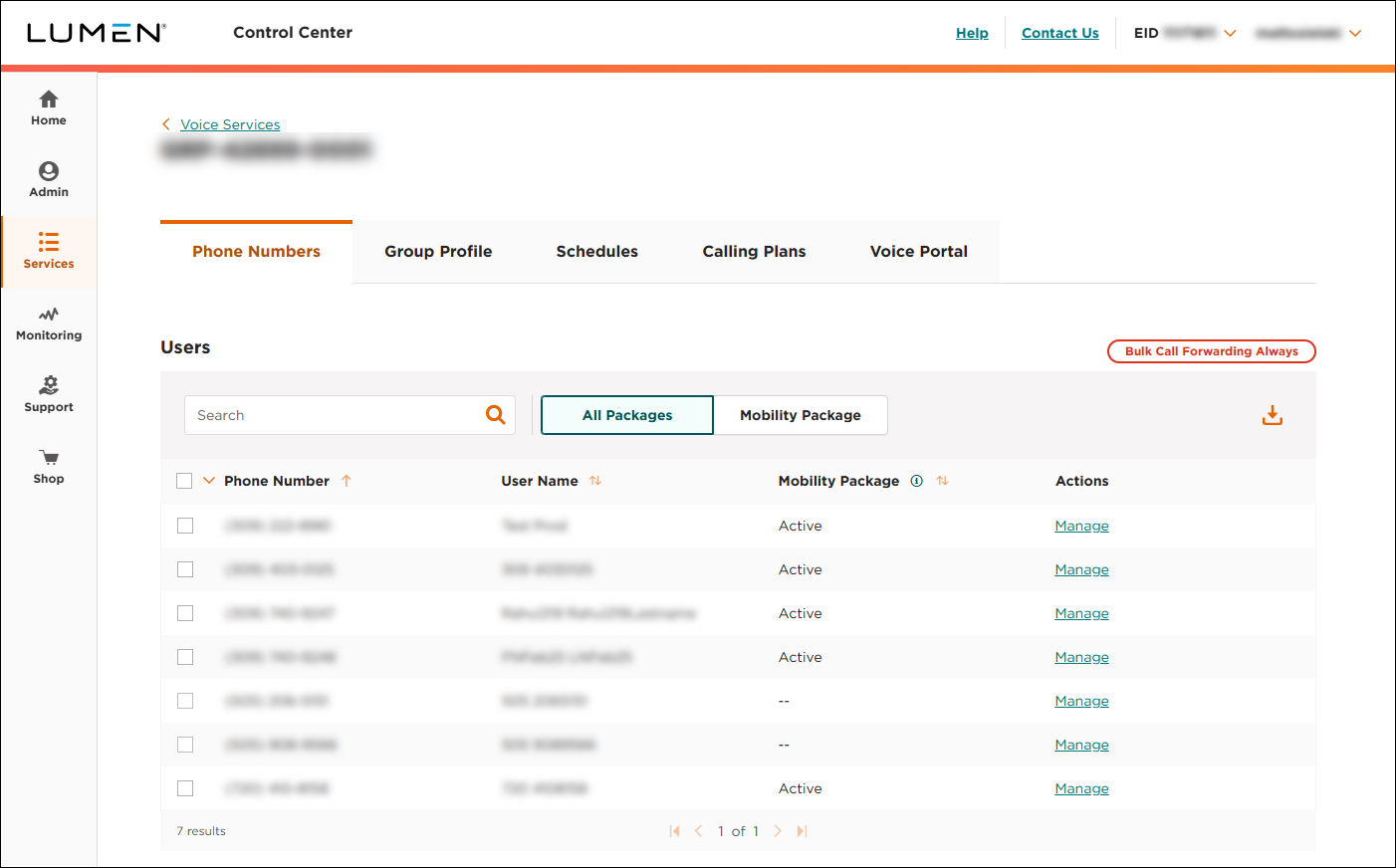
Viewing the Voice Complete phone numbers assigned to a group
As an administrator for the Voice Complete Feature Manager (within Lumen Connect), you can view the Lumen® Voice Complete® phone numbers assigned to a group. From the list, you can make changes to the phone numbers listed such as changing a number's calling features or updating the profile for the phone number.
To view the Voice Complete phone numbers assigned to a group:
- Using the left menu, click Services, click Service Tools, then click Voice Complete Features.
Lumen Connect shows the groups associated with your Voice Complete service.
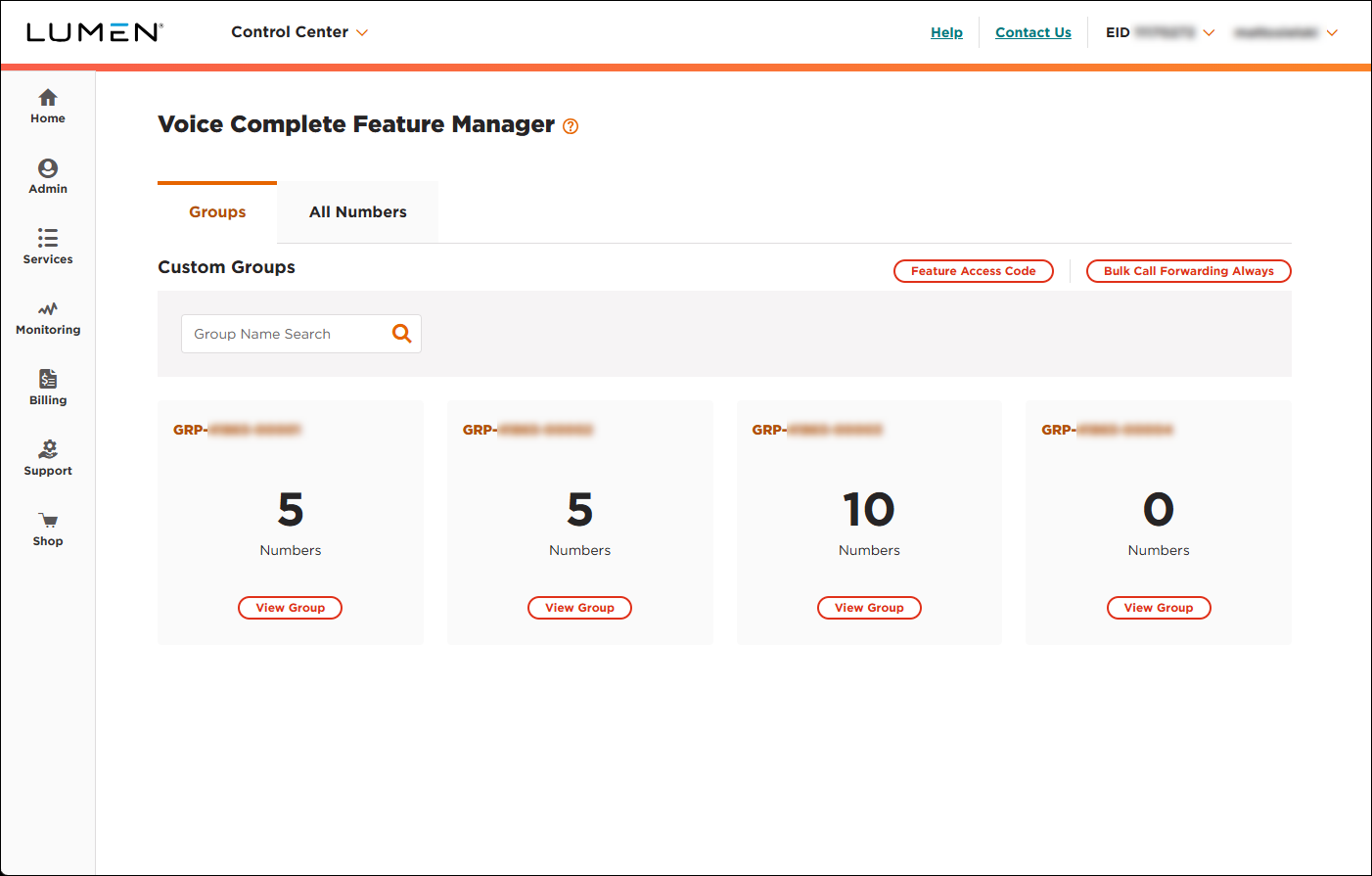
- On the card you want to view phone numbers for, click View Group.
Lumen Connect lists the phone numbers assigned to the group you selected.