

Adding a personal directory contact
Using the Contacts pane from the Contact Center Client, you can add a contact to your personal directory, so you can call the contact without having to look up the number. You can also edit a contact as their information changes or delete contacts you no longer need.
To add a personal directory contact:
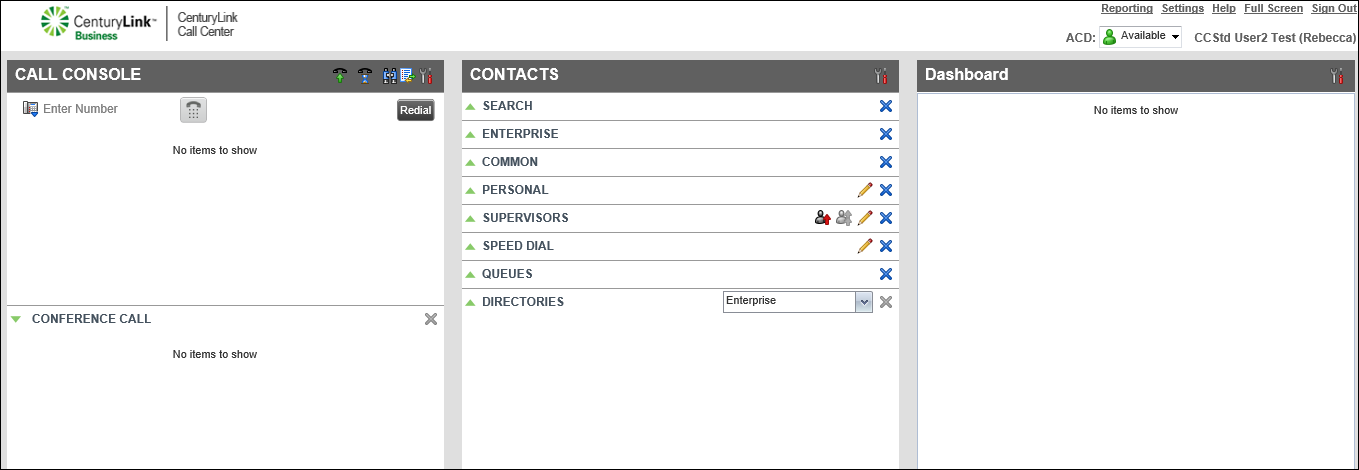
- Click Add.
- In the Name field, type the contact’s name, then press enter on your keyboard.
- In the Number field, type the contact’s phone number, then press enter on your keyboard.
The contact is now in your personal directory.



