

Answering calls
You can use the Contact Center Client to answer an incoming call. However, you’ll need to use your desk phone (or speakerphone or headset) to speak with the caller. When you answer a call using the client, your desk phone rings to initiate the call. You can also place calls on hold, transfer calls, or forward calls as needed and use these additional features to help you manage calls: Auto Answer, Call Waiting, Do Not Disturb,.
To answer a call:
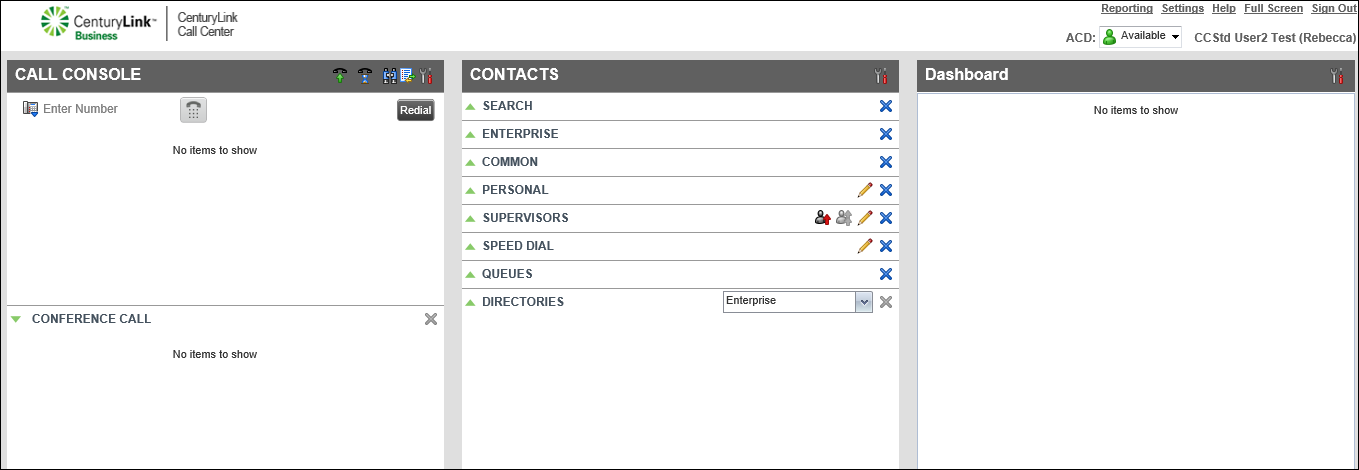
- In the Call Console pane, click ANS.
- When your desk phone rings, pick up the handset (or press the speaker or headset button on your phone).
- To end the call, click END.
Note: If you don’t want to answer an incoming call, click END. The caller hears a dial tone until your voicemail answers or the call forwards to another phone number (if you’ve set your phone to forward unanswered calls).



