

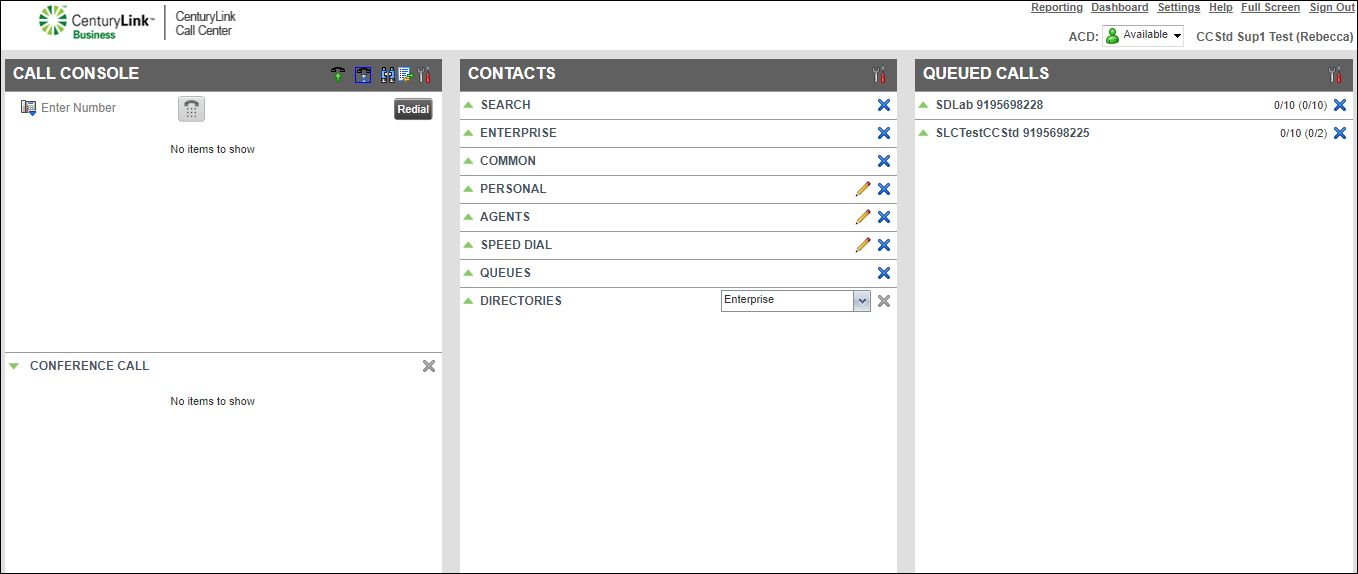
Selecting queues for the Queued Calls pane
After you select the queues you want to monitor in the Contact Center Client, you can choose to view (or not view) a queue’s statistics such as active calls waiting in a queue. By default, after you select to monitor a queue, the queue’s statistics show in the Queued Calls pane.
To select queues for the Queued Calls pane:
- From the Options list, click View.
The Contact Center Client shows a list with the queues you monitor. A checkmark next to a queue indicates the queue’s statistics show in the Queued Calls pane. If a queue is listed but doesn’t have a checkmark next to its name, this means the statistics won’t show in the Queued Calls pane.
- From the Queues list, do the following:
- To add a queue to your view, click the queue to add a checkmark.
- To remove a queue from your view, click the queue to remove the checkmark.
- To add a queue to your view, click the queue to add a checkmark.



