

Selecting the queues you want to monitor
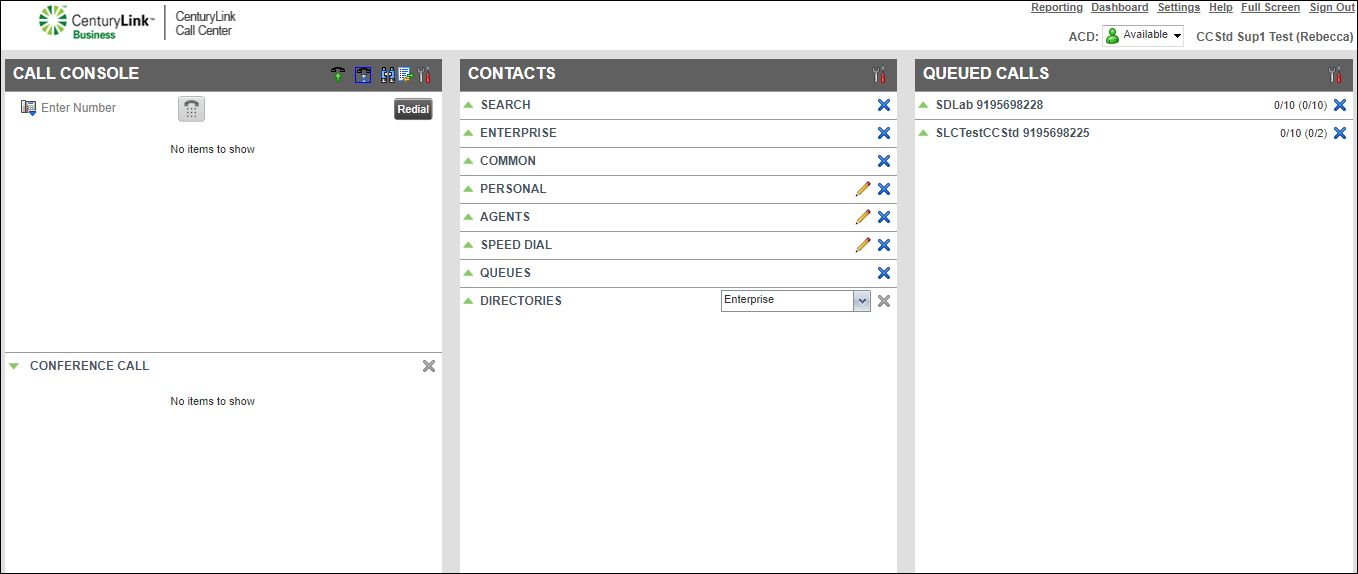
As a supervisor, you can monitor up to five queues assigned to you to evaluate how the queues and agents are performing. You can track statistics such as average speed of answer, estimated wait time, and the number of calls in the queue. The first time you sign in to the Contact Center Supervisor Client, you’ll need to select the queues you monitor. You can also customize the order the statistics appear in. You can also specify the queues you see in the Queued Calls pane.
To select the queues you want to monitor:
- Click Edit Queue Favorite Dialog.
- Do any of the following:
- To monitor a queue, select the checkbox on the row for the queue.
- To stop monitoring a queue, clear the checkbox on the row for the queue.
- To monitor a queue, select the checkbox on the row for the queue.
The queues you selected to monitor now show in the Queued Calls pane.



