

Adding a personal directory contact
In the Receptionist Console personal directory, you can add contacts that are outside of your organization, such as business associates, delivery services, or your personal contacts. You can also delete contacts you no longer need.
To add a personal directory contact:
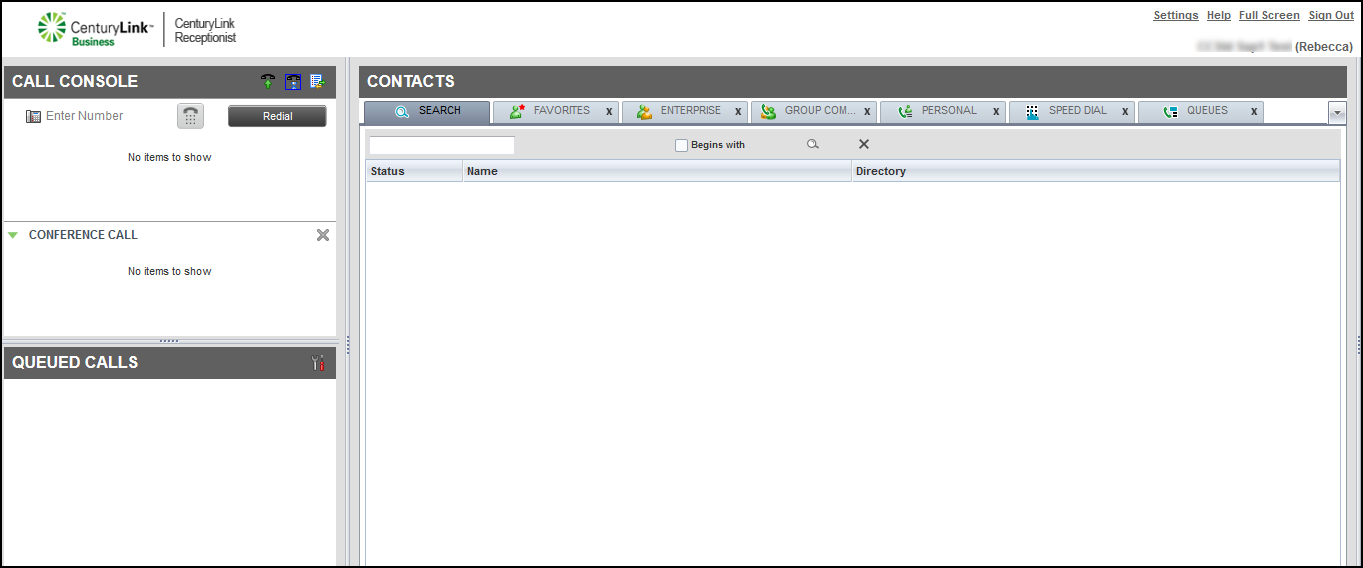
- In the Contacts pane, click the PERSONAL tab.
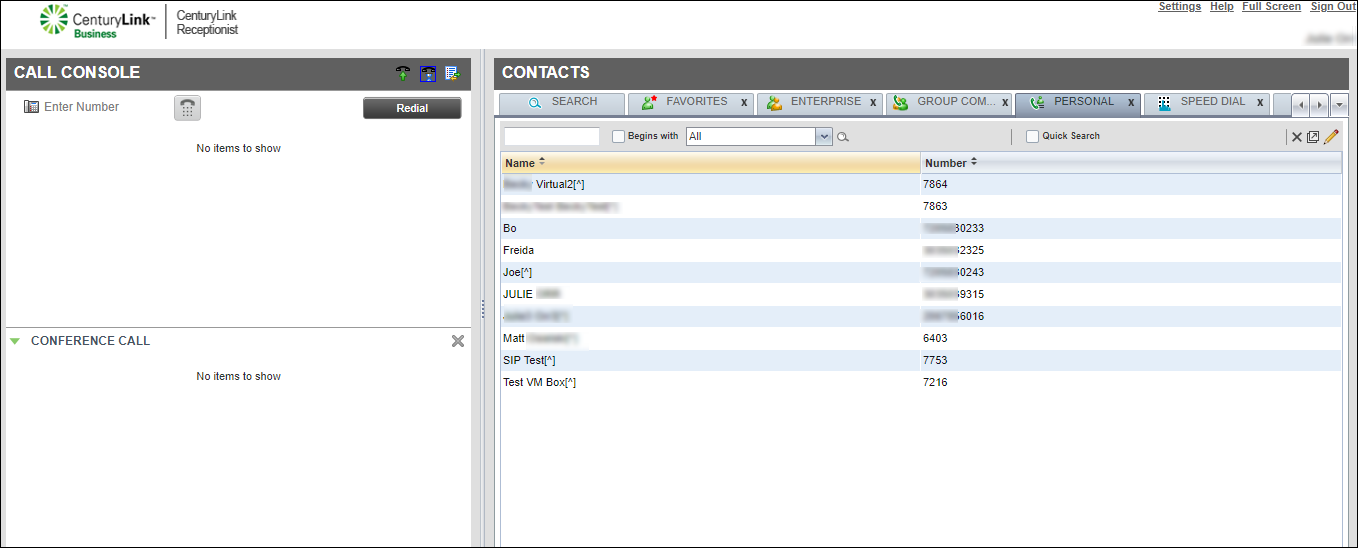
- On the right side of the directory’s management bar, click the icon.
- Click Add.
- In the window that appears, type the name and phone number for the contact, then press enter on your keyboard.
Receptionist Console adds the contact to your personal directory.
Note: You don’t need to dial 9 for an outside line or 1 for long distance or toll‑free calls.
- Click the x in the top‑right of the window to return to Receptionist Console.



