

Deleting a personal directory contact
If you no longer need to have a contact in your personal directory within Receptionist Console, you can delete the record.
To delete a personal directory contact:
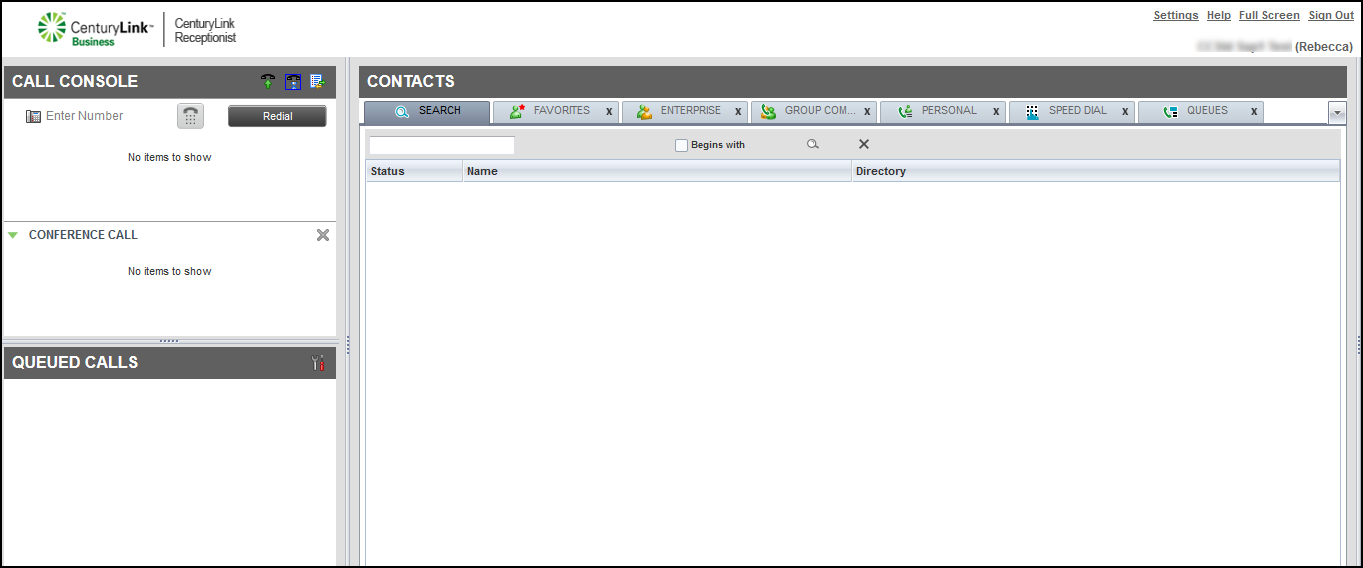
- In the Contacts pane, click the PERSONAL tab.
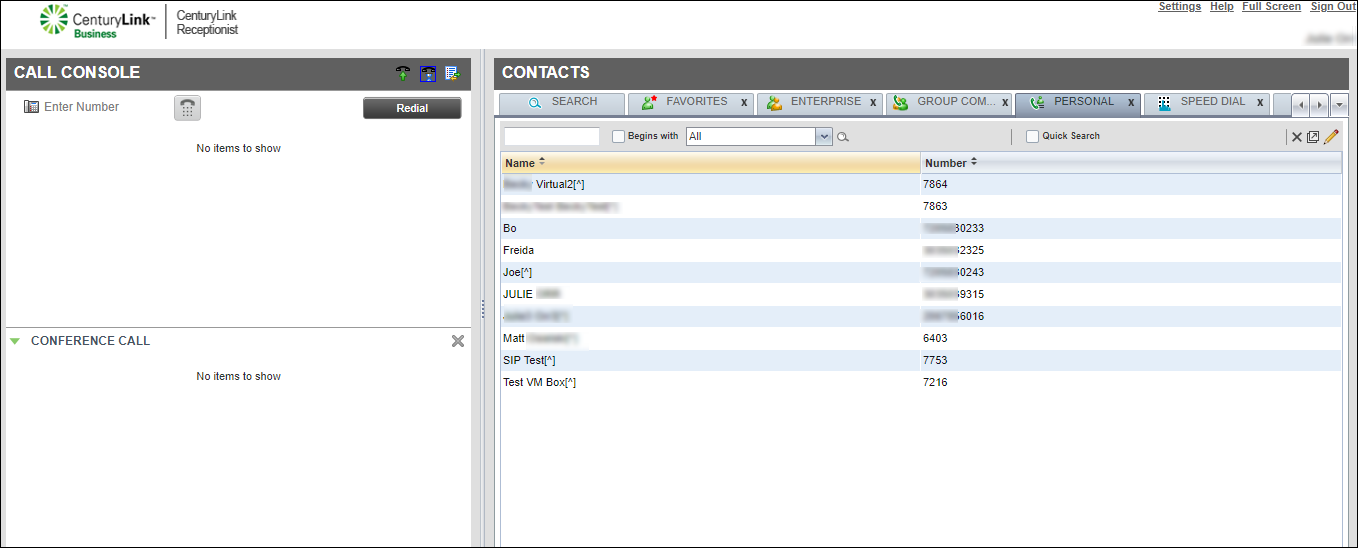
- From the right side of the directory’s management bar, click the icon.
- In the window that appears, click the record for the contact, then click Delete.
Receptionist Console deletes the contact from your personal directory. (Receptionist Console doesn't ask you to confirm deleting the contact.)
- Click the x in the top‑right of the window to return to Receptionist Console.



